


How Beta Testers Use Comet Q: 5 Real-World Scenarios
Comet Q is a compact USB-C remote control device that lets you remotely wake, unlock, and control devices, including laptops, phones, tablets, Mac mini, and more — all with a simple one-cable setup.
Once a product is put into real use, users often discover applications that were not immediately obvious. During the Comet Q beta testing program, testers used it for IT support in medical offices, accessing phones with damaged screens, app development, and content creation.
Here are five real-world examples that reveal more possibilities for using Comet Q.
1. Providing a Backup Access Option for IT Support in Medical Offices
One beta tester suggested that Comet Q could serve as a backup access option for medical offices where MacBook Air and iPad Pro devices are widely used. In some cases, remote management software may fail to display the device screen if screen-sharing permission is revoked or unavailable. Even when the issue is simple, IT teams may still need medical staff to describe what they see or follow step-by-step instructions, which can be difficult in a busy medical environment.
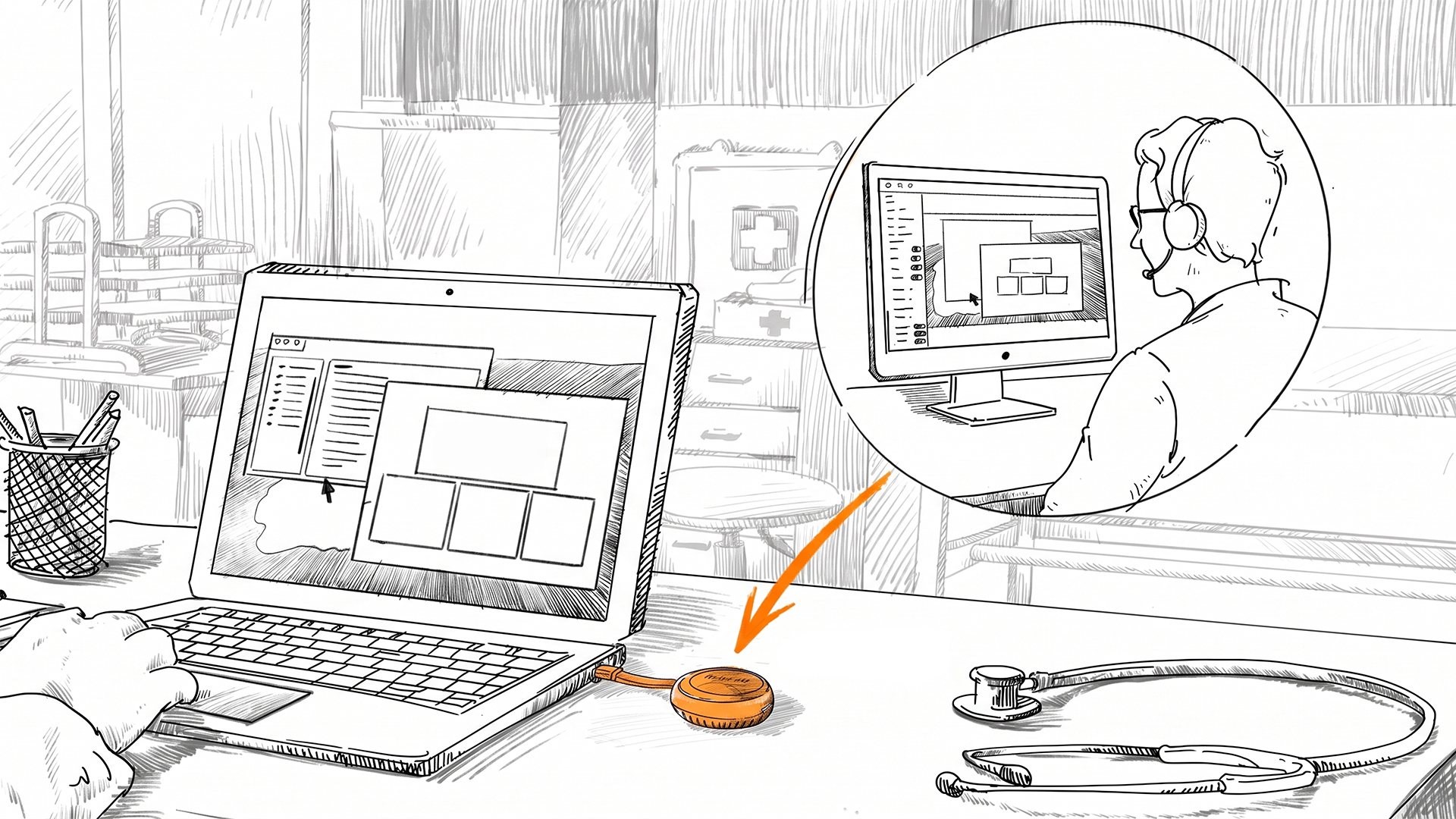
With Comet Q provisioned in advance, staff can connect it to a compatible device when support is needed and return to their work. The IT team can then view the screen directly and continue troubleshooting remotely, helping them decide whether the issue can be resolved off-site or requires an on-site visit.
For medical offices, managed service providers, and organizations without on-site technicians, Comet Q can serve as a useful complement to existing remote management tools.
2. Accessing a Phone with a Damaged Screen
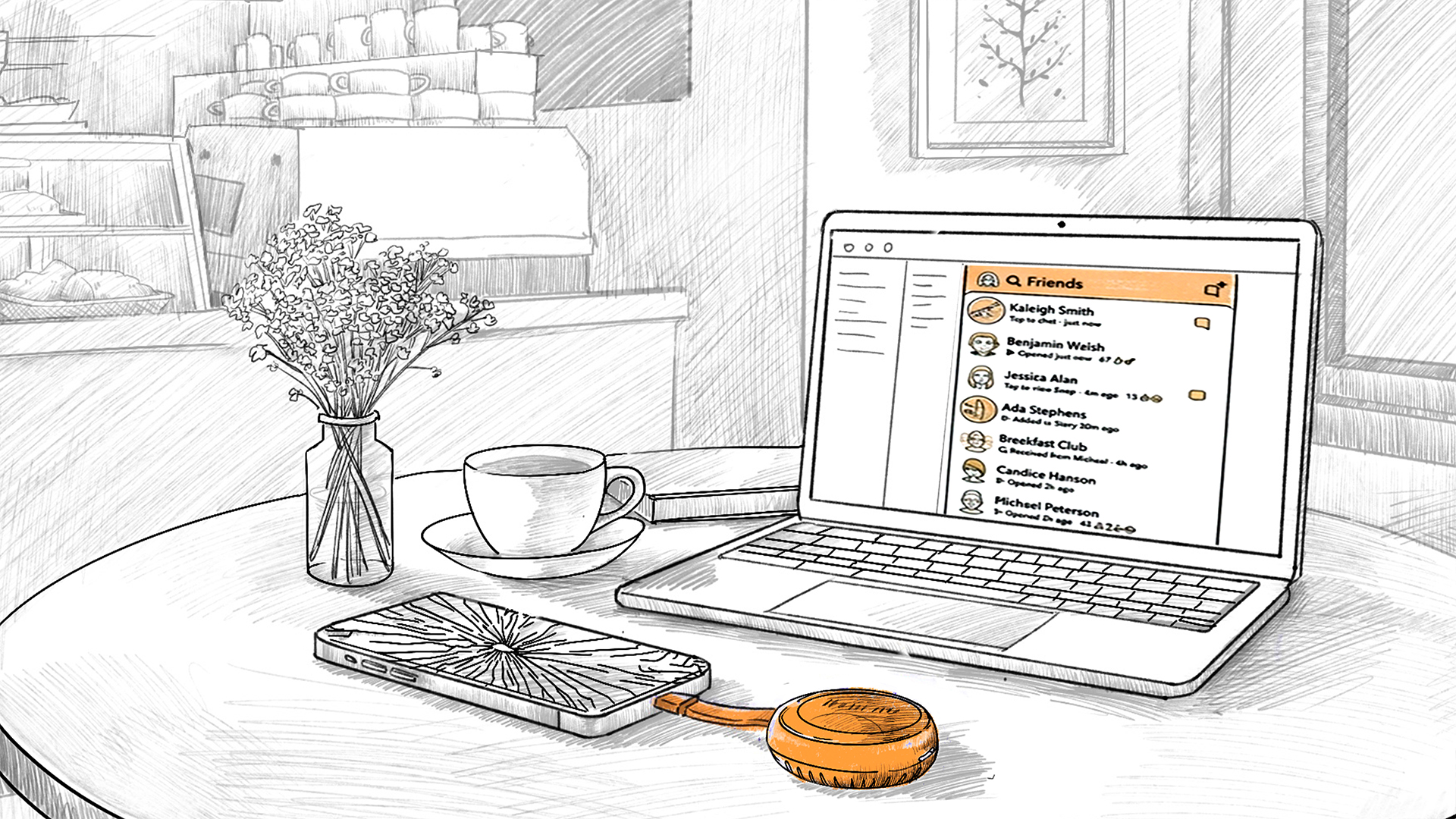
When a phone screen is cracked or no longer responds to touch, the device may still be running, but users can lose access to its files and apps — or even be unable to sign in to their accounts without the two-factor authentication apps or passkeys on the phone.
Several beta testers connected Comet Q to compatible phones with damaged screens, allowing them to view and control the phone from a computer and regain access to its contents. Repair technicians can also use this approach to check whether the phone’s operating system is still functioning before replacing the screen. As long as the phone can power on and supports video output through USB-C, Comet Q can provide temporary access until the device is repaired or replaced.
3. Simplifying Android App and Samsung DeX Testing
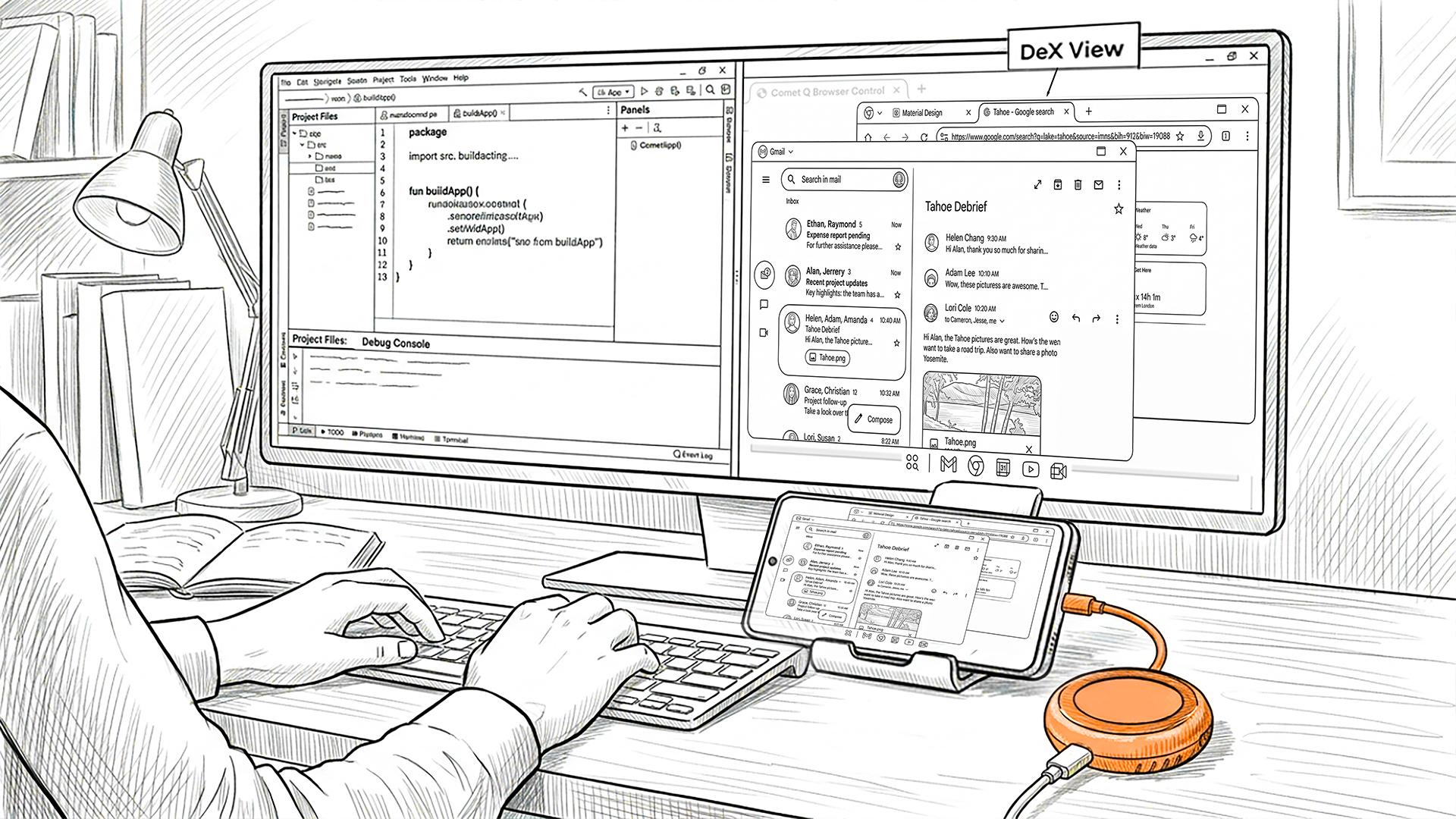
One beta tester added Comet Q to his Android app development and UI/UX testing workflow, with a focus on Samsung DeX. While emulators and development tools can preview an app interface, they may not fully reflect how the app behaves on a real device, especially when testing layouts, interactions, and desktop-style experiences in DeX.
By connecting an Android phone through Comet Q, the tester could view and control the actual device directly from his computer while keeping his development tools in the same workspace. This made it easier to review real-world UI behavior without repeatedly switching between devices or displays. Comet Q is also compact and simple to connect, making it convenient for developers to carry and set up while traveling.
4. Helping Parents Manage Screen Time Approvals
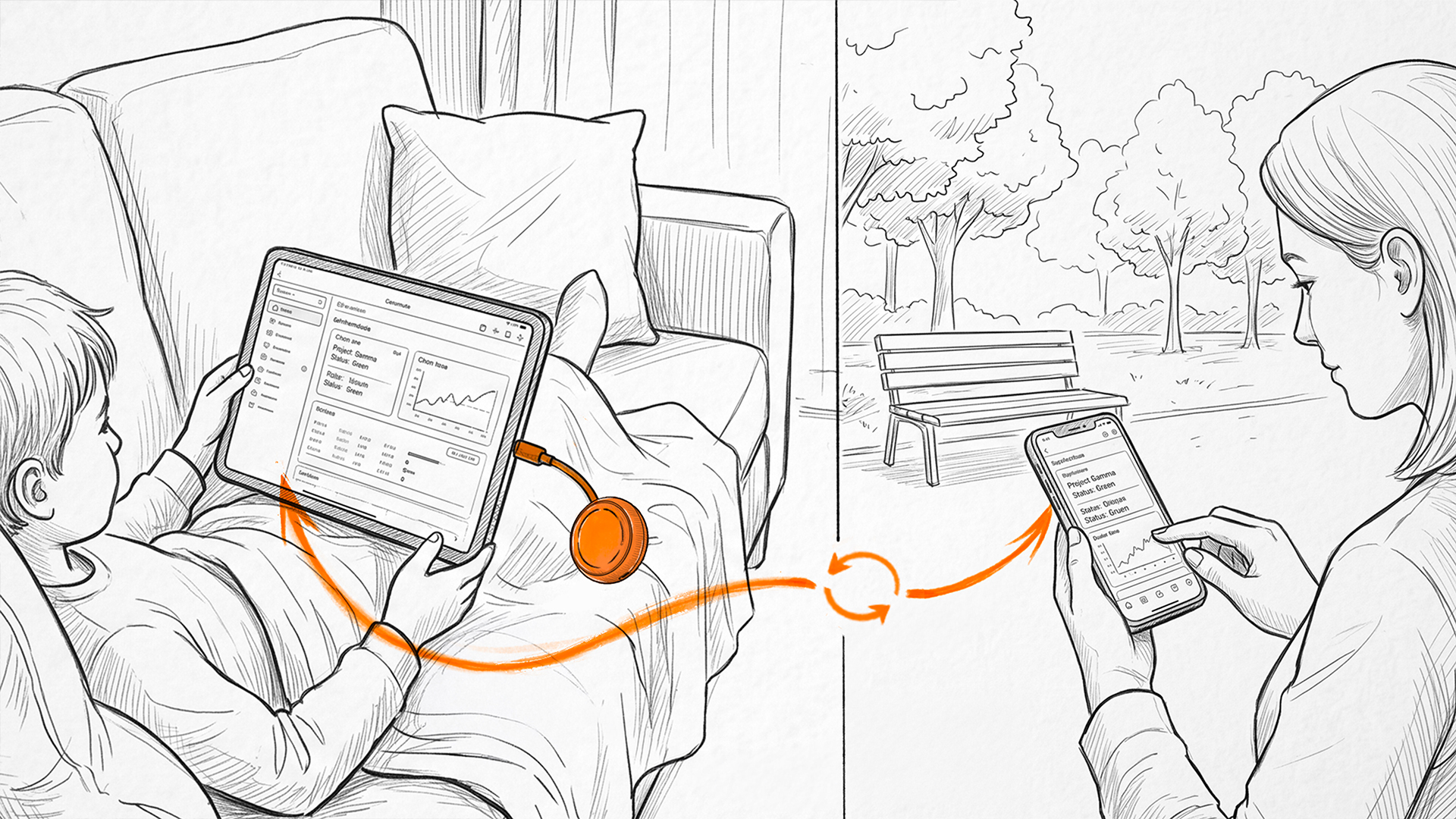
One beta tester shared a family use case for Comet Q: approving extra Screen Time on a child’s iPad while away from home. Without remote access, parents may need to share the Screen Time passcode over a call or message, which makes future app limits harder to manage.
With Comet Q connected to a compatible USB-C iPad, the parent can access the iPad from another device and enter the passcode directly. The child gets the approved extra time, while the passcode stays private and future app limits remain easy to manage.
5. Creating Mobile App Demos and Training Content
One beta tester’s team is preparing to launch a mobile identity app. She plans to use Comet Q to display the connected phone on a computer during meetings, allowing the mobile app and its web interface to be presented side by side.
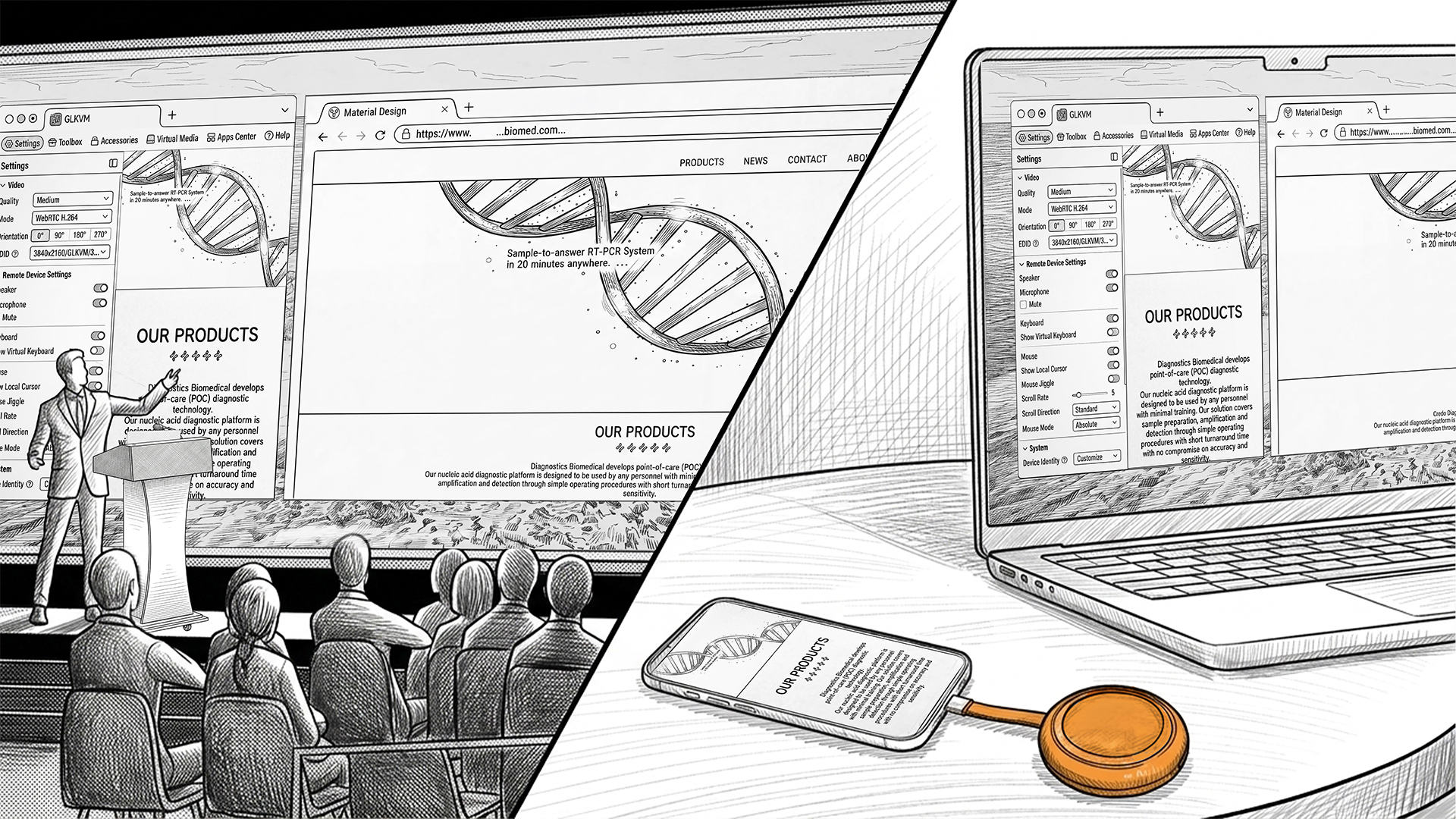
This setup makes it easier to explain workflows across both platforms without pointing a camera at the phone or repeatedly switching between devices. The phone view in the browser can also be shared during online meetings or captured with screen-recording software to create product demonstrations, employee training videos, user guides, and step-by-step tutorials.
Explore More Ways to Use Comet Q
These examples show how Comet Q can turn unexpected device challenges into practical, manageable solutions.
Explore Comet Q and discover what it can make possible in your own workflow.
About GL.iNet
Founded in 2010, GL.iNet is a leading provider of OpenWrt-based routers and innovative remote networking solutions. From compact travel routers to cutting-edge remote KVMs, GL.iNet delivers award-winning networking technology designed for performance and security.
GL.iNet gives people and organizations the power to connect with confidence. By putting control in the hands of users, GL.iNet supports the productivity and collaboration that shape a Good Life.
About GL.iNet
Founded in 2010, GL.iNet is a leading provider of innovative routers and networking solutions. From compact travel routers to cutting-edge remote KVMs, GL.iNet delivers award-winning networking technology designed for performance and security.
GL.iNet gives people and organizations the power to connect with confidence. By putting control in the hands of users, GL.iNet supports the productivity and collaboration that shape a Good Life.