


Flint 2
2024年5月24日~6月15日
US$127.2
通常価格:


VPNサーバーを使うと、自宅やオフィスのネットワークへ安全なリモート接続を確立できます。
Flint 2なら、数分で自分専用のVPNサーバーを設定できます。
GL.iNetルーターで自宅サーバーを構築
Flint 2で自宅サーバーを構築するメリット

どこからでも接続

プライバシーとセキュリティを強化

内部リソースへシームレスにアクセス
ほとんどのGL.iNetルーターはVPNサーバー/クライアントの設定に対応していますが、
最適なVPN速度とパフォーマンスを実現するため、以下のセットをおすすめします。
おすすめセット
最速のVPN速度

高いコストパフォーマンス

最もお求めやすいセット

最高のパフォーマンス

製品比較
 Slate AX (GL-AXT1800) |
 Beryl AX (GL-MT3000) |
 Opal (GL-SFT1200) |
 Spitz AX (GL-X3000) |
|
|---|---|---|---|---|
| CPU | IPQ6000 Quad-core, @1.2GHz | MT7981B Dual-core, @1.3GHz | SF19A28 Dual-Core, @1GHz | MediaTek Dual-core, @1.3GHz |
| RAM | DDR3L 512MB | DDR4 512MB | DDR3 128MB | DDR4 512 MB |
| Flash | NAND Flash 128MB | NAND Flash 256MB | SPI NAND Flash 128MB | eMMC 8GB |
| ギガビットポート | 1 x 2.5Gbps WAN, 1 x LAN | 1 x 2.5Gbps WAN, 1 x LAN | ||
| Wi-Fi速度 | 600Mbps(2.4GHz), 1200Mbps (5GHz) |
574Mbps (2.4GHz), 2402Mbps (5GHz) |
300Mbps (2.4GHz), 867Mbps (5GHz) |
574Mbps (2.4GHz), 2402Mbps (5GHz) |
| TFカードスロット | Max.512GB | Max.1TB | ||
| SIMカードスロット | 2 x Nano SIM card slot | |||
| USBポート | USB 3.0 | USB 3.0 | USB 2.0 | USB 2.0 |
| OpenVPN (Ethernet経由) |
Max. 120Mbps | Max. 150Mbps | Max. 12Mbps | Max. 150Mbps |
| WireGuard® (Ethernet経由) |
Max. 550Mbps | Max. 300Mbps | Max. 65Mbps | Max. 300Mbps |
* デバイスをサーバーとして使用する場合、OpenVPNとWireGuardの速度は低下します。上記の結果はクライアントモードでの測定値です。
YouTuberによる製品レビュー
Flint 2 (GL-MT6000)のレビュー
-

余計なものをすべて省いたGL.iNet Flint 2
-
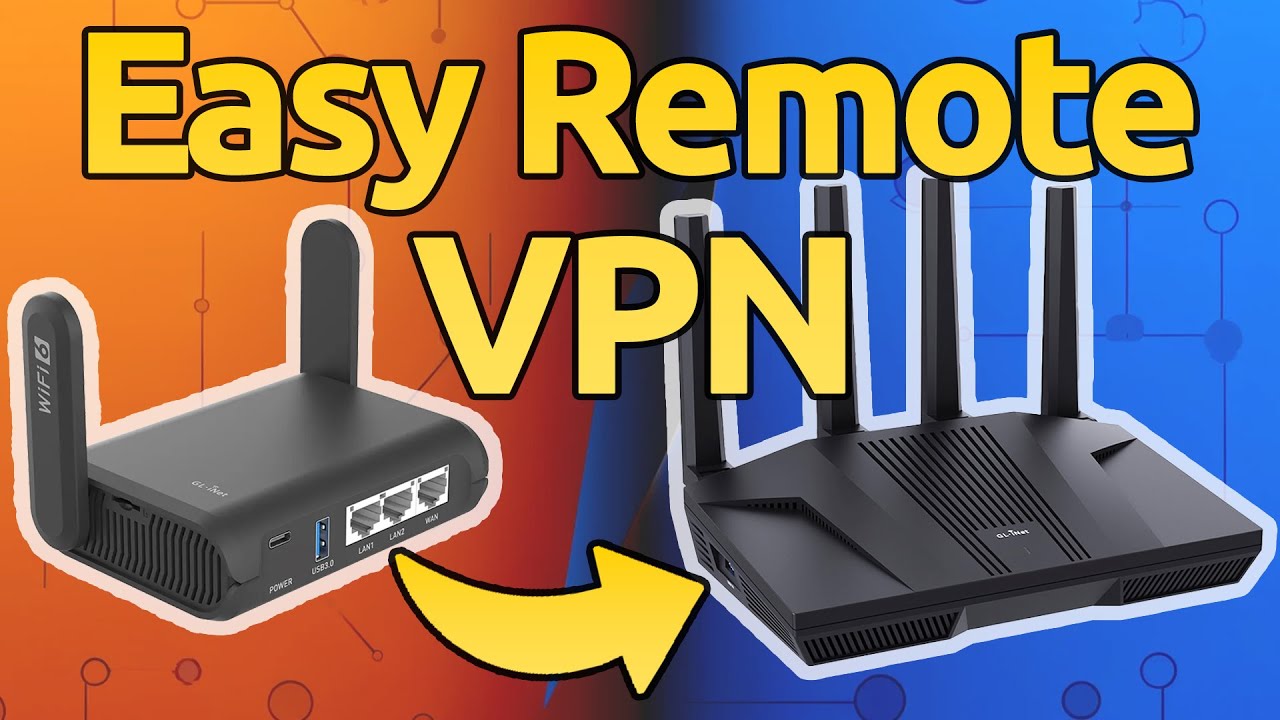
GL.iNetルーターで数分で安全なVPNを設定
-

Flint 2 OpenWRT VPNルーター WiFi 6アクセスポイントの帯域幅テストなど
-
FLINT 2 GL-MT6000 ax - TUTORIAL COMPLETO
-
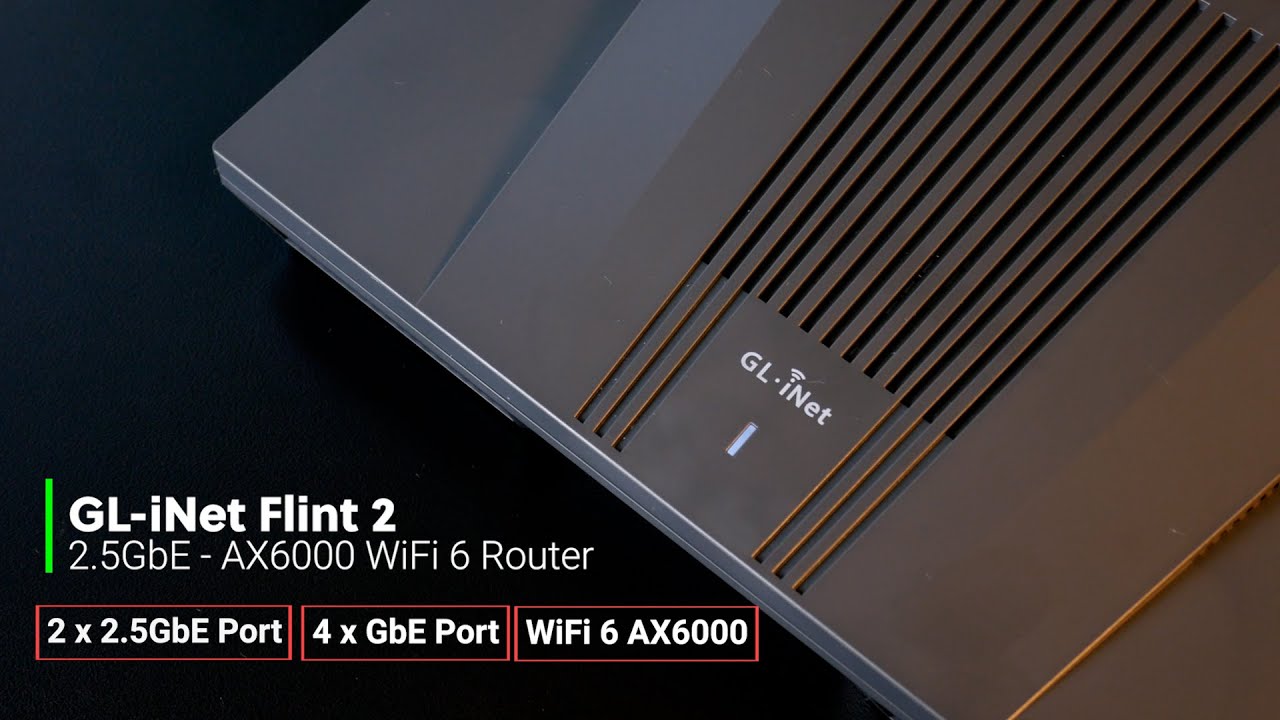
GL-iNet Flint 2 - WiFi 6 AX6000、2.5GbEルーター - 概要、設定、速度テスト
-

GL-iNet GL-MT6000 Flint 2 AX6000ワイヤレスルーター レビュー
-

GL-iNet Flint 2 - パフォーマンステスト: WANからLAN、WiFi、VPNスループット
-

GL-iNet Flint 2 - Peformance Test: WAN to LAN, WiFi, VPN Throughput
-
GL.iNet Flint 2 スペイン語レビュー - 広告をブロックする最高のWiFi 6 VPNルーター
-

これが必要だとは知らなかった - GL.iNet Beryl AX
-

ポケットルーターが必要な理由: ホテル、空港、飛行機、クルーズ船でどこでも接続
-

トラベルルーターで暮らしをもっと便利に! Beryl AX完全設定ガイド
-

スマートフォンのテザリングに対応した、最速のトラベルWiFiルーター
-

プライベートパーソナルネットワーク - GL.iNet GL-MT300N-V2ミニトラベルルーター
-
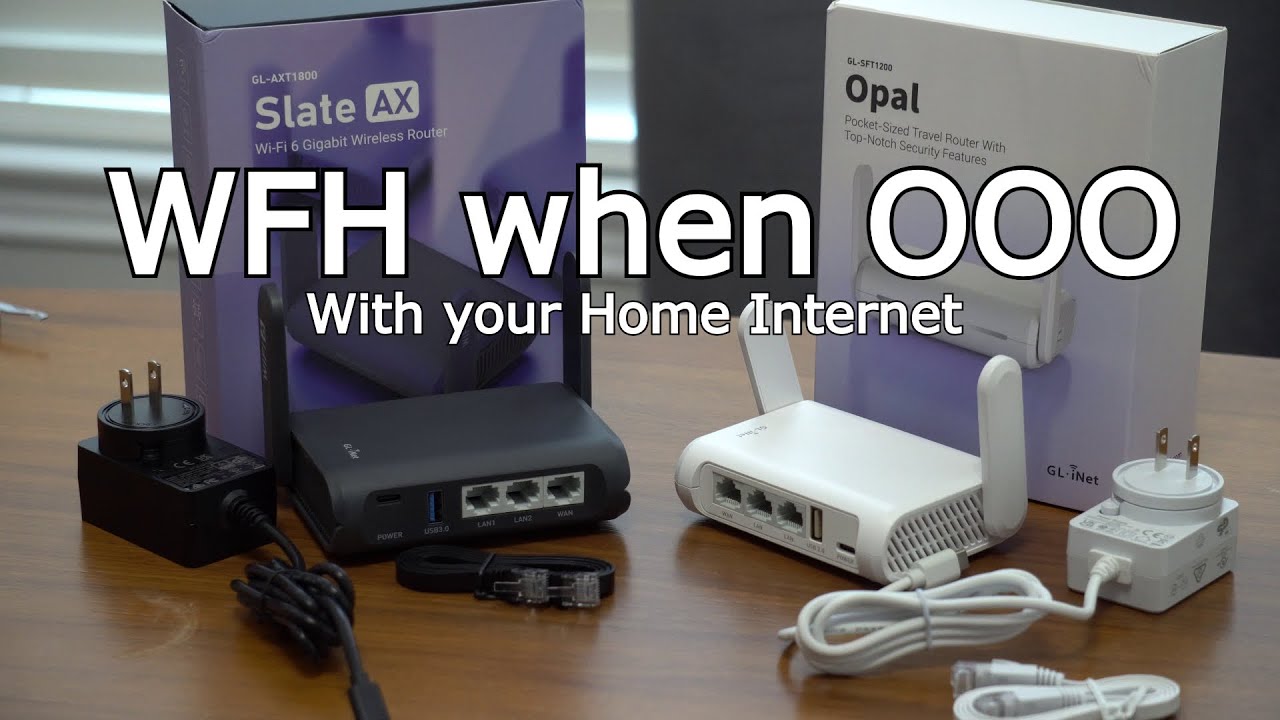
GL.iNet AX Slate、Opal、WireGuard® VPNで旅行中も自宅のIPアドレスを使用
-

Flint 2 (GL-MT6000)紹介 - 高性能Wi-Fi 6ホームルーター
-

Flint 2 (GL-MT6000)開封 - 高性能Wi-Fi 6ホームルーター
-

SDK 4.5以降を搭載したGL.iNetルーターを初めて設定する方法

Lightning-Fast VPN Speeds with up to 900Mbps
An upgrade from its predecessor, Flint 2 offers fast VPN speeds of up to 900Mbps with WireGuard* and 190Mbps with OpenVPN. With its built-in support for VPN client/server, Flint 2 is fast enough for everything you do online—whether you're browsing the internet, watching your favorite content, or accessing a remote network.
*WireGuard® is a registered trademark of Jason A.Donenfeld.
WireGuardOpenVPN
* OpenVPN and WireGuard speeds will be slower when running the device as a server. Results above are in client mode.
Unlock Limitless Functionality with GL.iNet SDK 4.X.
Flint 2 gives you full control over the router and your networking. It offers over 5,000 ready-made plug-ins and applications, all of which you can easily browse, install, and manage within the router's admin panel.


Stay Safe from Harmful Content
Flint 2 features parental controls* by collaborating with Bark, an award-winning child-monitoring tool. You can limit a device’s screen time, block certain content, and do much more in just a few clicks.
*An active Bark subscription is required. Alternatively, use Flint 2's existing parental controls at no additional cost.Visit Bark


Built-in AdGuard Home for ad-free, secure browsing
AdGuard Home Ready on Router
Flint 2 is built-in with AdGuard Home, keeping you safe from ads and tracking with just a tap. Enhances browsing speed by eliminating ads, blocking malicious websites, and providing customizable control over internet content to create a safer and more enjoyable browsing experience for all connected devices.
Visit AdGuard
Unleash the Power of Multi-WAN
Flint 2 features multi-WAN, allowing for failover and load balancing to ensure uninterrupted internet connectivity. If one of the connection methods (cellular, tethering, Wi-Fi, and ethernet) fails, Flint 2 automatically switches to another available connection to keep you connected.
Watch VideoGet This Offer While It Lasts
Break free with OpenWrt and enjoy Wi-Fi perfection with this special offer. You can save 20% off the regular retail price of $159 and pay only $127.2. This is the best price you can get for Flint 2 right now! Apply discount code 20MT6000 at checkout before the offer ends.
Product Reviews from Our Customers
Fantastic router.
J1240
No more blind spots in the house. Signal is fantastic for my usage. I also love how simple the GUI is. I was able to set up AdGuard home and wire guard in a few clicks.

Best way to get 1gbp Wireguard VPN on whole network.
CC
Really pleased with the Flint 2 with Open WRTThis took about 10 min to set up with Wireguard and works perfectly for 4-5 days solid no problems.
Highly customizable
Reviewer73
The built in WireGuard support was one of a couple of reasons for selecting this router along with the OpenWrt firmware. An additional feature of this router is the USB 3.0 port which allows for connecting a cellular modem which can be used as a fallback connection option. I did not initially select the router for this functionality but have found it to be useful and am taking advantage of it.

Allows customizations that are unparalleled
Josue Martinez
I had a captive portal up and running in less time than it took to get past the forced setup wizard from some of the other routers. I have had a lot of fun exploring the different options and packages I can install.
Fantastic bit of kit
Calvin
There's lots of features available, a lot of which are a bit out of my area of expertise but I to me at least the big ones are the built in AdGuard support, which saves you having to run it on a separate device e.g RaspberryPi, and the ability to create a network storage share using the USB 3.0 port.Speeds have been fantastic thus far and to be honest, I can't say I have any complaints.
Excellent VPN Router
YieldCurve
When I travel I use GL.iNet GL-MT6000 as my VPN server that stays home and I carry GL-AXT1800 (Slate AX) with me to use as my VPN client. Tried both OpenVPN and Wireguard, no complaints just praises.
