


Mesh without borders

AstroMesh is GL.iNet's proprietary global mesh technology, built on the EasyMesh standard. Unlike conventional wireless mesh systems that are confined to a single local network, AstroMesh breaks down geographical barriers, allowing you to connect to your home network anywhere.
Join Open BetaExtend local Wi-Fi

Mesh Node
Reach home remotely
Astro Node
How AstroMesh Works
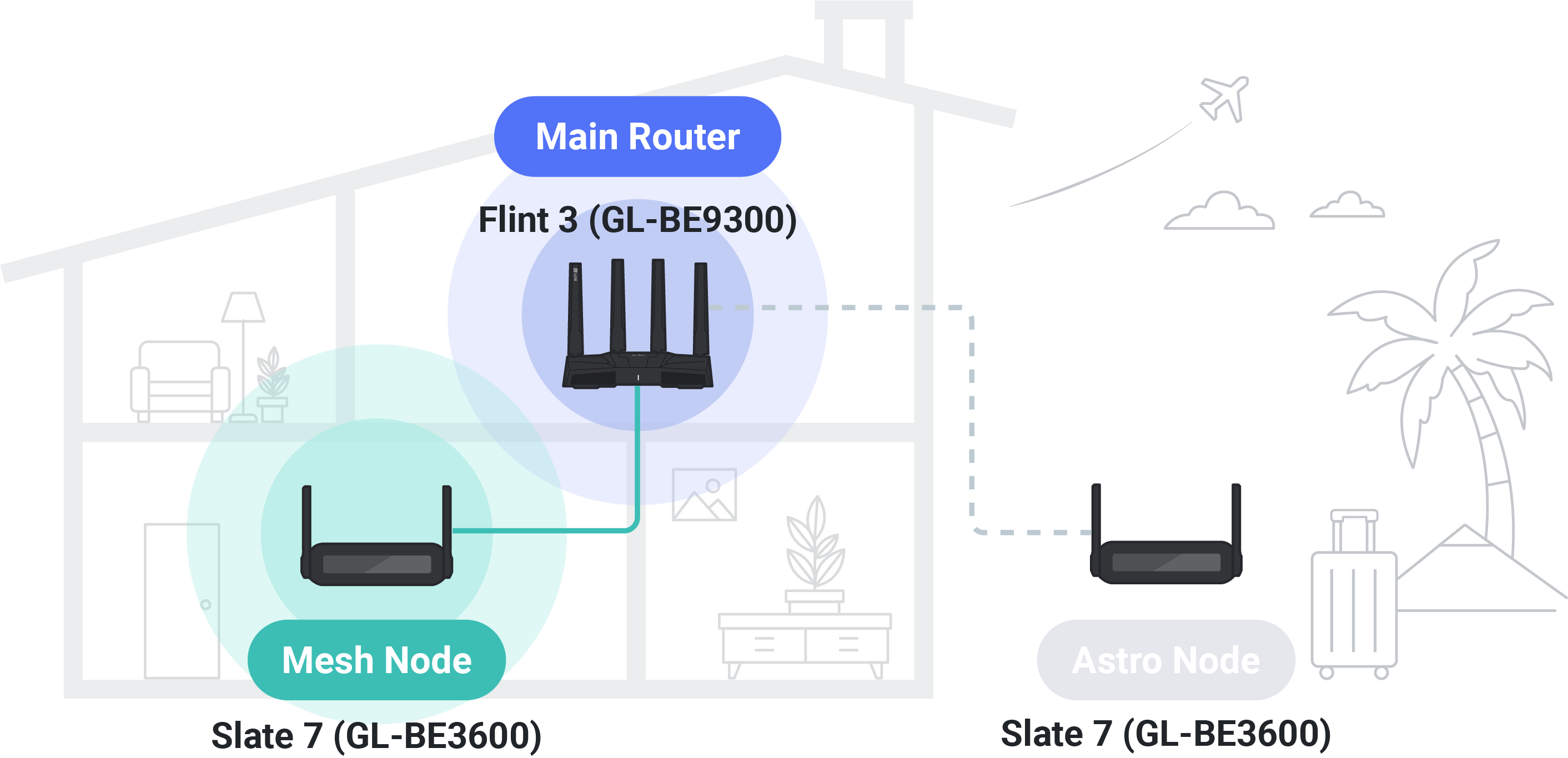
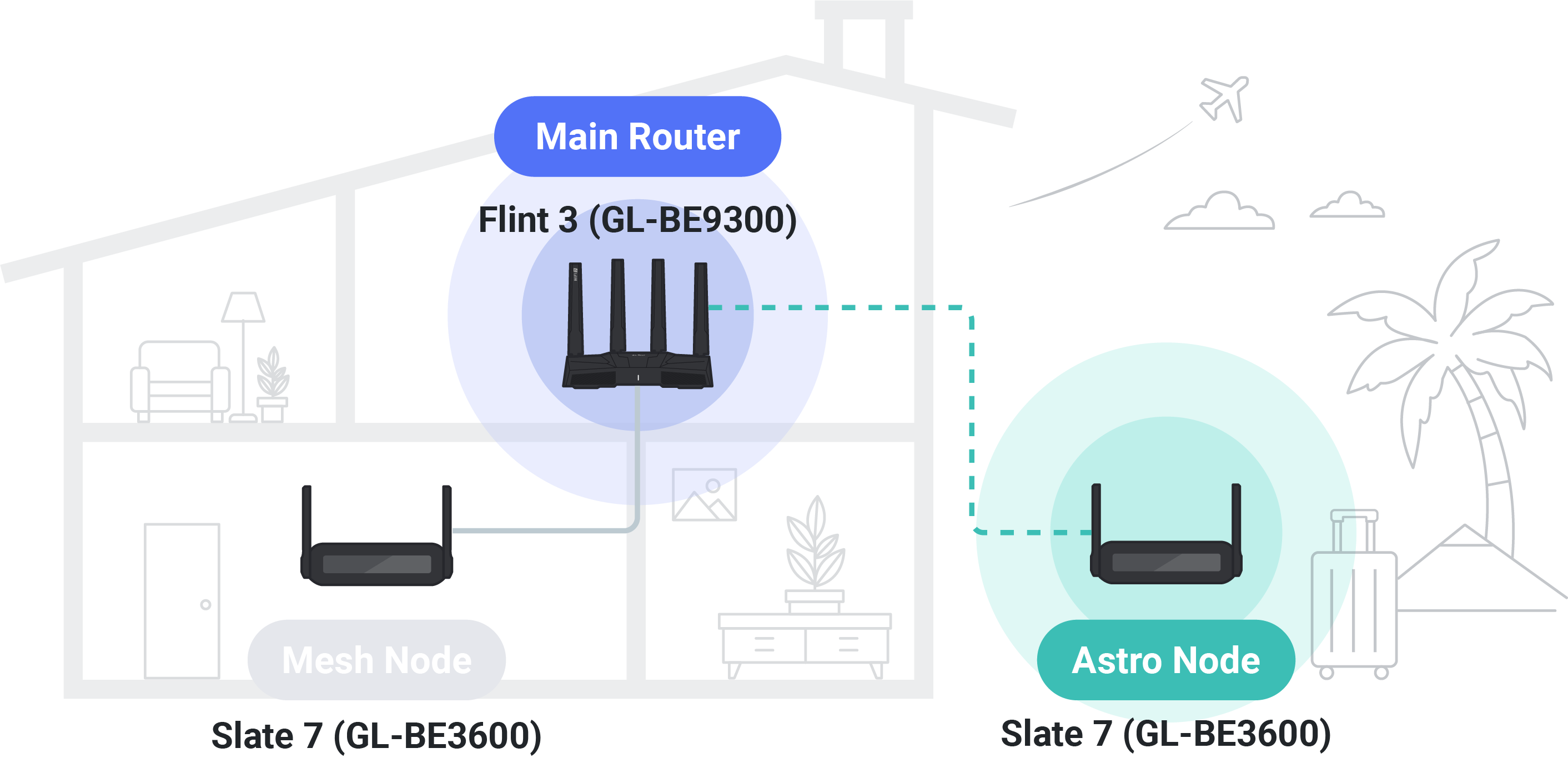
Why AstroMesh
It's Free
Supported by native GL.iNet firmware, available with v4.10
It's Flexible
Your travel router now doubles as a mesh node at home
It's Simple
Easily manage all mesh devices via the admin panel.
Join the Open Beta
Required Models


How to Setup AstroMesh
Frequently Asked Questions
Yes you can. Keep in mind that certain models only support Astro Node mode and not Mesh Node mode.
You can still use the local mesh only mode, but Astro Node mode will be disabled.
Yes you can. By default, all traffic from the Astro Node will be routed through your home network. You
can switch to Traffic Split Mode, only traffic heading to your home network is forwarded back to the
Main Router, while other internet traffic passes directly through the Astro Node's local WAN.
No you don't. Your device will automatically switch to Astro Node Mode once it leaves the local mesh
network.
AstroMesh supports up to eight Mesh/Astro Nodes.
No, there can only be one Main Router for every AstroMesh network.
Not at the moment. The current glinet App does not support the configuration and management of
AstroMesh. However, we are actively developing a dedicated AstroMesh App. This standalone app is
designed specifically for AstroMesh, providing a much more comprehensive way to manage and monitor your
entire AstroMesh network and all connected devices.