


Tri-Band
Wi-Fi 7
2.4GHz: 688Mbps
5GHz: 4,323Mbps
6GHz: 8,646Mbps

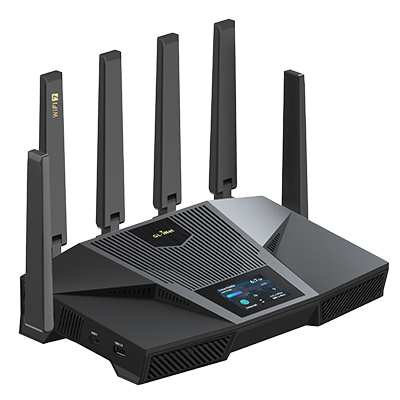
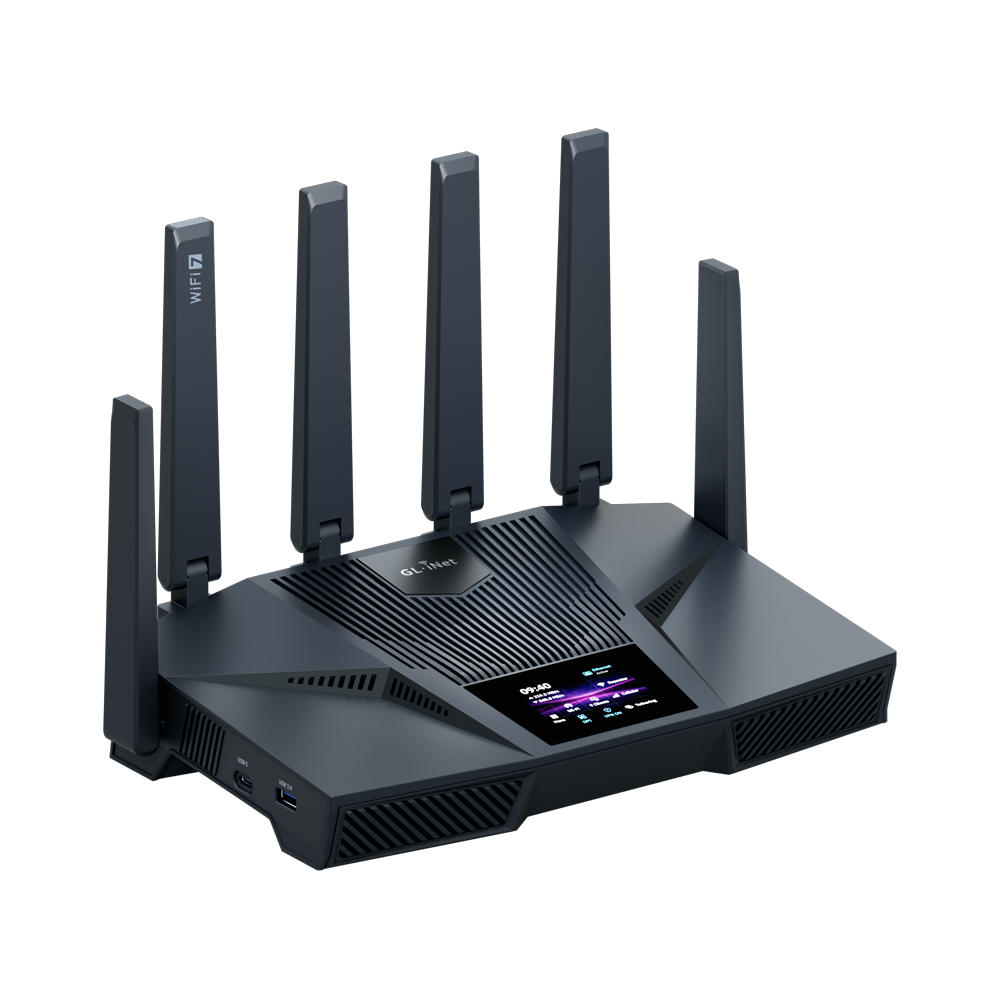
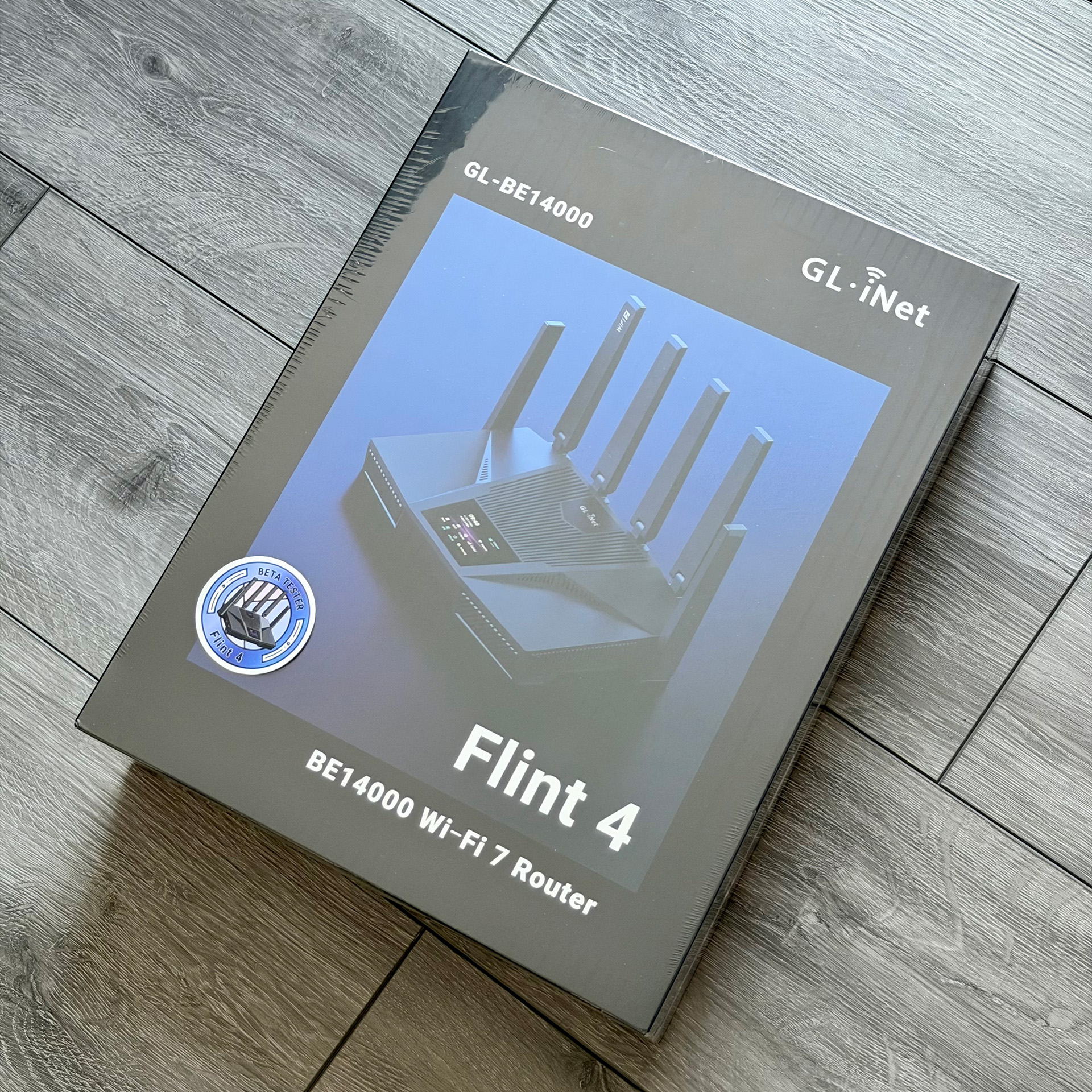
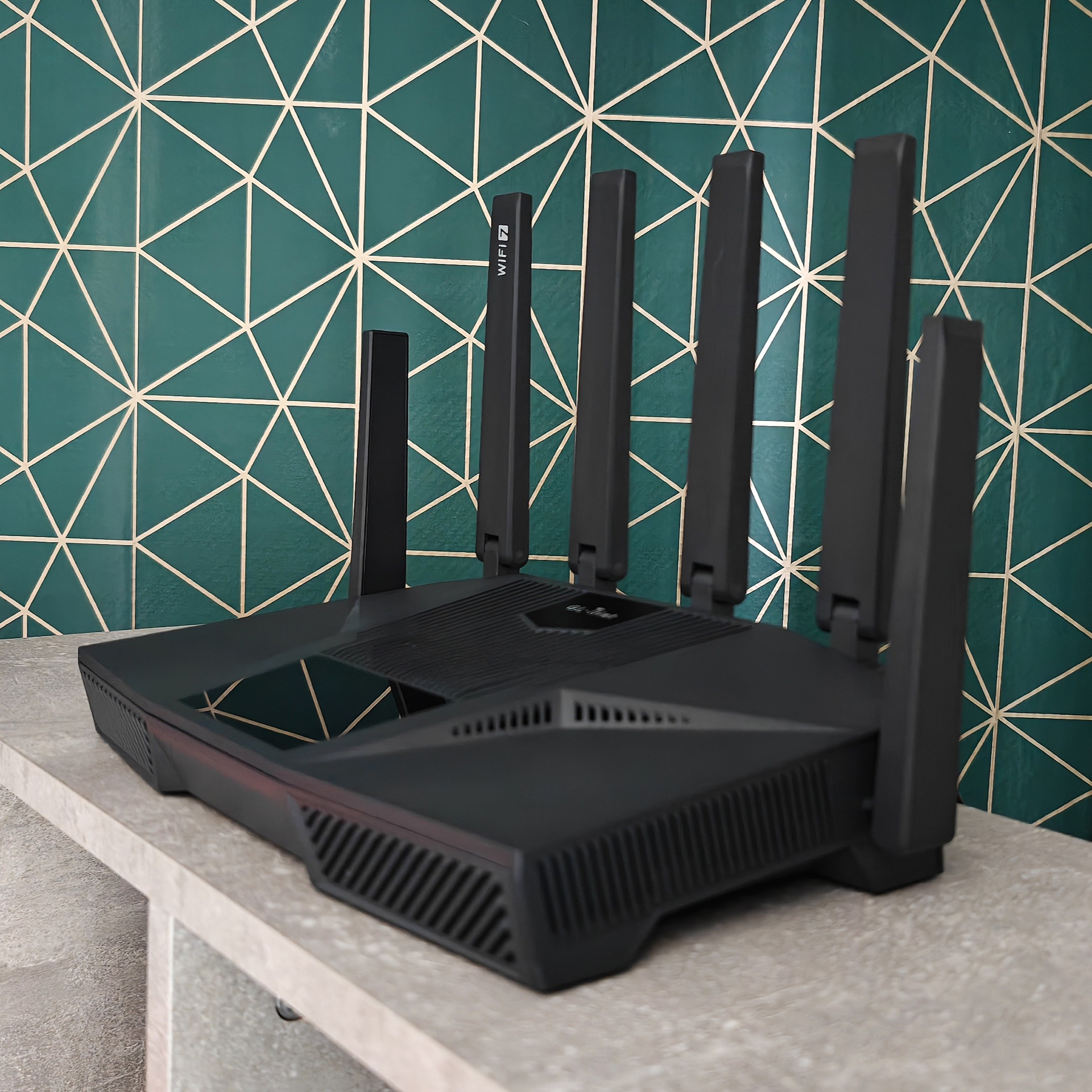
Flint 4 (GL-BE14000) redefines what a home router can be. More than a fast Wi-Fi router, it is built to serve as the high-performance core of modern home networks. Designed for demanding homes, power users, SOHO setups, and light business environments, Flint 4 is built for networks that need more than ordinary routers can deliver.
Tri-band Wi-Fi 7 with MLO: Max. 688 Mbps (2.4 GHz) + 4,323 Mbps (5 GHz) + 8,646 Mbps (6 GHz)
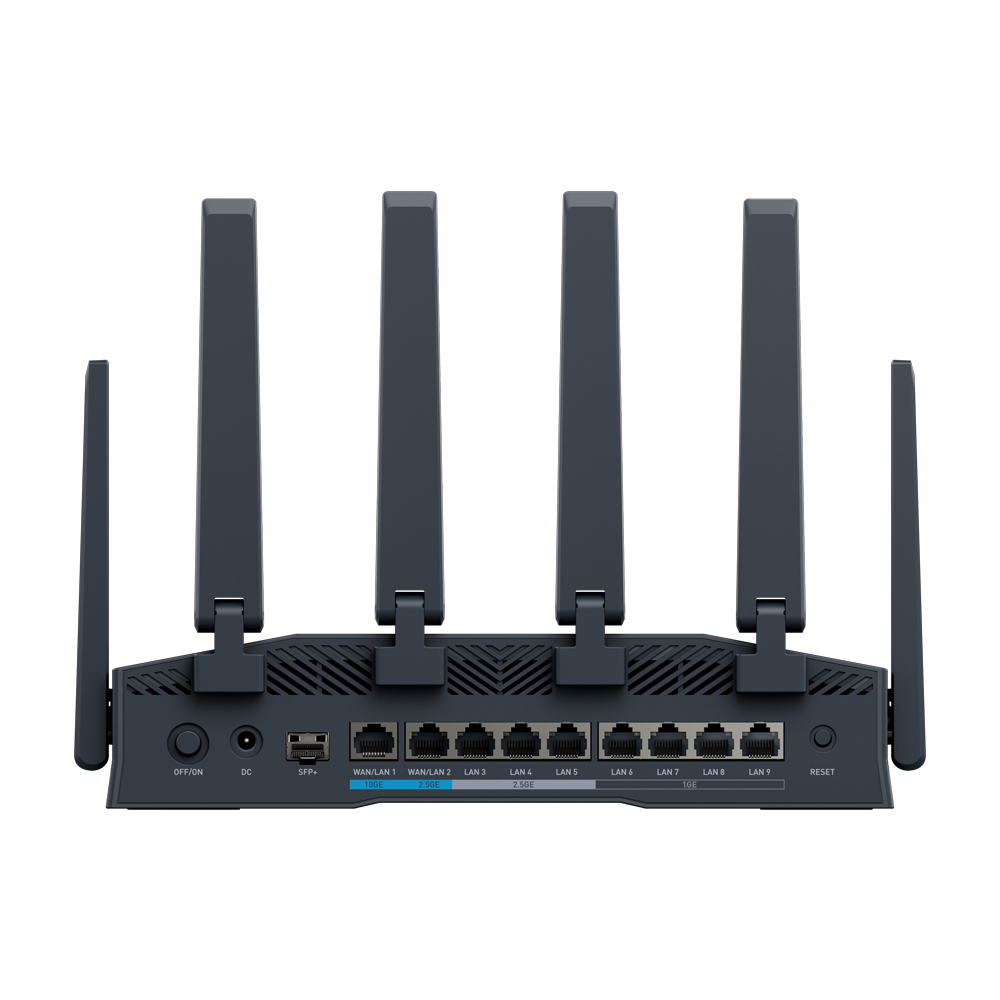
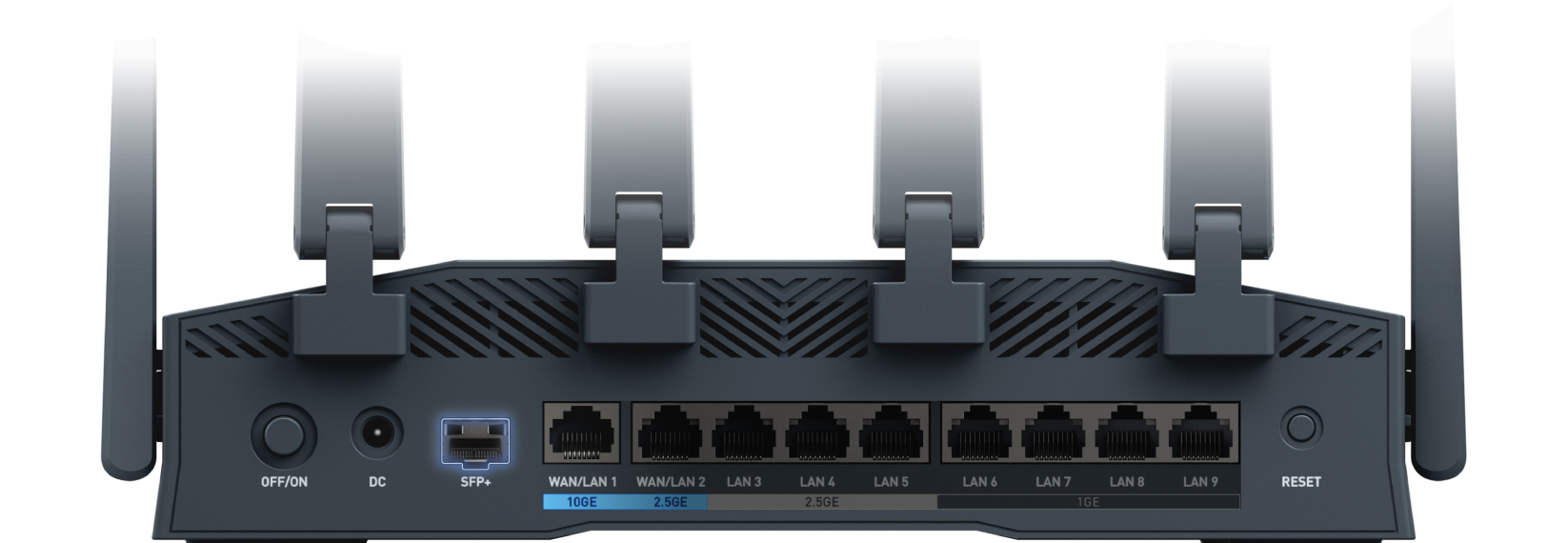
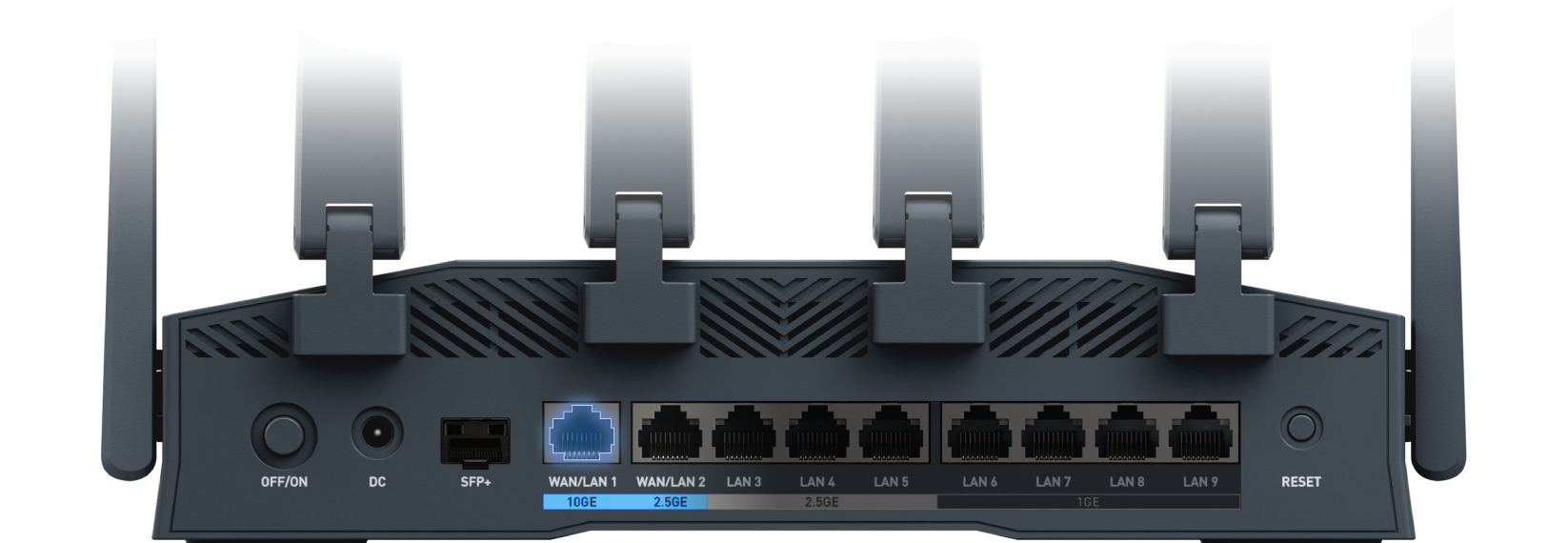
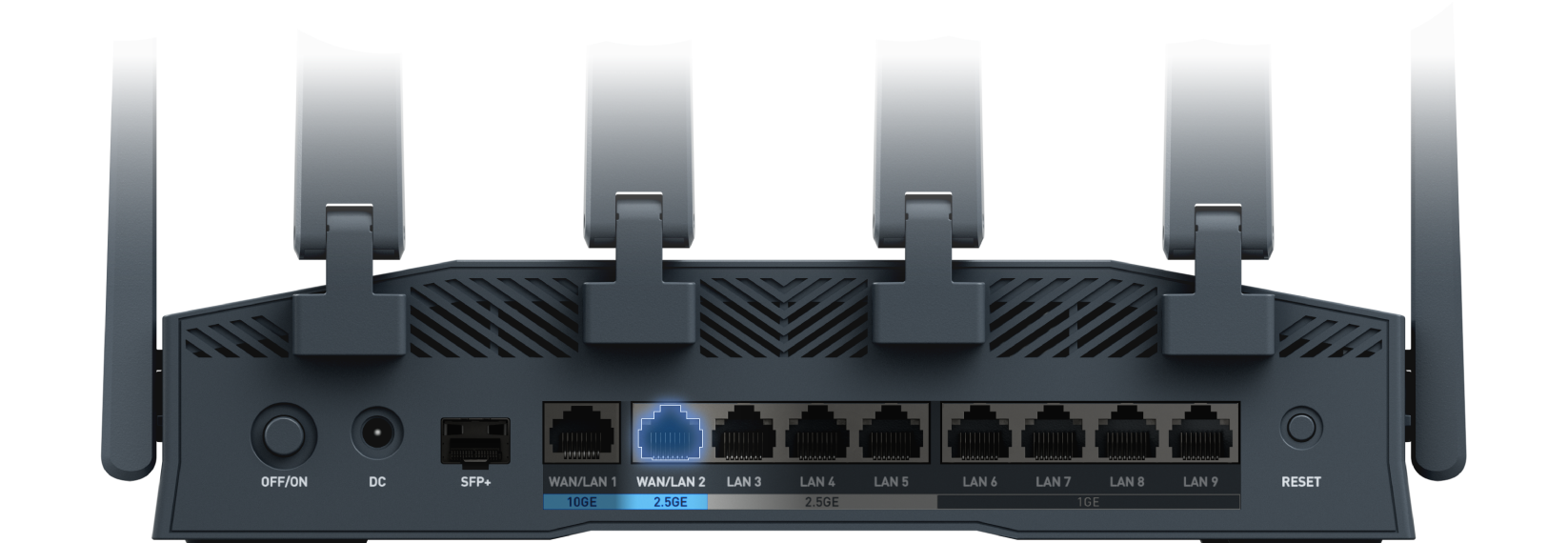
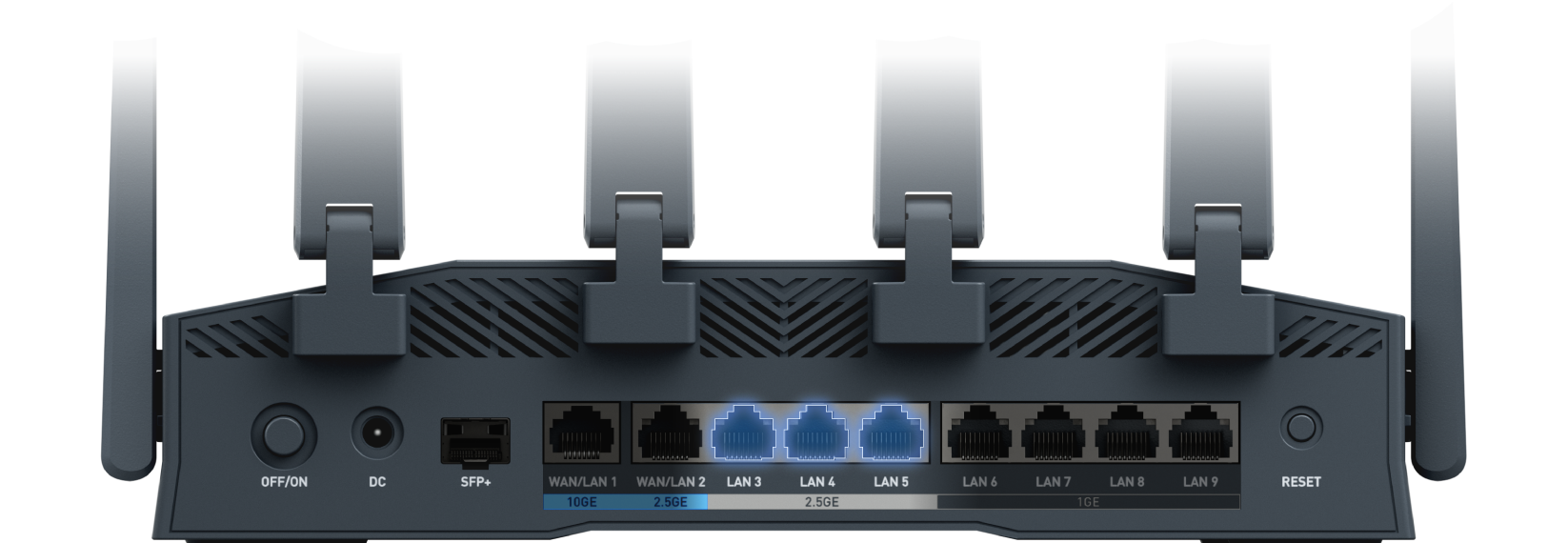
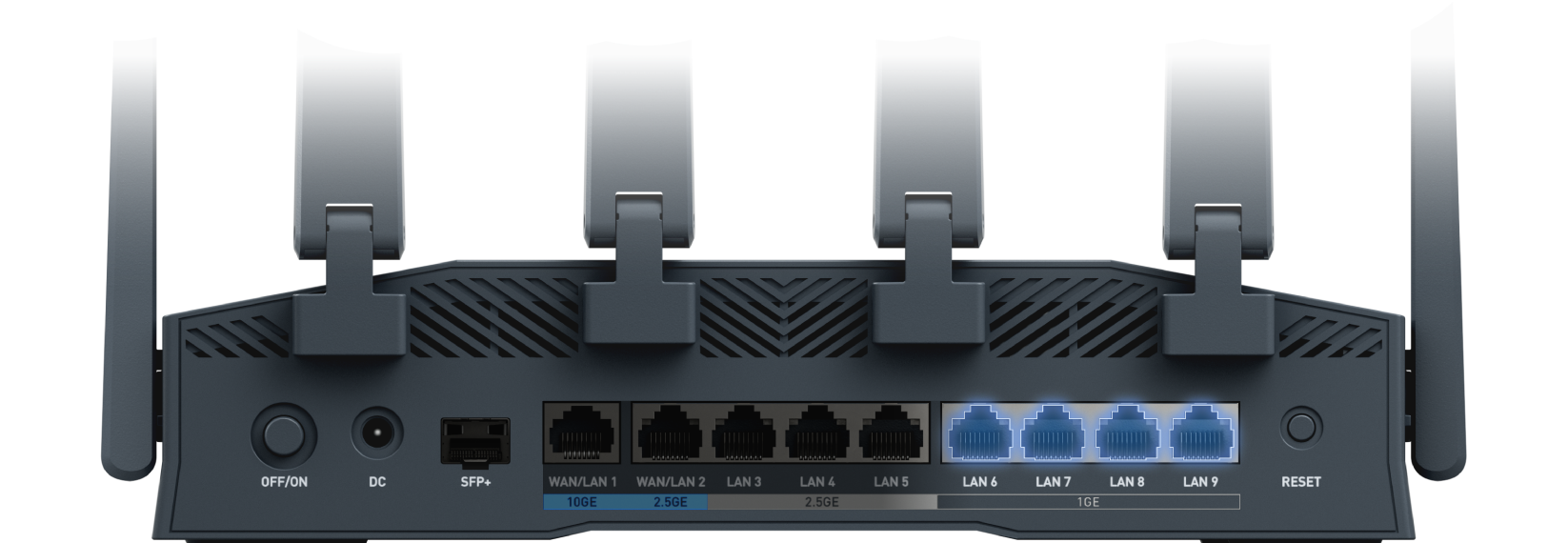
Complete Multi-Gig Wired Backbone: 1 x 10G SFP+ WAN/LAN, 1 x 10GE WAN/LAN, 1 x 2.5GE WAN/LAN, 3 x 2.5GE LAN and 4 x 1GE LAN
High-Performance VPN: Up to 1.5 Gbps on WireGuard® and OpenVPN DCO
2.4" Touchscreen Display: Real-time network status monitoring and at-a-glance visibility across your network, right on the device.
Tri-Band
Wi-Fi 7
2.4GHz: 688Mbps
5GHz: 4,323Mbps
6GHz: 8,646Mbps
Built for high-speed wired performance
Real-time status at a glance
Up to 1.5 Gbps VPN
USB-C Expansion
Flint 4 leverages tri-band Wi-Fi 7 to deliver a faster, smoother, and more responsive wireless experience for modern high-load networks. With support for 2.4 GHz, 5 GHz, and 6 GHz, plus Multi-Link Operation (MLO), it gives every device more bandwidth to perform at its best while helping reduce congestion, improve responsiveness, and maintain network stability under heavier demand.
Wi-Fi 7
6 GHz
8646 Mbps
5 GHz
4323 Mbps
2.4 GHz
688 Mbps
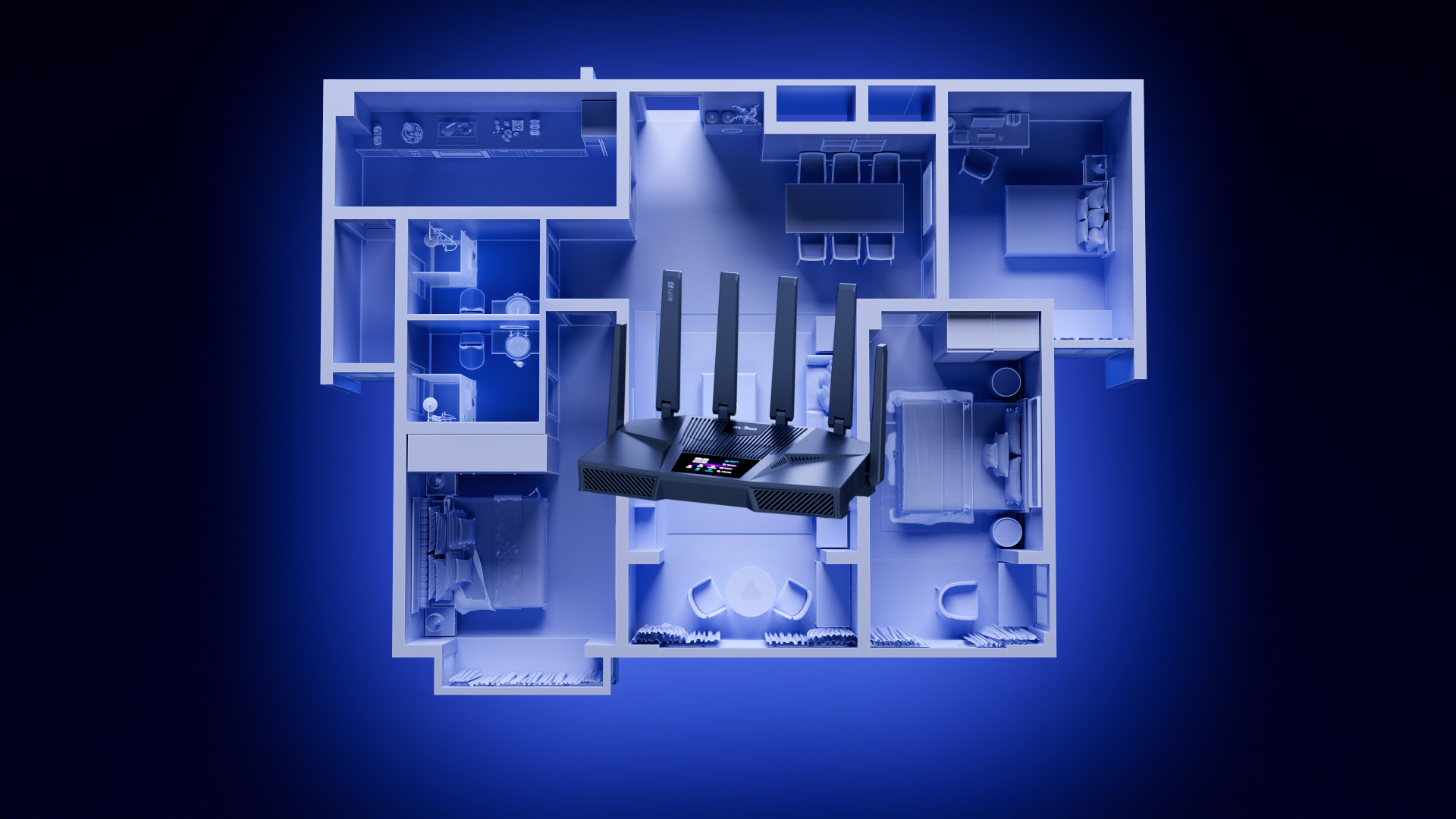
Designed to provide strong, reliable wireless coverage across larger homes and more demanding environments.
*Coverage estimates are based on testing in an open environment. Actual coverage varies with building materials, layout, and interference.
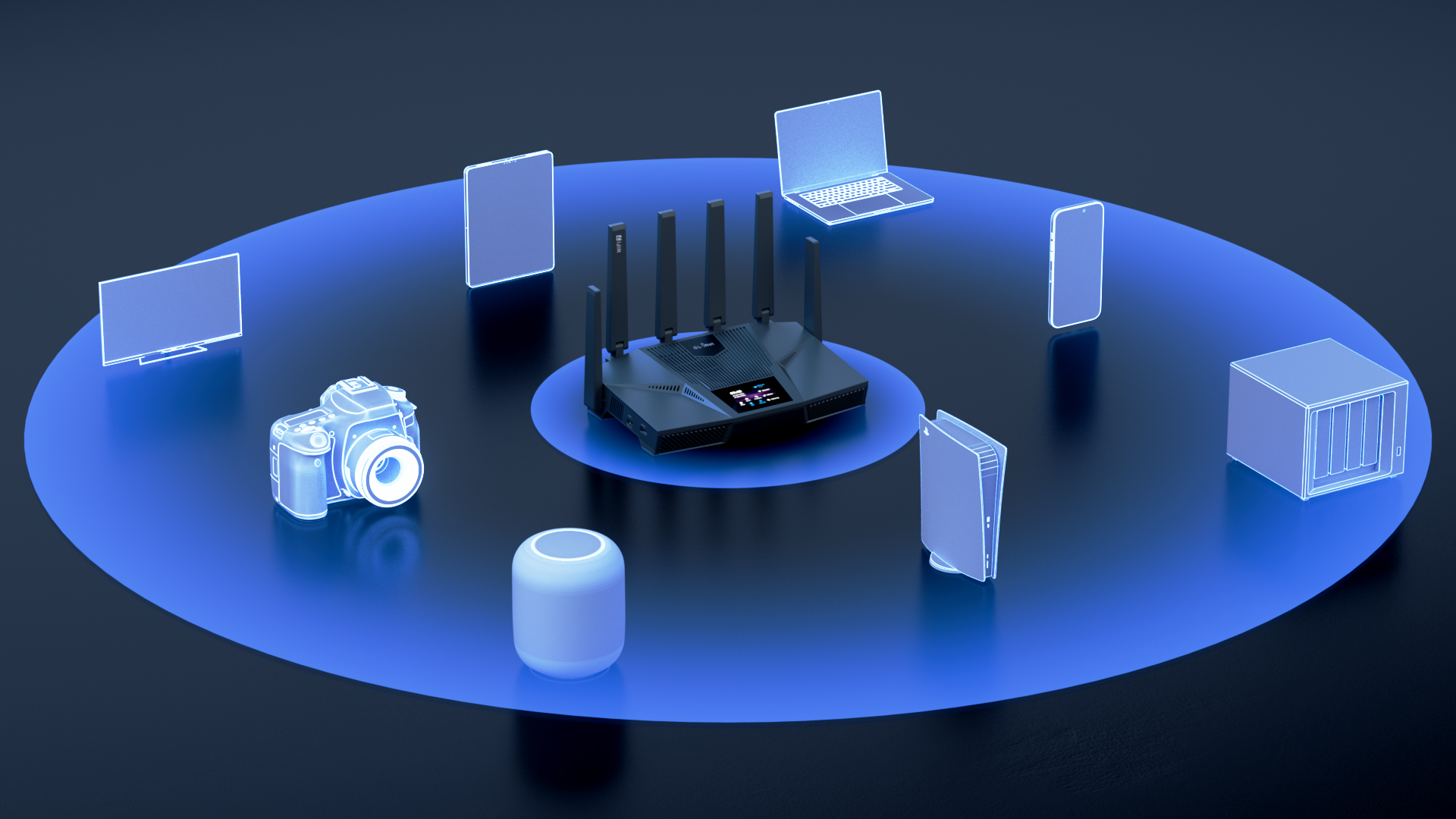
Flint 4 is built for high-capacity performance, helping smart TVs, laptops, phones, and IoT devices stay fast and reliable even in busy multi-user environments.
*Device capacity figures are based on testing in a controlled lab environment. Actual results may vary depending on devices, usage, and network conditions.
Designed to provide strong, reliable wireless coverage across larger homes and more demanding environments.
*Coverage estimates are based on testing in an open environment. Actual coverage varies with building materials, layout, and interference.
Flint 4 is built for high-capacity performance, helping smart TVs, laptops, phones, and IoT devices stay fast and reliable even in busy multi-user environments.
*Device capacity figures are based on testing in a controlled lab environment. Actual results may vary depending on devices, usage, and network conditions.
Flint 4 is built to deliver high-speed VPN performance for users who expect both security and speed. With up to 1.5 Gbps on WireGuard® and OpenVPN DCO, it helps protect your privacy, enable secure remote access, and support more advanced network use without the slowdowns often associated with traditional VPN routers.

Built-in OpenVPN DCO acceleration ensures faster encryption and smoother performance for remote work, travel, and privacy-focused users.
Tests conducted on a local network. Real world speeds may differ depending on your network configuration.
OpenVPN and WireGuard speeds will be slower when running the device as a server. Results above are in client mode.
WireGuard® is a registered trademark of Jason A.Donenfeld.
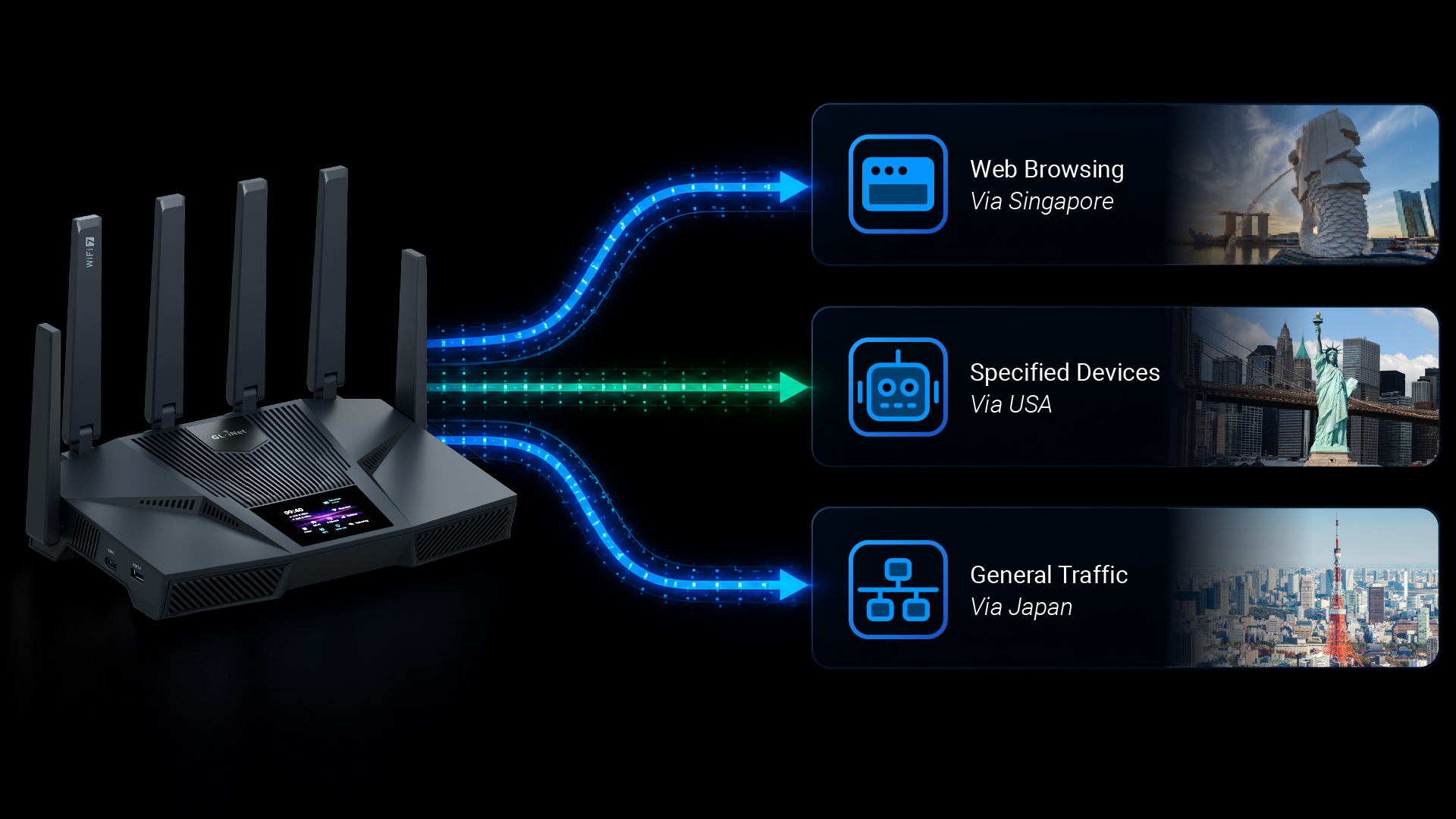
Run multiple VPN connections simultaneously and apply different routing policies to all clients, specified connection types, specified devices, or all devices except those you exclude.
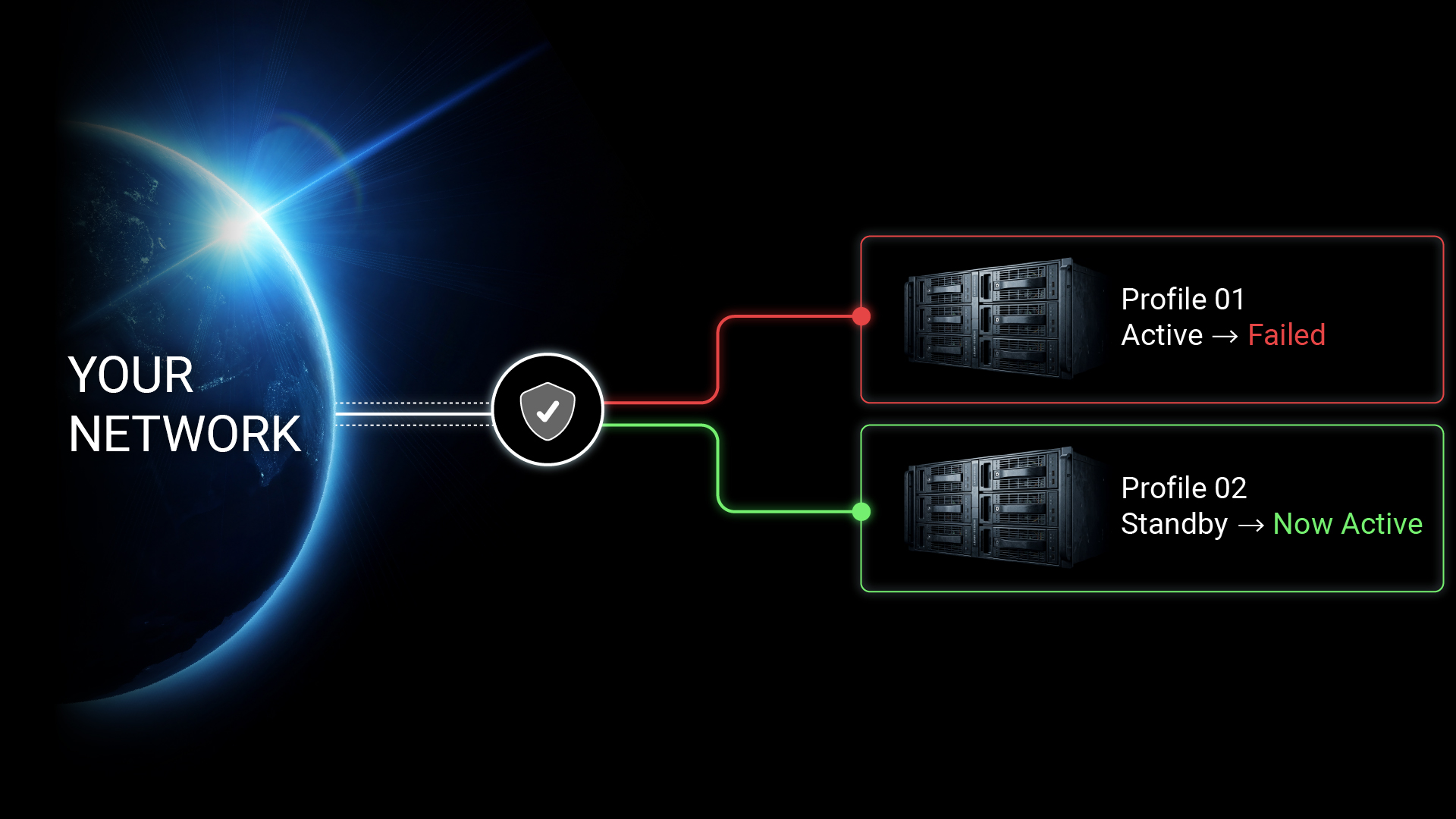
Select multiple profiles within a tunnel, and traffic will automatically switch to the next available profile if the current one becomes unavailable, helping keep the connection stable and reliable.
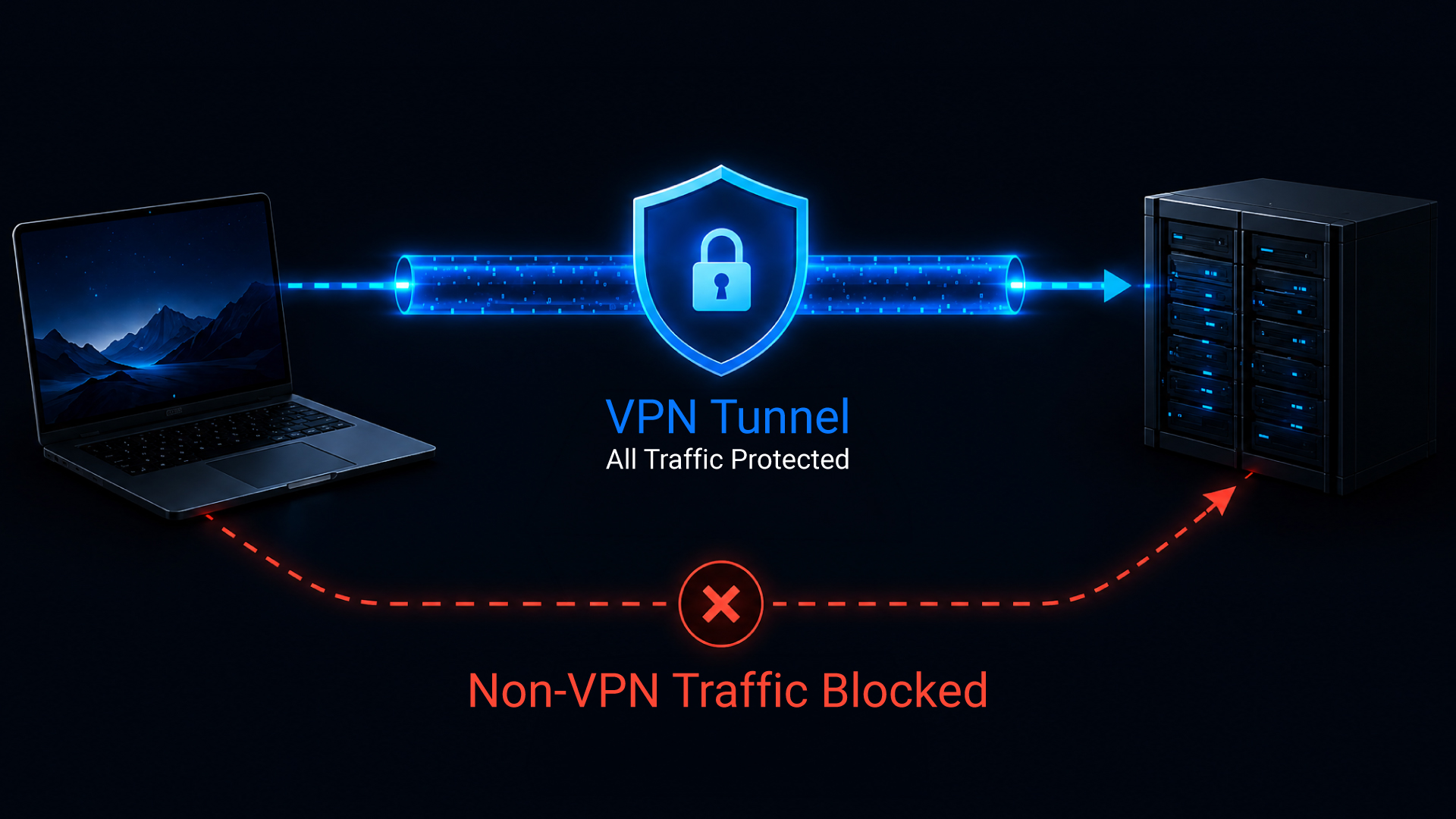
When enabled, Kill Switch Protection helps ensure all traffic remains inside the VPN tunnel by automatically blocking any connection that would otherwise bypass the VPN.
Flint 4 delivers a more flexible and customizable networking experience. With broad plugin support and advanced configuration options, it gives users more ways to tailor features, expand capabilities, and shape the network around their needs.

Shape your network around the way you actually use it.

Add more functionality as your network needs evolve.

Control how traffic moves across your network.

With DPI Engine, Data Statistics, Content Filter, QoS, and SQM, Flint 4 helps users understand traffic, prioritize what matters most, and reduce latency under load.

Enjoy a faster, safer, and cleaner web experience with AdGuard Home built into Flint 4. It helps block intrusive ads, stops trackers from following your online activity, and adds protection against phishing and malware-related threats — so browsing feels more private, less distracting, and better protected.
Flint 4 features a built-in 2.4-inch touchscreen that brings real-time network status and essential controls directly to the device. Check DPI status, traffic data, and other key details at a glance, without opening the web admin panel. From toggling VPNs and sharing Wi-Fi to monitoring system status, the touchscreen makes everyday control faster, simpler, and more immediate from the moment you power on.
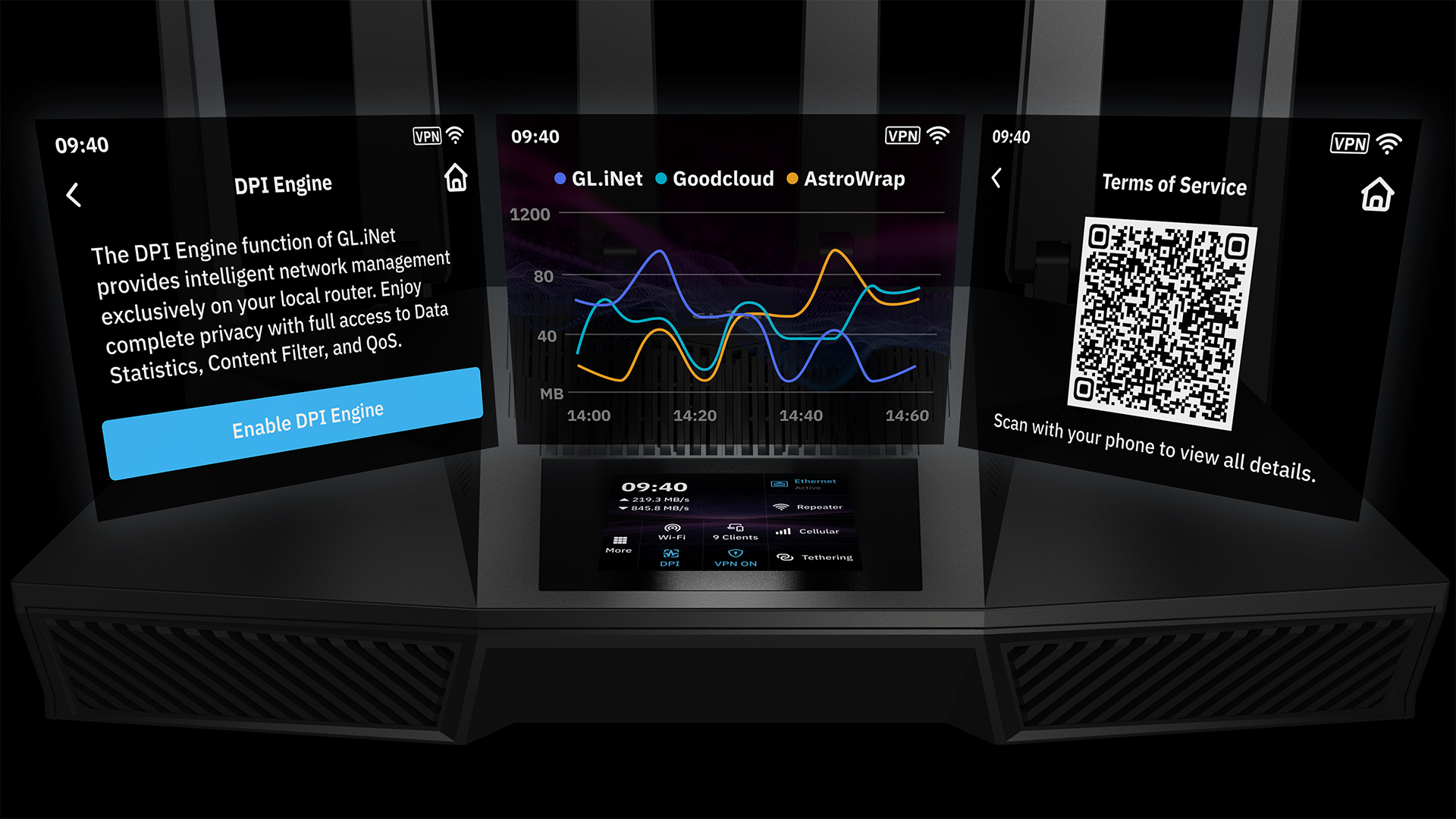
Enjoy a more direct setup experience with key functions accessible right on the device.
Make network segmentation easier to manage with more accessible on-device controls.
Most home routers offer only 256MB to 512MB of Flash — enough for basic firmware, but limited for expansion. With 64GB of onboard Flash, Flint 4 delivers over 100× More Storage, making more room for richer logs and more capable local services.
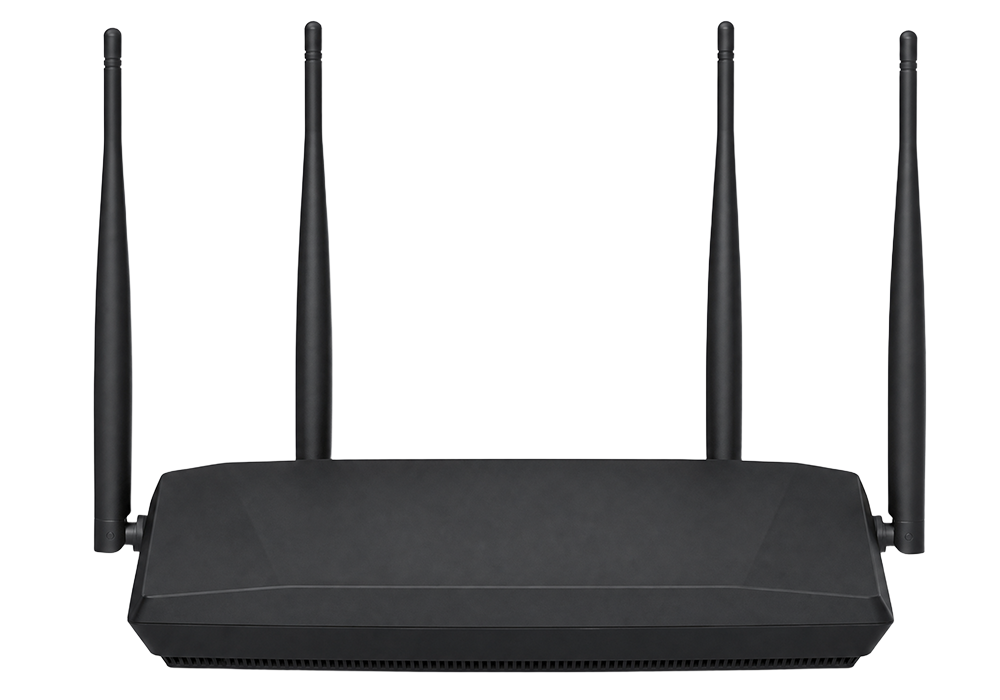
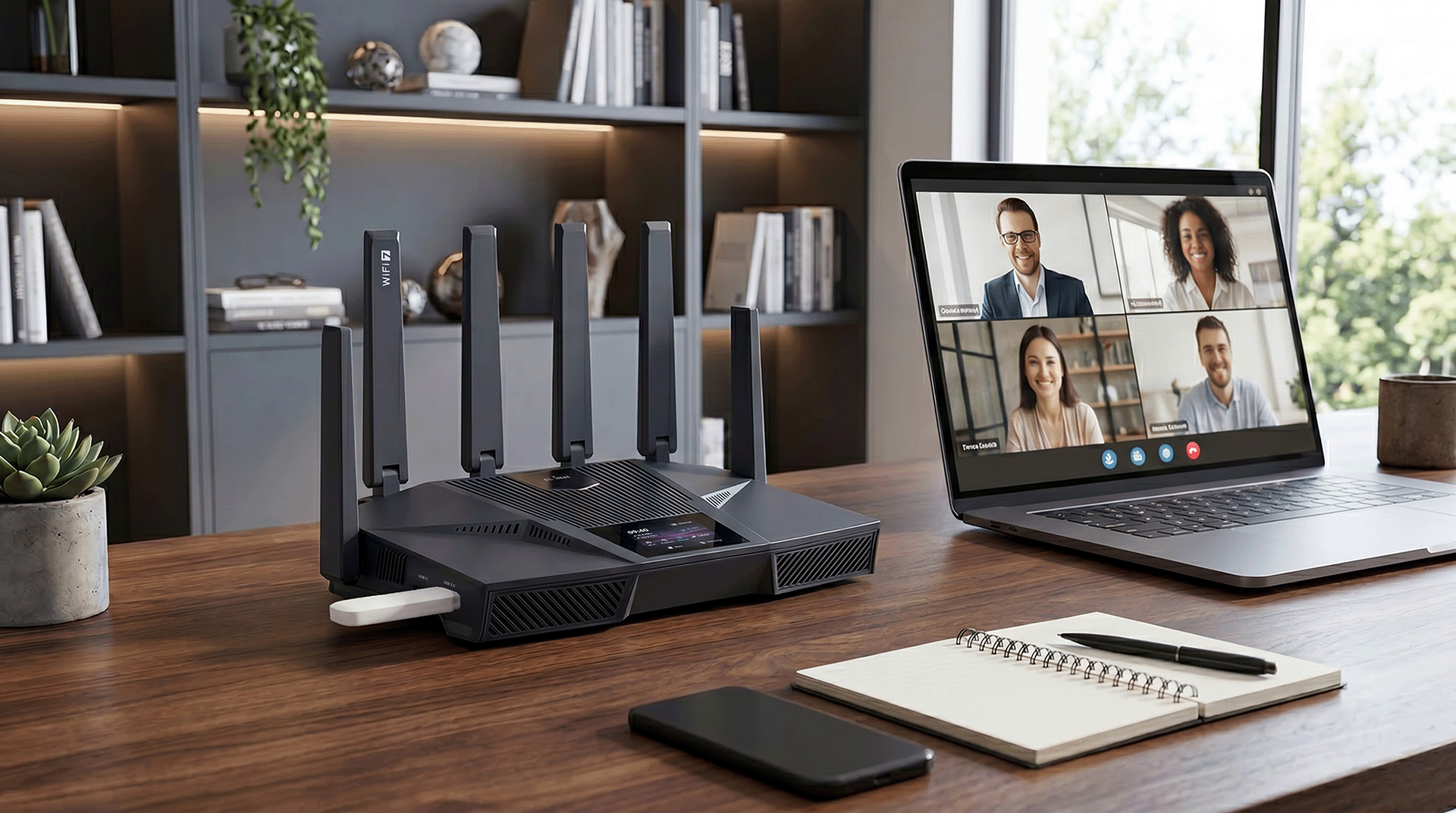
Use one USB port to connect a 4G / 5G dongle or mobile hotspot for failover. For small businesses and home offices, this creates a practical backup internet option that helps keep work running when the main connection goes down.
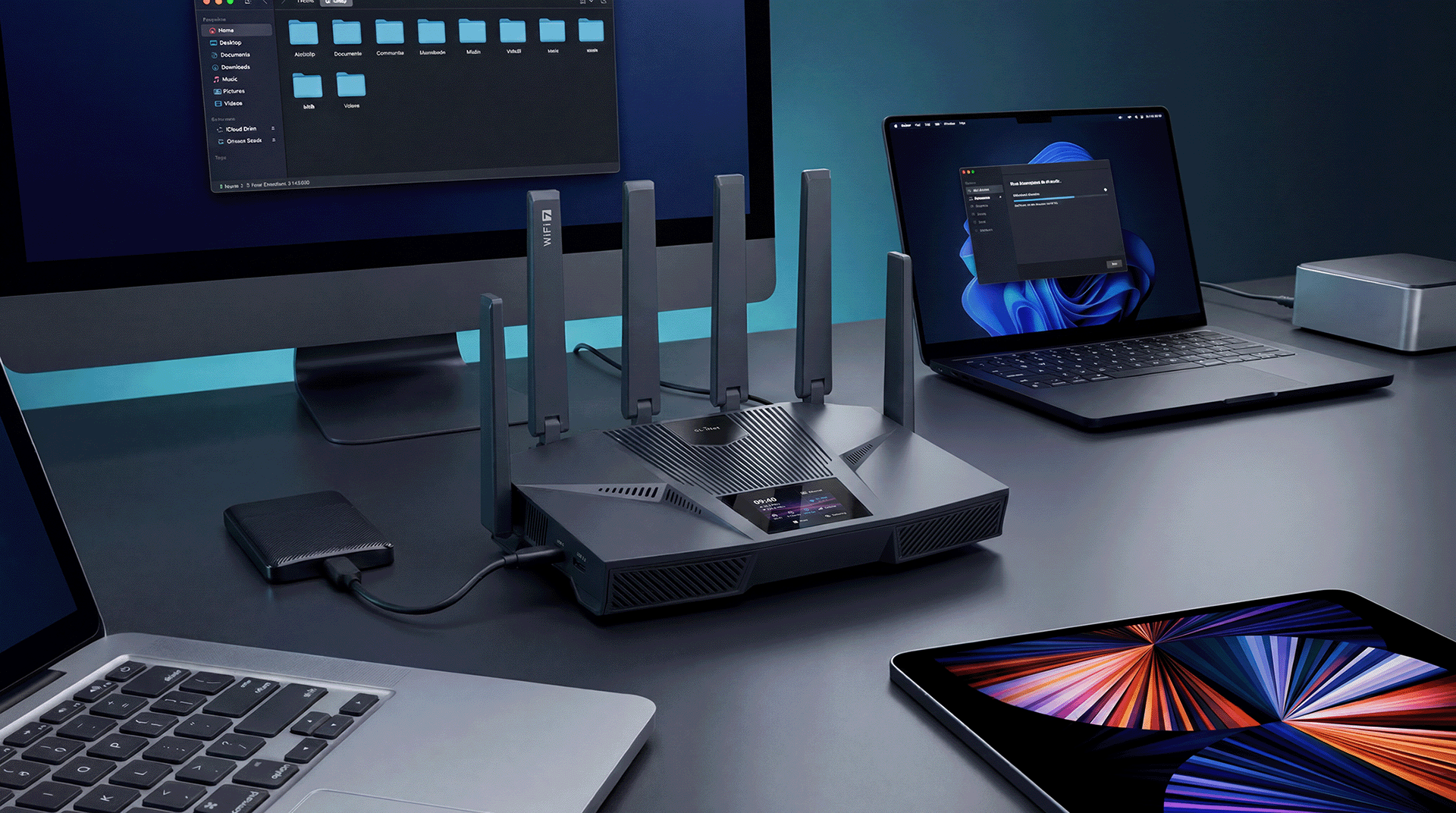
Use the second USB port to connect an SSD, external drive, or USB flash drive. With support for Samba, WebDAV, DLNA, Flint 4 can provide a low-cost way to enable shared storage, local file access, and smoother data transfer across the home or office.
Gl.iNet Flint 4 Monster Router is Real

Day 1 at CES! 🔴LIVE!
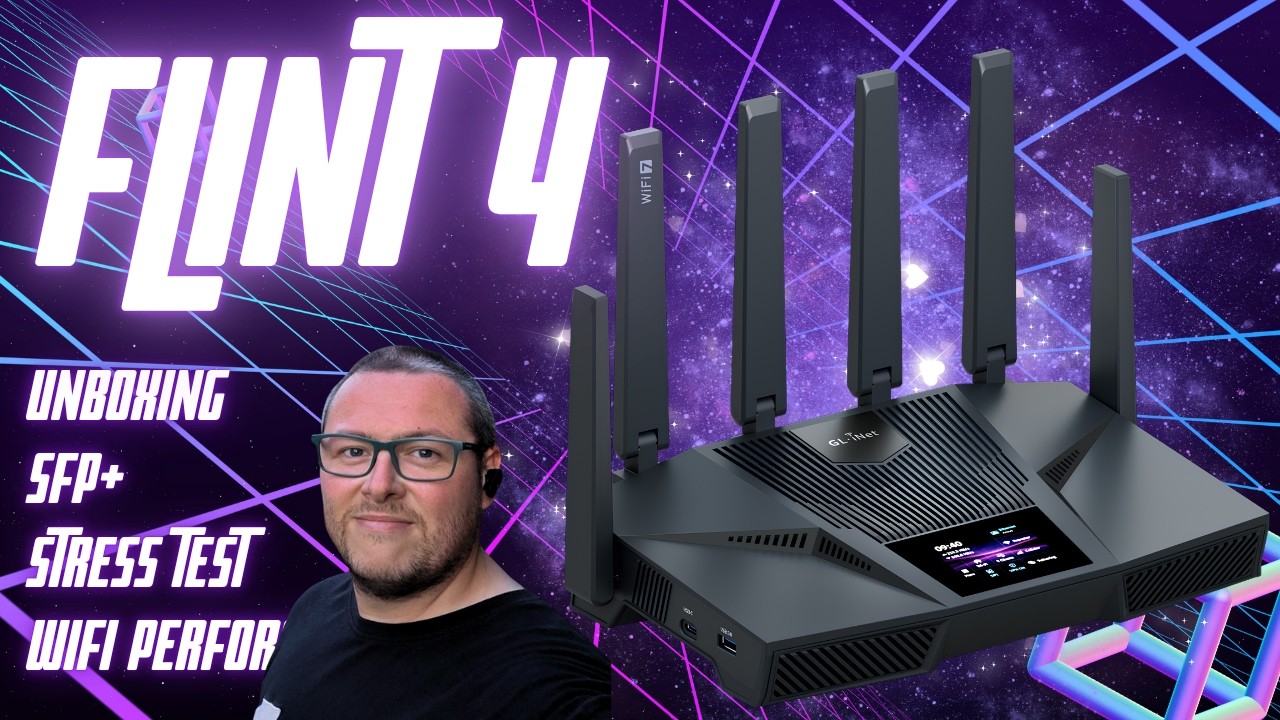
Flint 4 SFP+ Unboxing Wifi performance Iperf3 GL-BE14000

These Travel Routers Are Amazing | GL.iNet @ CES 2026
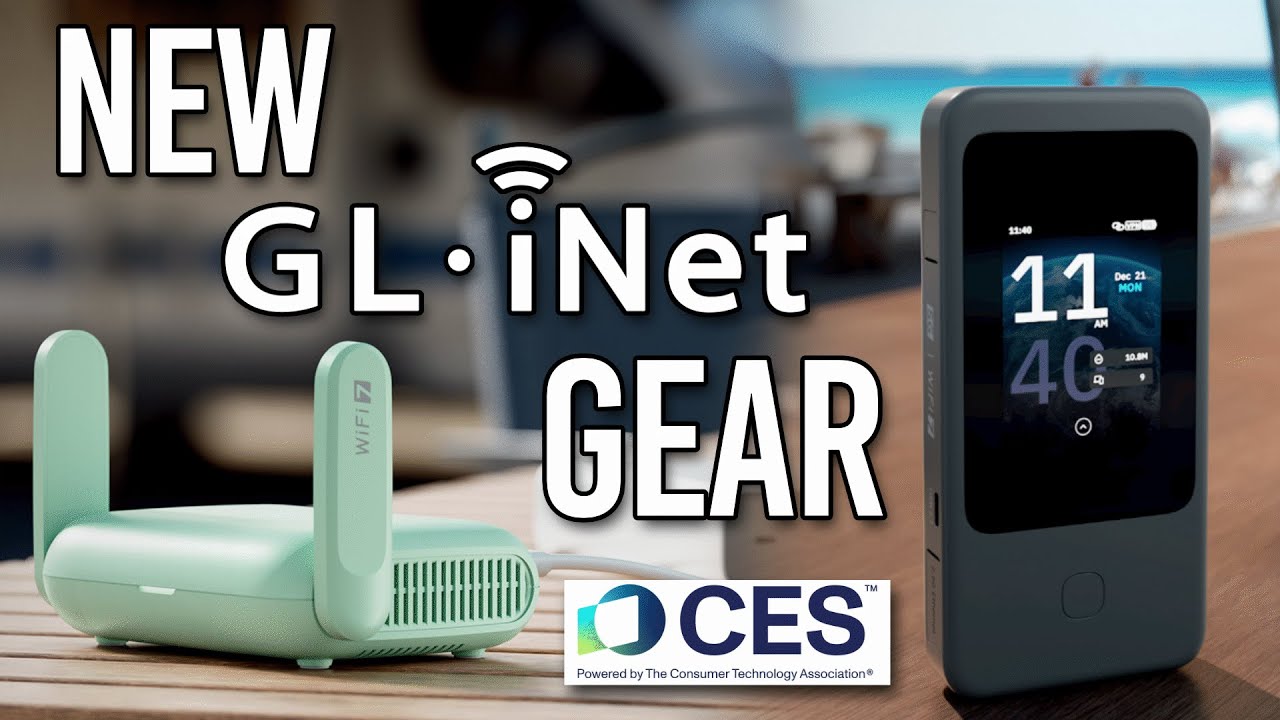
6 New GL.iNet Devices You NEED to See from CES 2026
The 10G SFP+ and 10GbE RJ45 combo is brilliant. I’ve got my multi-gig fiber line feeding directly into my local NAS switch setup with zero bottlenecks.
As a technical enthusiast running a high-performance smart home on a 2.3 Gbps symmetrical fiber connection, the GL.iNet Flint 4 (GL-BE14000) has completely redefined my network's capabilities. The hardware profile is stellar. Having access to multiple 10Gbps and multi-gigabit switch ports means I can finally saturate my full ISP line speed right out of the box.
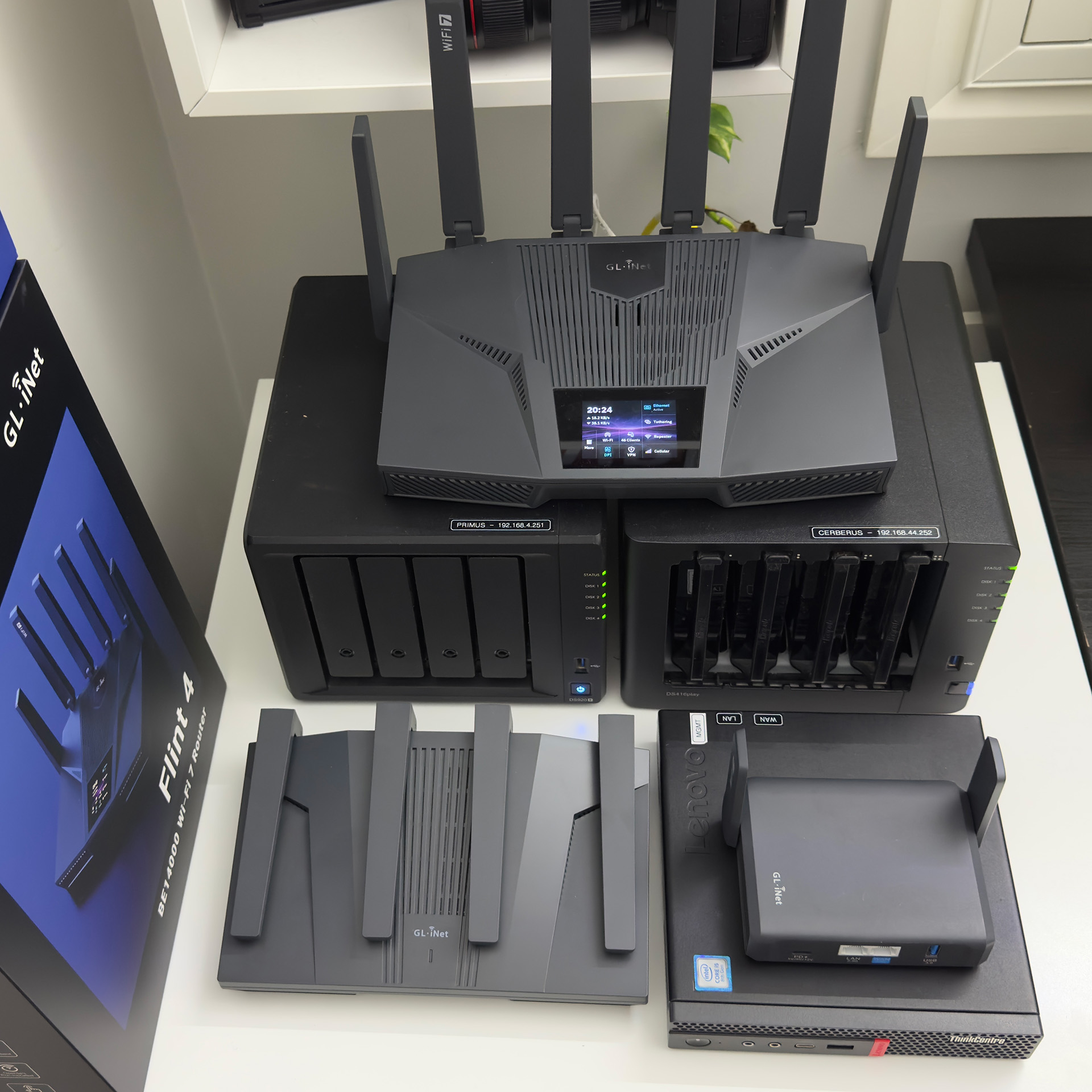
Move over OPNSENSE/FLINT 2, FLINT 4 is my new favourite.
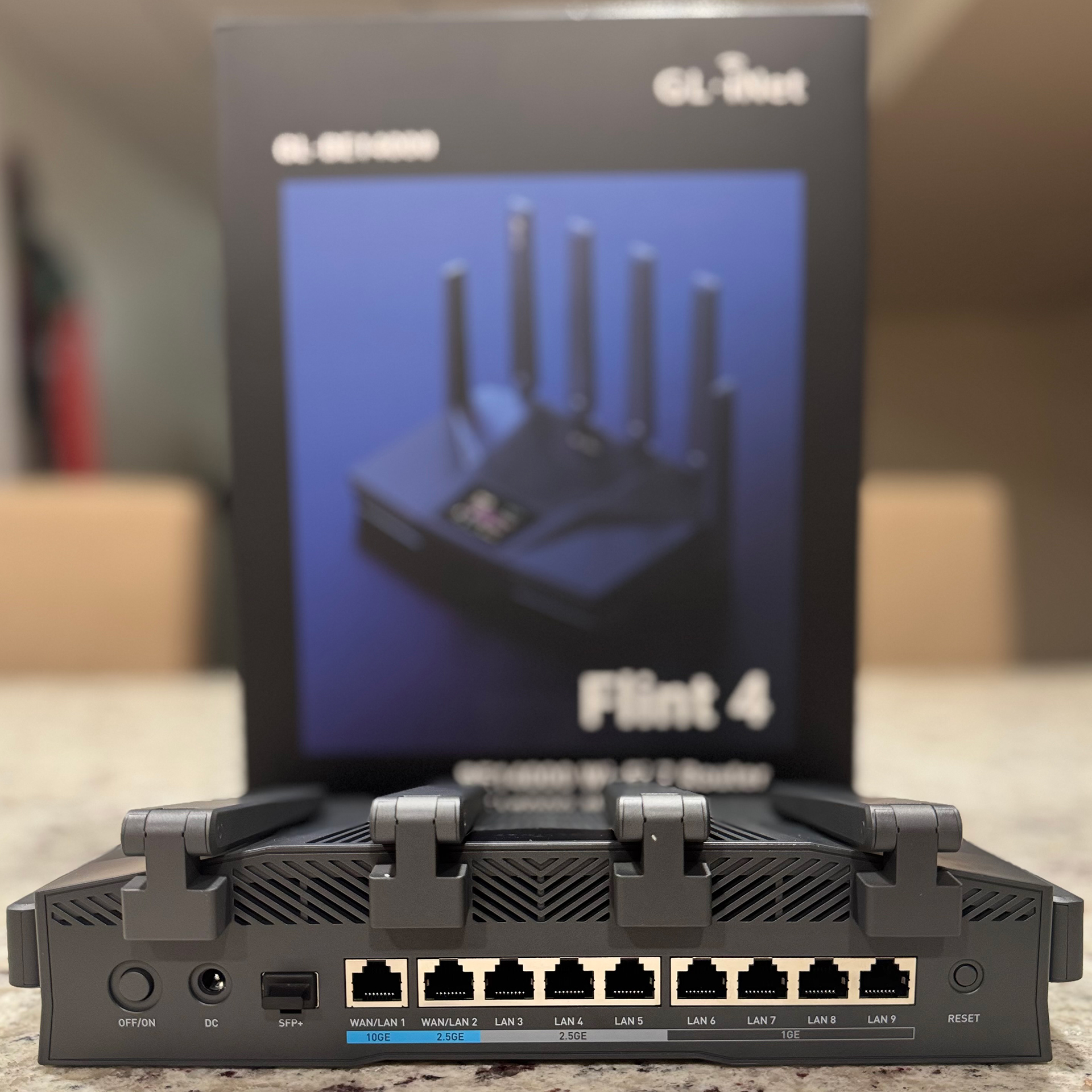
GL.iNet have come up with a masterpiece of engineering with the Flint 4. Not only do you get a gorgeous router with an LCD touchscreen along with 10 GBE and 64GB flash, you get a world class router, capable of exceeding 2Gbps with OpenVPN connections.
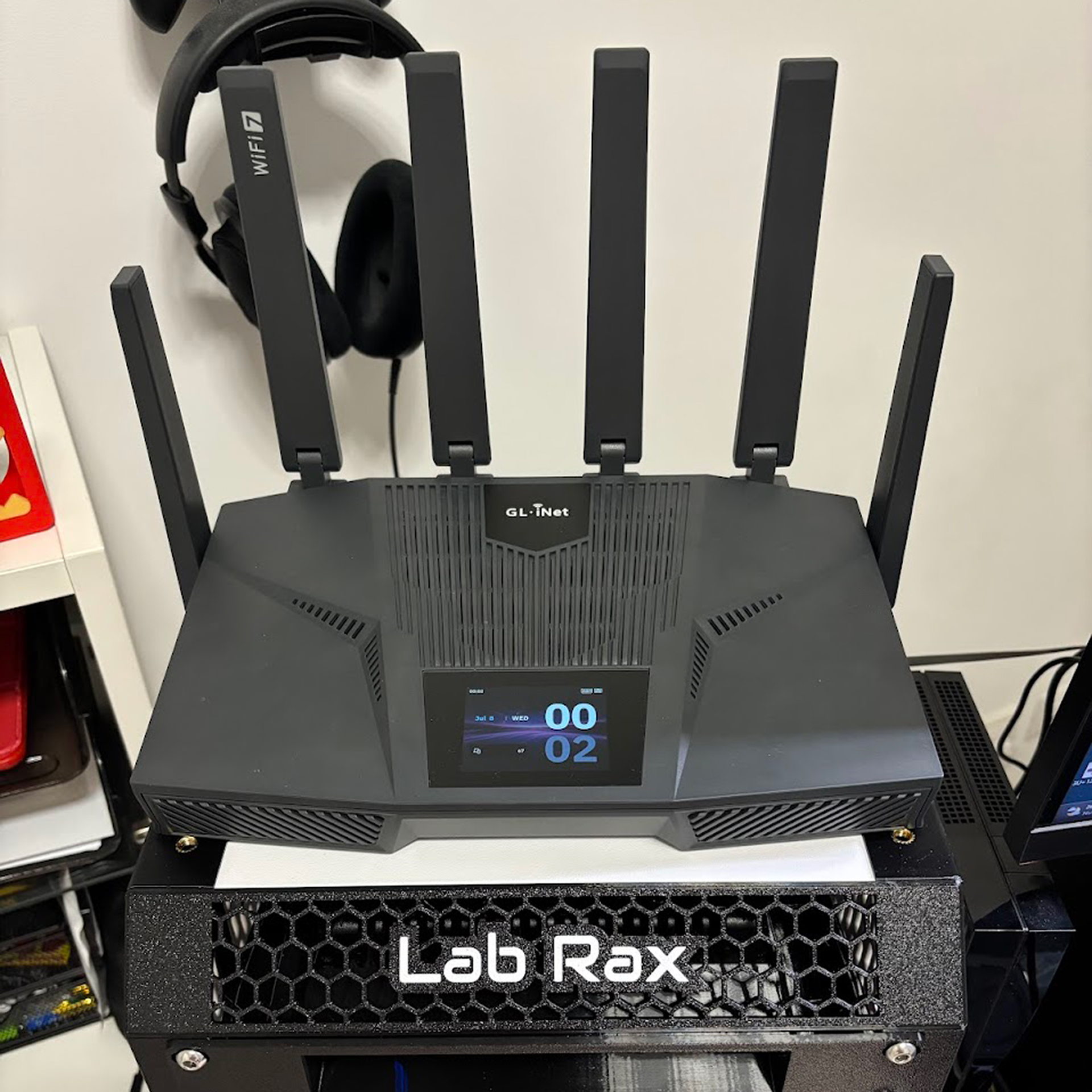
Flint 4 (GL-BE14000) is a fantastic step up from the Flint 2, with noticeably better Wi-Fi coverage and speed, lower latency, and rock-solid stability across every device I tested. It stays cool and silent even under heavy use, handles advanced networking setups like VLAN segmentation with ease, and easily saturates my 2.5Gbps homelab connection without a single hiccup.
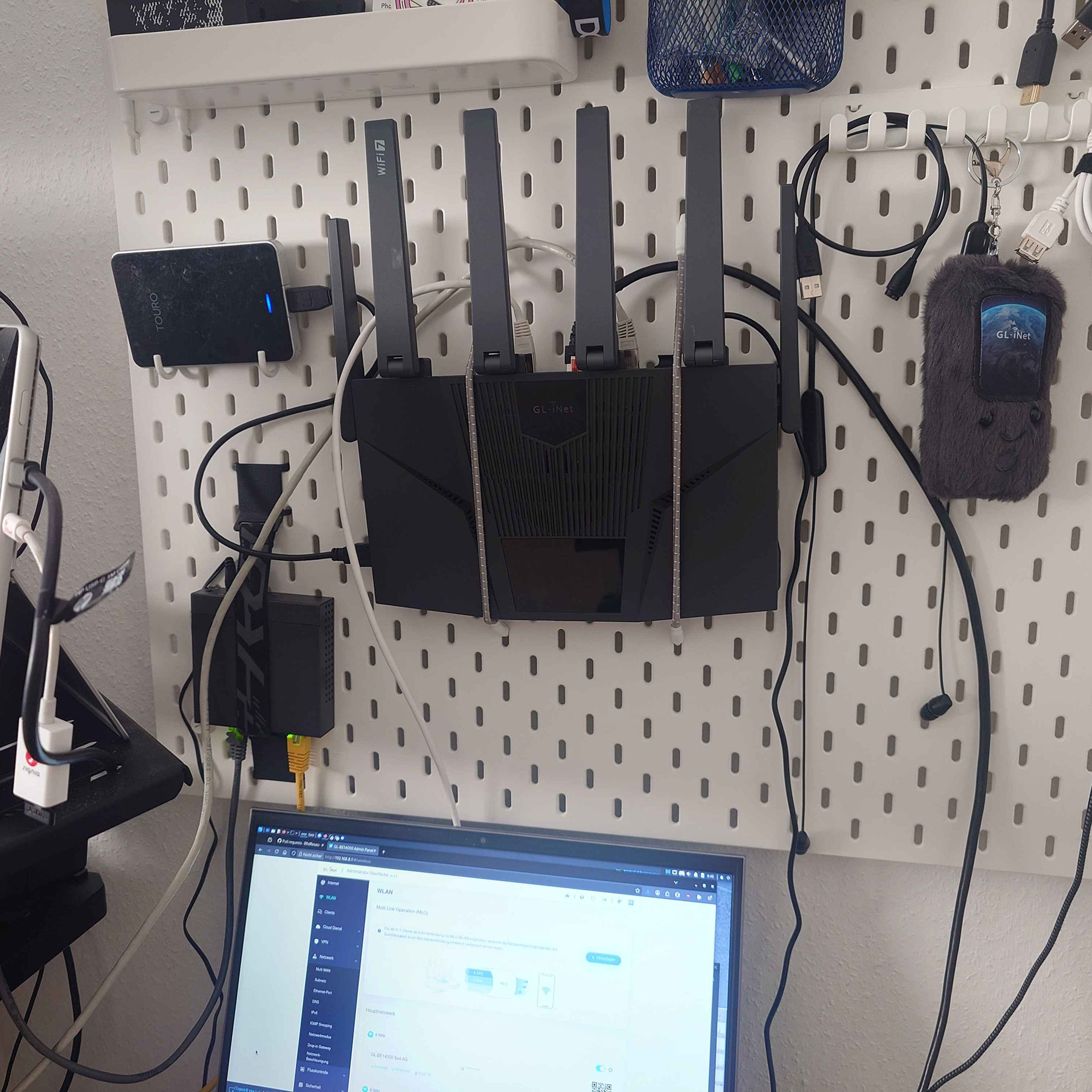
Flint4 is a real improvement in the home network. If you have no special needs, just plug in, open the Web interface and connect to the ISP or upstream router. You'll get a fast central network node, to connect multiple 2,5GB devices and one 10GB SPF+ for a NAS or similar.
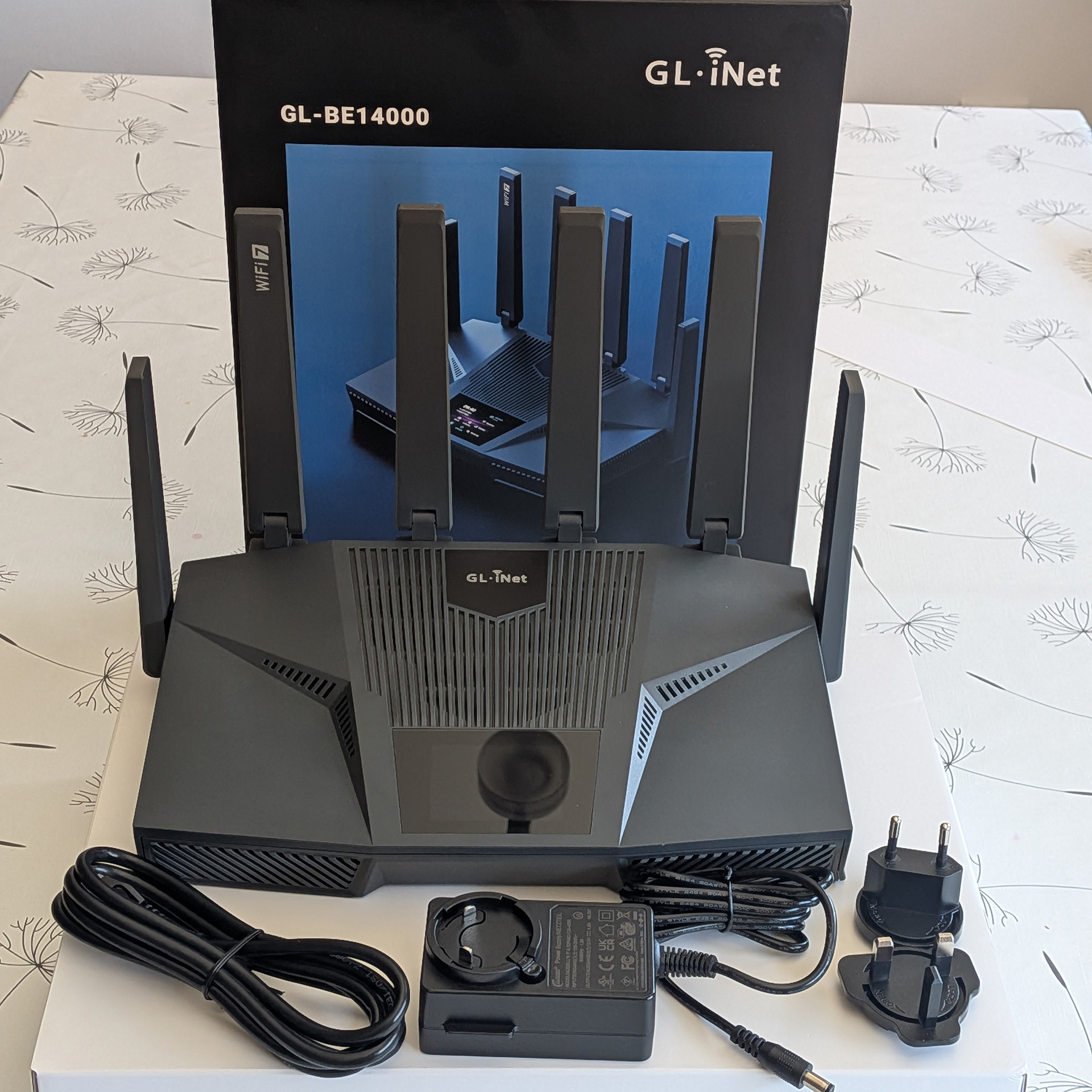
Its Wi-Fi 7 capabilities and robust signal strength represent a significant leap over previous-generation devices that once you experience it, there’s truly no going back. And thanks to its polished interface, I can quickly deploy VPNs, configure dedicated VLANs, and fine-tune advanced network settings with just a few clicks.
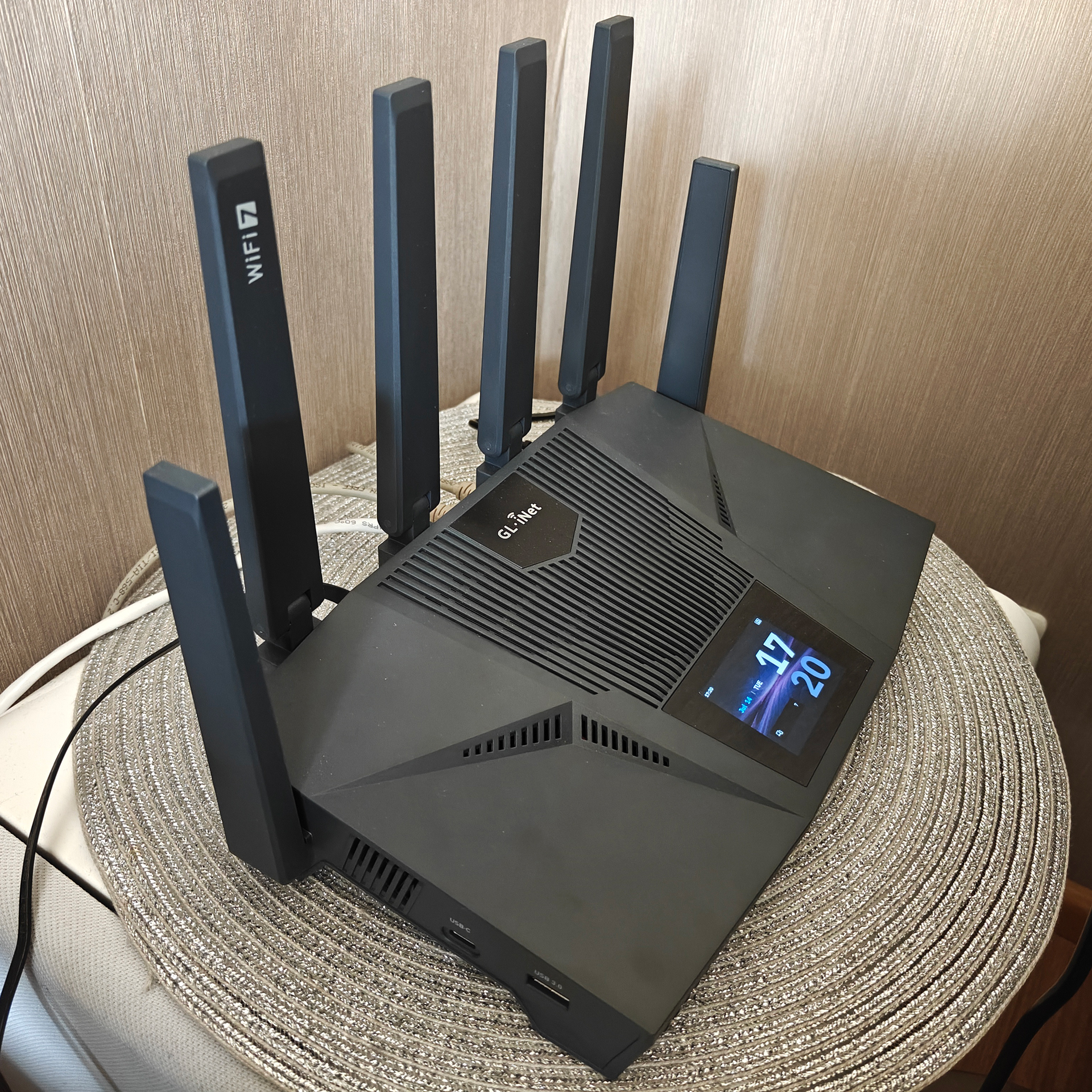
Performance was consistently fast and stable, with excellent Wi-Fi coverage and solid VPN throughput. The hardware feels premium and the software is easy to use, although the router can get a bit warm under load. Overall, it's a powerful router with great potential, and I'm looking forward to the official release and continued software improvements.
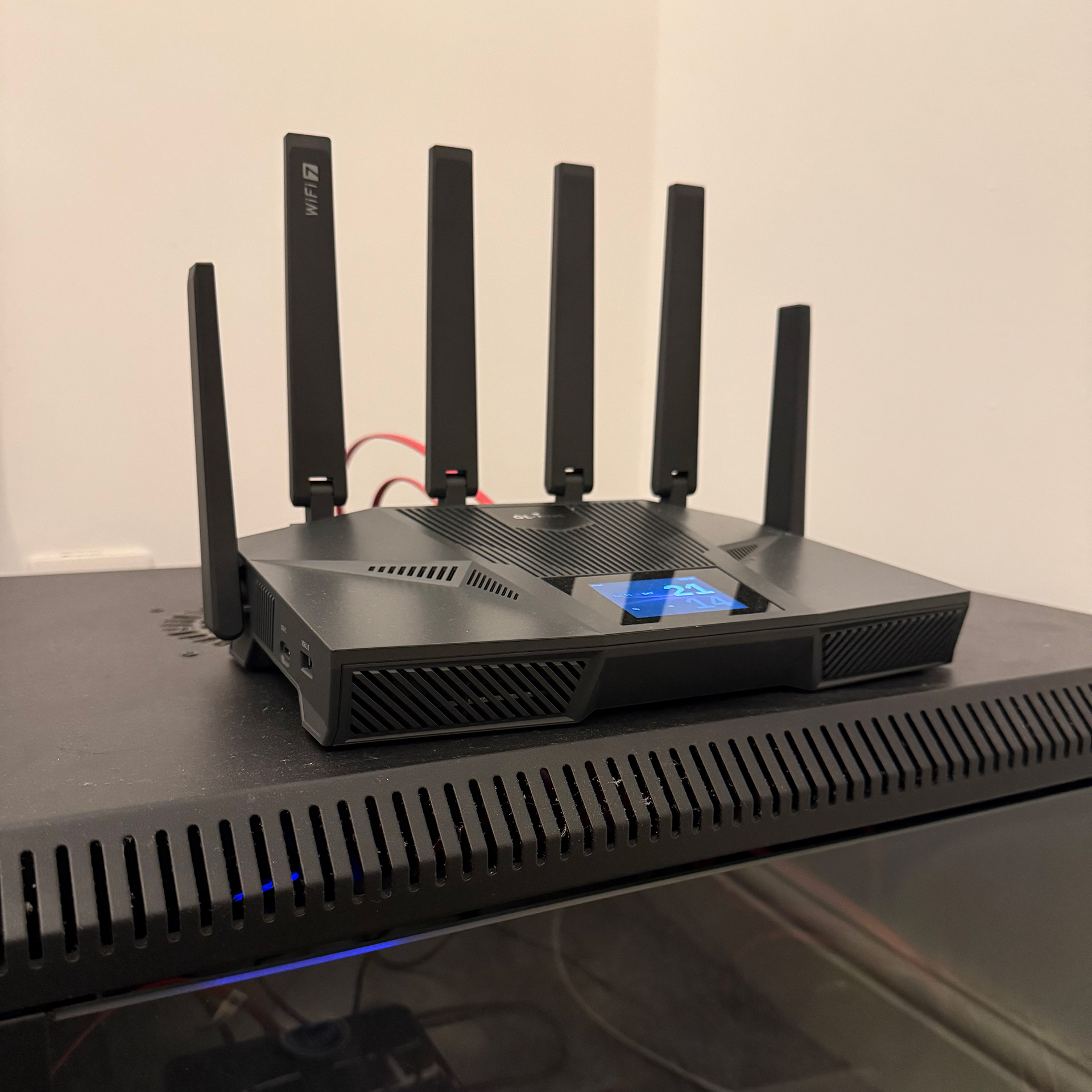
The Flint 4 is an absolute powerhouse, easy to set up and jam packed with features you’d expect in enterprise hardware. My Wi-Fi has never been so good!
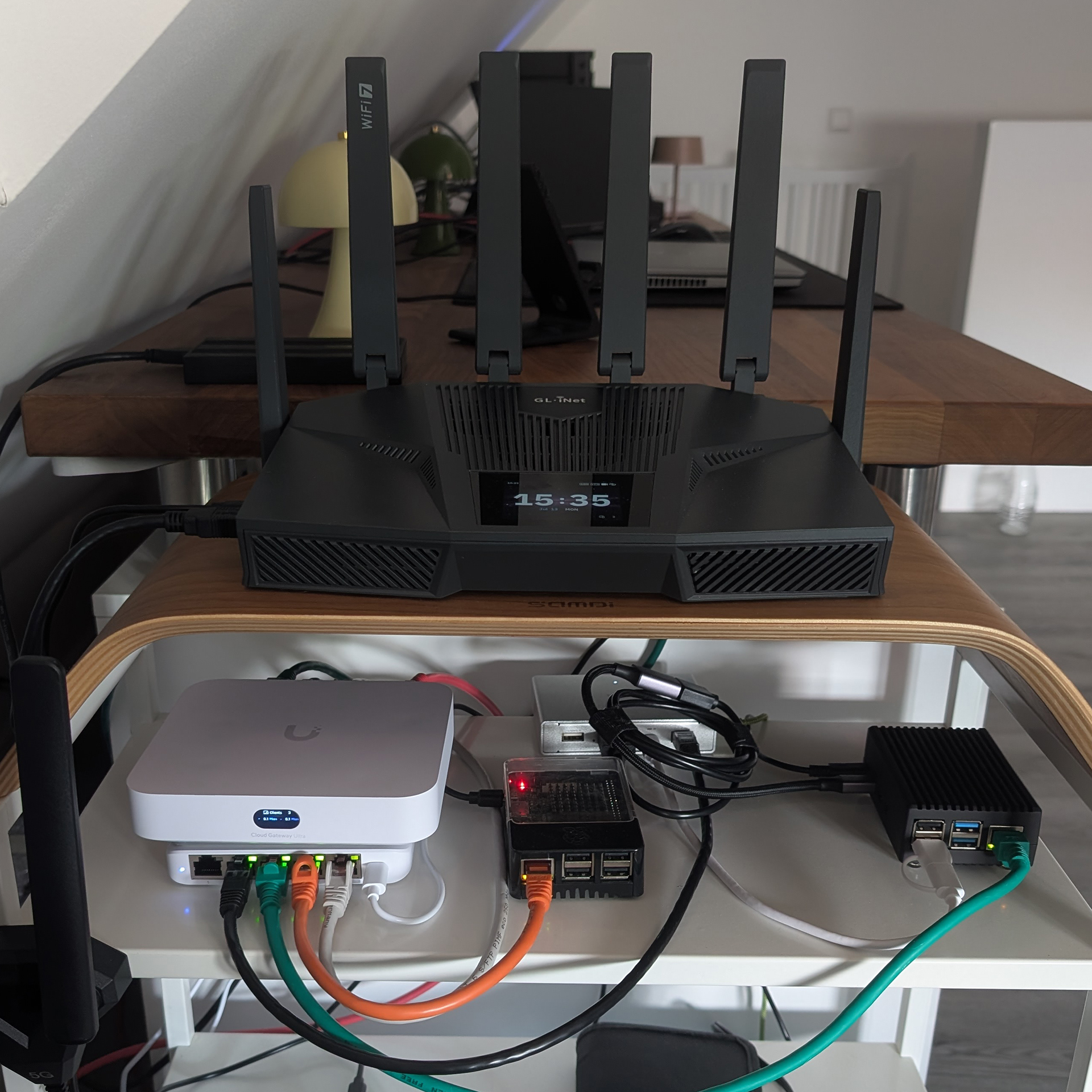
I have a very demanding environment, not only in terms of networking equipment, but also the physical structure of my house. The Flint 4 was piggy backing off of my 10Gig home network and was the forefront of my homelab test environment. The Flint 4 was physically located at the top level of a 3 storey house and was still able to produce a strong wifi signal that allowed me to connect to even in the ground floor.
MediaTek, Quad-core @1.8 GHz
Qualcomm, Quad-core @1.5 GHz
MediaTek, Quad-core @2.0 GHz
DDR4 2GB / eMMC 64 GB
DDR4 1 GB / eMMC 8 GB
DDR4 1 GB / eMMC 8 GB
Up to 3,100 sq ft
Up to 2,000 sq ft
Up to 1,500 sq ft
Max. 688 Mbps (2.4 GHz) + 4,323 Mbps (5 GHz) + 8,646 Mbps (6 GHz)
Max. 688 Mbps (2.4 GHz) + 2,882 Mbps (5 GHz) + 5,765 Mbps (6 GHz)
Max. 1148 Mbps (2.4 GHz) + 4,804 Mbps (5 GHz)
Max. 1500 Mbps
Max. 680 Mbps
Max. 900 Mbps
Max. 1500 Mbps (with DCO support)
Max. 680 Mbps (with DCO support)
Max. 880 Mbps (with DCO support)
1 x 10G WAN/LAN Ethernet Port
1 x 10G SFP+ WAN/LAN Port
1 x 2.5G WAN/LAN Ethernet Port
3 x 2.5G LAN Ethernet Ports
4 x 1G LAN Ethernet Ports
1 x 2.5G WAN Ethernet Port
1 x 2.5G WAN/LAN Ethernet Port
3 x 2.5G LAN Ethernet Ports
1 x 2.5G WAN Ethernet Port
1 x 2.5G WAN/LAN Ethernet Port
4 x LAN Ethernet Ports
Up to 250 concurrent devices
Up to 124 concurrent devices
Up to 86 concurrent devices





| Interface |
1 x 10G WAN/LAN Ethernet Port 1 x 10G SFP+ WAN/LAN Port 1 x 2.5G WAN/LAN Ethernet Port 3 x 2.5G LAN Ethernet Ports 4 x 1G LAN Ethernet Ports 1 x USB 3.0 Port (Type-A) 1 x USB 3.0 Port (Type-C) 1 x Reset Button 1 x Power Button |
| CPU | MediaTek Quad-Core Cortex-A73 @ 1.8GHz |
| Memory / Storage | DDR4 2 GB / eMMC 64 GB |
| Protocol | IEEE 802.11a/b/g/n/ac/ax/be |
| Wi-Fi Speed | 688 Mbps (2.4 GHz), 4323 Mbps (5 GHz), 8646 Mbps (6 GHz) |
| Ethernet Speed | 10/100/1000/2500/10000 Mbps |
| Antennas | 6 x Foldable External Wi-Fi Antennas |
| Power Input | 12V/4A |
| Power Consumption |
Without USB Load: <25W With USB Load: <45W |
| Operating Temperature | 0 ~ 40°C (32 ~ 104°F) |
| Storage Temperature | -20 ~ 70°C (-4 ~ 158°F) |
| Dimension / Weight | 293 x 172 x 76mm / 1166g |
Visit the User Guide page and choose the product model and specification required for setup from the options on the left-hand side of the page.
Navigate to the OpenVPN Client Configuration section, where you can follow the provided guide to effortlessly unlock NordVPN and OpenVPN settings, ensuring seamless VPN functionality.
Visit the WireGuard VPN Client page and refer to the guide to effortlessly configure settings for AzireVPN, Mullvad, and other WireGuard client features.
Repeater Mode Basic Setup Guide
Proceed to the Tutorials section and refer to the guide to effortlessly complete the setup of your WireGuard Home Server.
Visit the FAQ page and search for the "Can't access the web Admin Panel" section to find the specific reasons and solutions for this issue.
Overall rating: 4.819672 / 5 from 61 reviews.
The Flint 4 (GL-BE14000) Tri-band Wi-Fi 7 Home Router offers excellent performance and ease of setup, praised for its speed, features, and WiFi coverage. It provides strong, reliable wireless coverage and connects over 250 devices smoothly. The router also offers a high-speed VPN, a 2.4-inch touchscreen for real-time network status monitoring, and 64GB of onboard Flash storage.
Review topics: ["package","setup","support","price","features","interface","connection","works","performance","hardware","speed","router","software","service","wifi","firmware","design","screen","power","settings","management","signal","home","coverage","range","configuration","device","network","app","touch"].
"Strong hardware and software which make this the near perfect router. I live in a double storey and i have always needed a repeater on the ground floor but now with flint 4 zero blindspot and strong performance throughout! On top of that their customer service is always attentive. Special shout out to Ms. Zoey for my hassle free RMA experience."
"I am very happy with this router. The setup was quick and easy, and the Wi-Fi signal is strong and stable throughout the whole house. The internet speed is excellent and I haven't had any disconnections so far. Highly recommend it, it is a quality product that is worth the money."
"Was previously using tplink hb710 wifi 7 mesh router and found that at certain area I could not get wifi on my iphone. With this router, the wifi coverage area is so good that I never drop wifi connection. Recommended!"
"This is exactly what I've searched for a while: ✔ Good amount of ethernet ports to combine all my wired connections (1x 10G copper port for my NAS, SFP slot for flexibility with future high-speed Internet, 2.5/1G ethernet ports for LAN). ✔ Wi-Fi 7 support (Wi-Fi alliance certified chipset) ✔ Very good thermal management - silence in my room without any overheat ✔ Full compatibility with OpenWrt, including hardware offload and acceleration. ✔ Good support from manufacturer: even if you are not experienced with OpenWrt with interface from Gl-Inet you will be able to configure this router in minutes. I paid a bit high price for it, but I consider it as a ''thank you" to development team. I'm using it about a month and it's awesome. I hope, manufacturer will keep up a good development pace for the flagship device enabling more flexibility in interface and with native OpenWrt 25 support, hardware acceleration improvements and so on. Definitely recommended to purchase."
"Flint 4 is an impressive home router! I really like how handy the graphical interface is for quick setup and everyday adjustments without having to go through a web configuration page. It’s easy to connect and feels almost plug-and-play. The unique design, compact size, simple interface and powerful features make it a great all-in-one router for a modern home. Simple, convenient and feature-packed, exactly what a home router should be."
"Having recently upgraded from the Flint 2 to the GL. iNet Flint 4 (GL-BE14000), the leap in both Wi-Fi coverage and overall network performance is immediately noticeable. While the previous generation was a solid workhorse, this new Tri-band Wi-Fi 7 router redefines what a home network hub can handle, making it an absolute powerhouse for any demanding homelab or advanced smart home setup."
"Congratulations GL. iNet! The Flint 4 router has to be one of the easiest routers I’ve ever setup, not just the initial connection, but advanced features such as VLANs, VPNs, and AdGuard are so easy to configure. And as for the performance? Well, it’s covering all of my solid brick house and garden where I previously needed a mesh network and 3 mesh devices that went with it."
"Any users wanting to i) have a more secure and better networking setup, and strong Wifi connections at home, and ii) implement it with ease, Gl. iNet Flint 4 is the one to have. Here is why. On the hardware side: - SFP+ (optical fiber connection), 2.5Gb ports and 1Gb ports allowing flexibility (especially on WAN port selection) and ease of management, from a central logistics point. - My first glance at Flint 4's screen was tilted towards cosmetics. But after a few weeks, my skepticism was no more. Here is one helpful feature among many others: I know when to release the reset button, instead of guessing the lapse time needed. :-) - Wifi signals (router affixed to ceiling of top floor) reach the bottom floor (2 storey house) with ease; With more than sufficient bandwidth due to MLO mode. On the software: - I come from DD-WRT platform with familiarity of configuring VLAN, Firewalls, VPN Server (OpenVPN & WireGuard) using a mixture of GUI settings and CLI commands. But I have to say, Flint 4 (running at least V4.9.2 and later) simplifies the configuration of these advanced settings to ... a click here & a click there. I'd take my hat off to the GL. iNet team when it's known that VLAN settings are unique in each router model because of internal switch layout different in each model, rendering the traditional CLI convoluted on DD-WRT routers at times. So thank you. I have not implemented all available features of Flint 4 such as QoS. But I understand that changes in V4.10. x, QoS will be able to be applied to specific hosts via IP address. Instead of only class of services at this time. In sum, GL. iNet Flint 4 redefines what the standard features of an advanced Home and/or Home Office Wifi router should be. I suspect that Flint 4 will be the Wifi router for other manufacturers to race against it. I highly recommend it."
"Fantastic router. I previously used the Netgear R7800 with OpenWrt because the original firmware lacked features. The Flint 4 has such a comprehensive system that installing anything else makes no sense. It's fast, very stable, and I've never once managed to get it hot enough to activate the built-in fan. It's a bit pricey, but it's definitely worth the price."
"I owned an Asus BE router setup with 1 other router in a mesh environment but was never happy with the setup. I got the Flint 4 and wow... I replaced the mesh setup with just this router. Range is amazing and running for a week without any issues. Setting up was a bit of a learning curve (when you only used Asus before). I have also setup a 5G modem tethering on USB and (again wow), failover is instant (in comparison to the Asus router). To use some parental apps or specific monitoring you need to disable hardware acceleration; I haven't done that yet as I'm not exactly sure what the impact will be. I highly recommend this and selling my Asus routers."
Fast delivery
2 points for every $1 spent
Reliable product coverage
Fast and easy refunds
{"one"=>"Select 2 or 3 items to compare", "other"=>"{{ count }} of 3 items selected"}