


GL.iNet Mesh
Whole Home Wi-Fi Coverage
GL.iNet Mesh is the go-to Wi-Fi solution for delivering fast and stable Wi-Fi to every room in your house. With GL.iNet's powerful routers, Mesh covers dead spots and maintains high speeds without requiring a complicated setup.
Discover supported models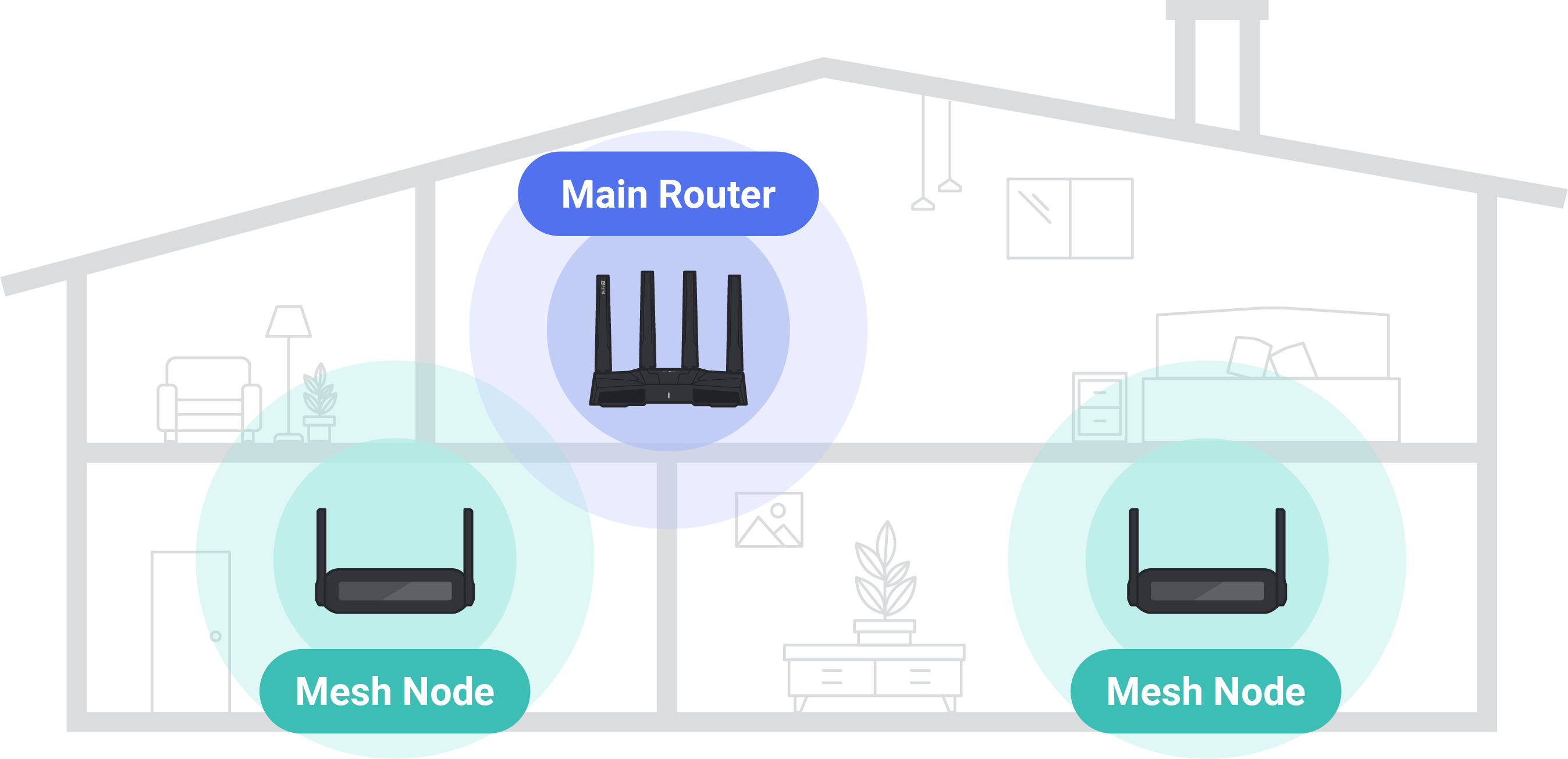
Achieve greater coverage with mesh
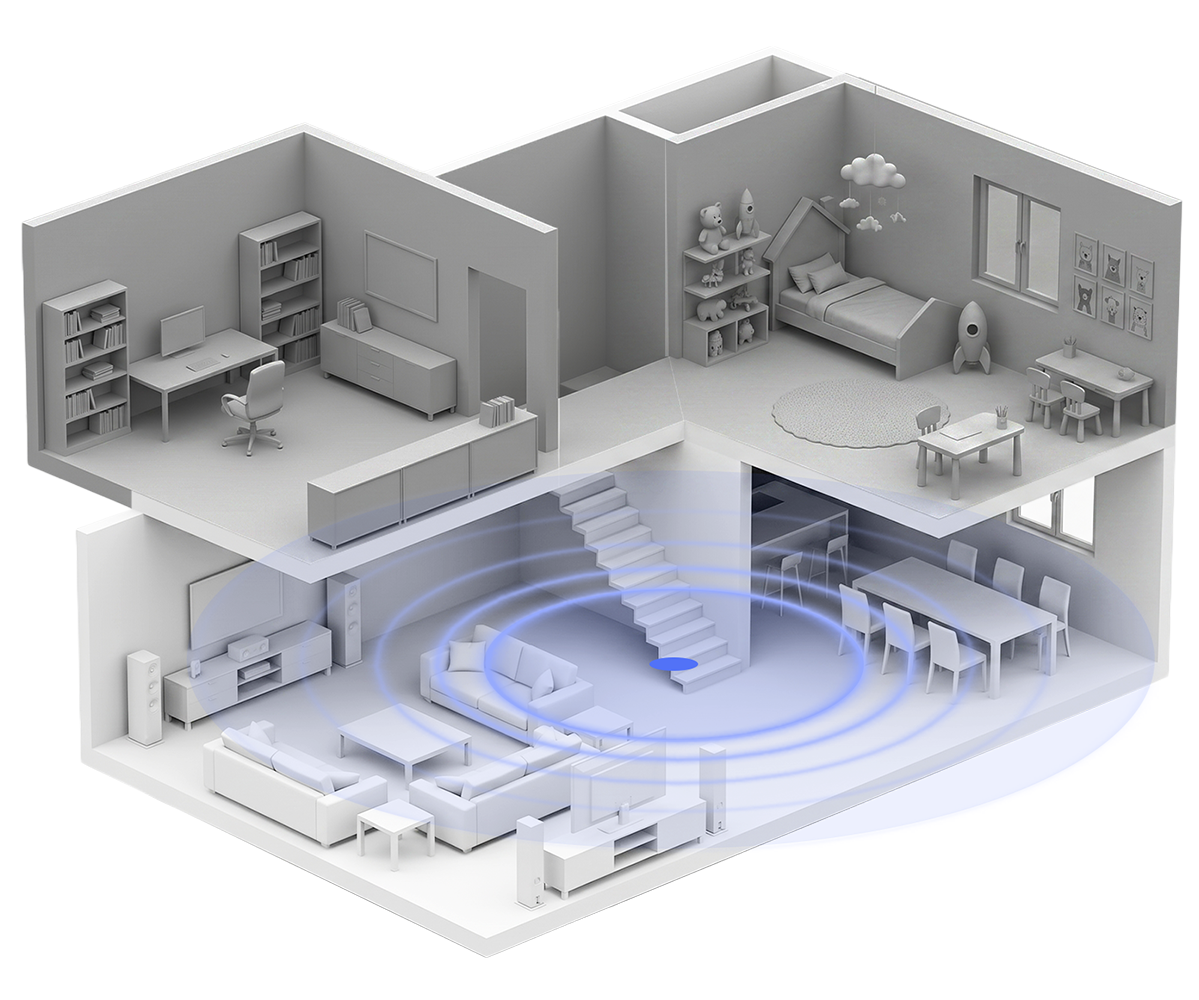
Standard single router
A typical router has limited Wi-Fi coverage. Your connection becomes spotty the farther you are.
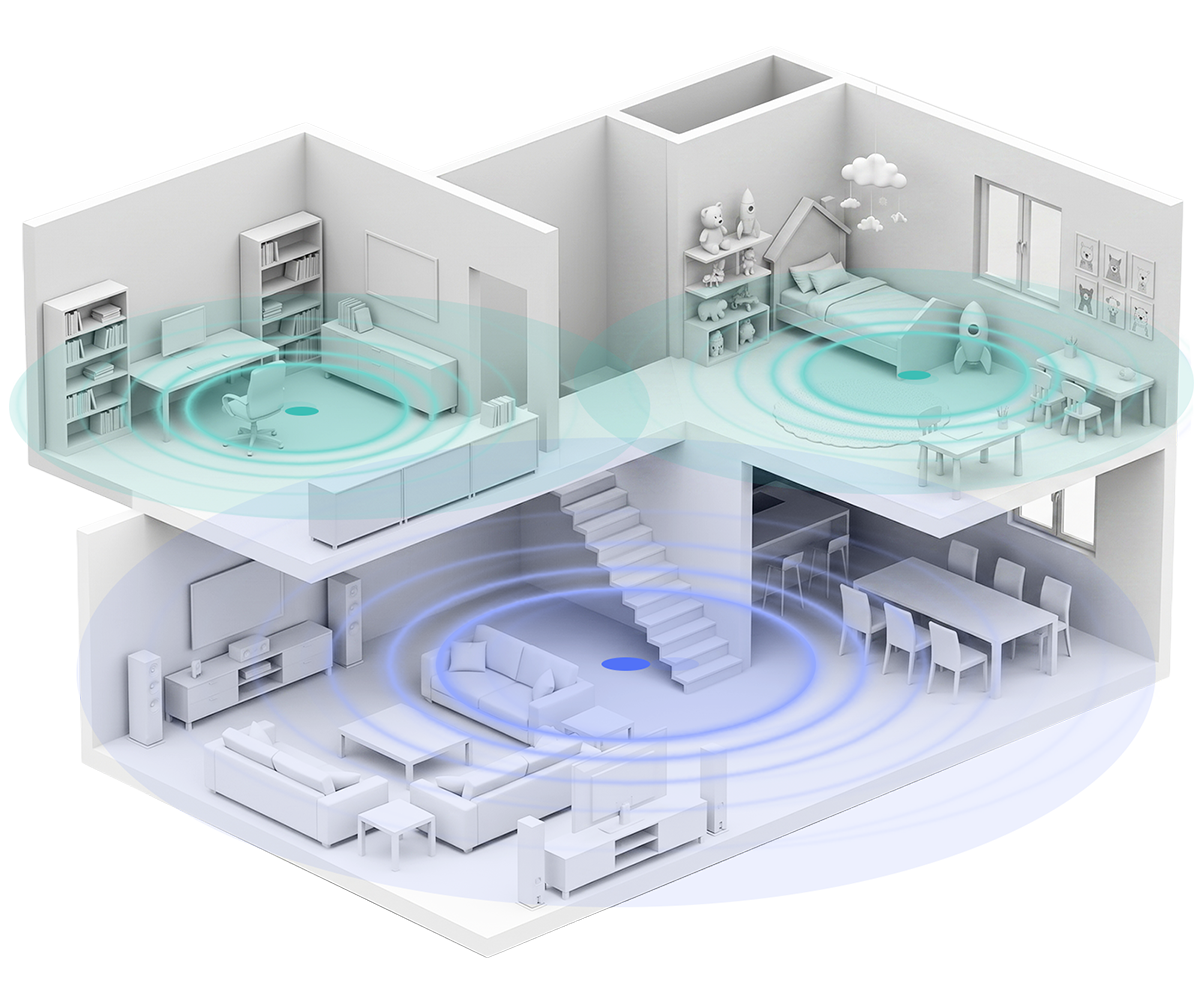
Mesh routers
By combining multiple GL.iNet routers, you form a scalable network, providing reliable connection throughout your entire home.
Chooses the strongest Wi-Fi signal for you
When in a mesh network, your device automatically switches to the best Wi-Fi signal source, so you can enjoy fast and constant connection as you move through the house.
Easy network management
Easily manage routers in your mesh network through the GL.iNet Admin Panel. You can view connection status and connected client traffic with a few clicks.
Find the right combo for your home


*Coverage and speed estimates assume centrally placed nodes and Ethernet backhaul. Actual coverage varies with layout, floors, walls, building materials, interference, and wireless backhaul conditions.
Supported Models
Mesh support will be gradually rolled out. Some models do not support mesh due to hardware restrictions. For more information, visit our mesh documentation.
*Updated as of November 19, 2026.
| Models | Firmware Status |
|---|---|
| Flint 3 (GL-BE9300) | Stable |
| Velica 7 Mesh System | Stable |
| Flint 2 (GL-MT6000) | Stable |
| Slate 7 (GL-BE3600) | Stable |
| Beryl AX (GL-MT3000) | Stable |
| Flint 4 (GL-BE14000) | Beta |
| Slate 7 Pro (GL-BE10000) | Beta |
| Spitz AX (GL-X3000) | Beta |
| Puli AX (GL-XE3000) | Beta |
| Beryl 7 (GL-MT3600BE) | Beta |
Frequently Asked Questions
Yes, you can.
GL.iNet Mesh supports up to eight Mesh Nodes.
No, there can only be one Main Router for every Mesh network.
Yes, it is supported.
We recommend a maximum of three hops. Adding more hops may result in increased latency and reduced performance.