


Flint 3 (GL-BE9300) - Tri-band Wi-Fi 7 Home Router

Tutorials and Reviews
-
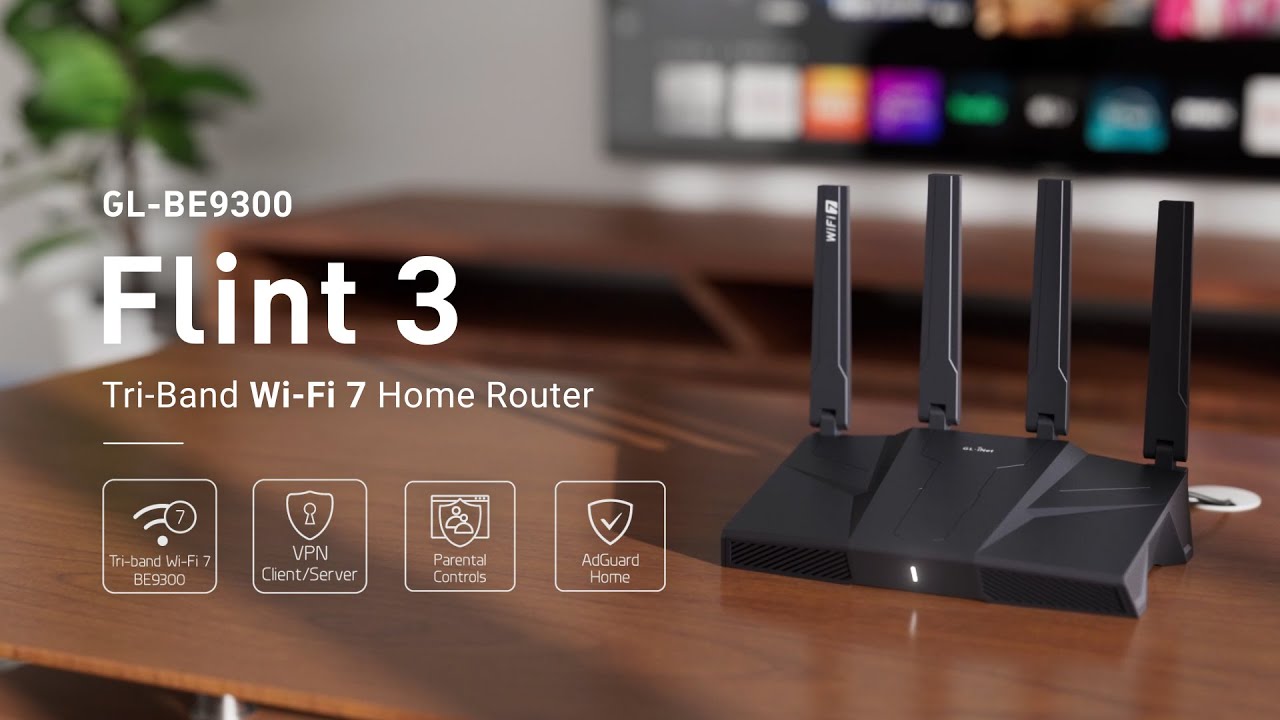
Experience the Power of Wi-Fi 7 with Flint 3 (GL-BE9300) | Tri-band Wi-Fi 7 Home Router
-
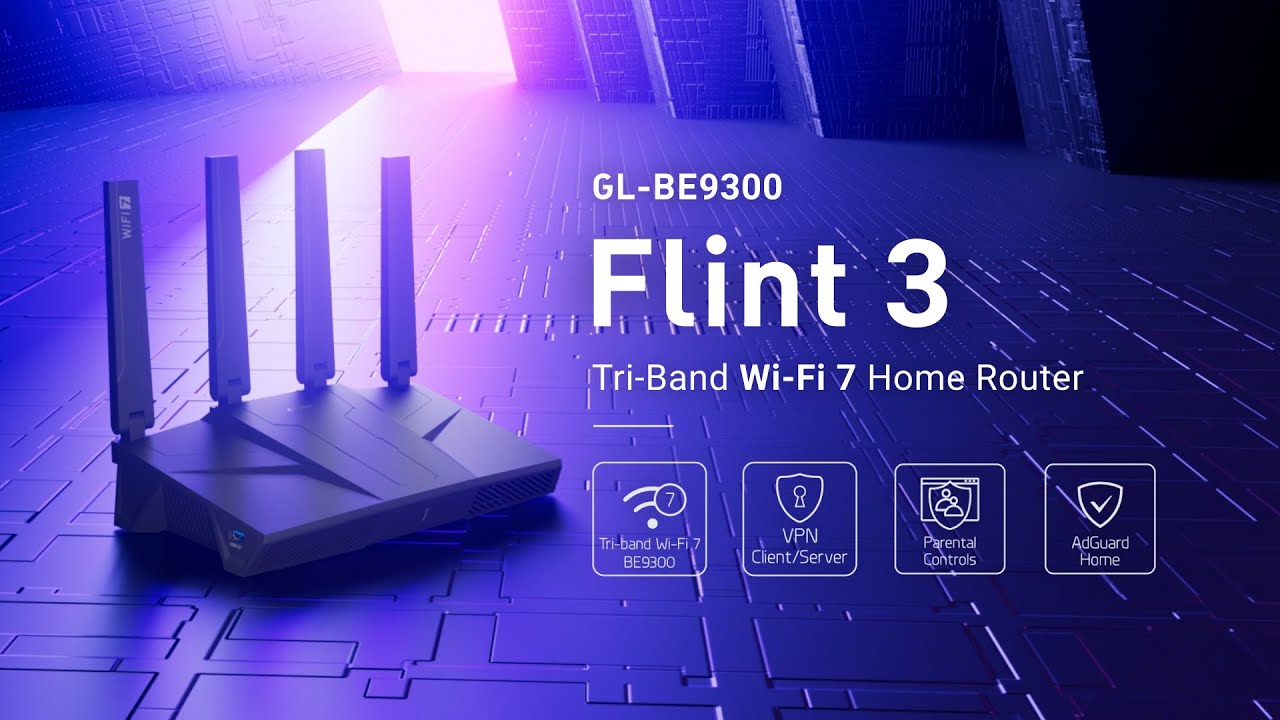
Flint 3 (GL-BE9300) | GL.iNet's First Tri-Band Wi-Fi 7 Home Router!
-
✨ Big News Coming Soon: Flint 3 (GL-BE9300)!
-
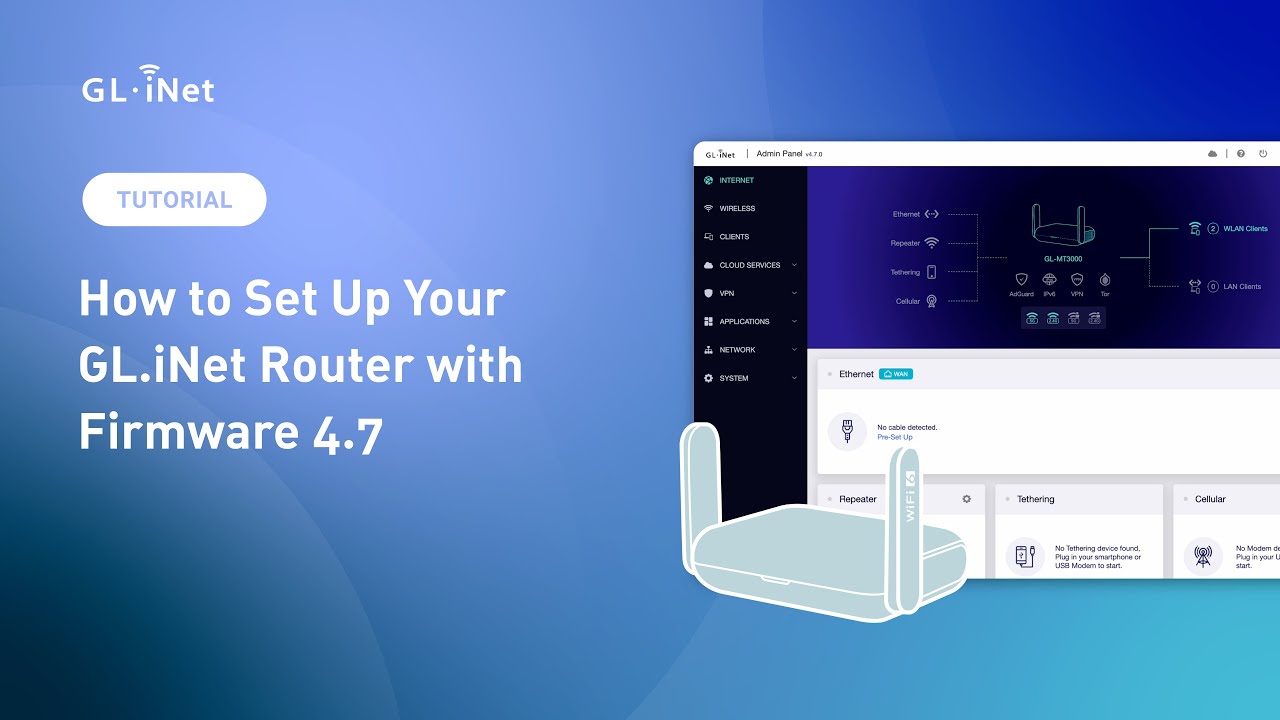
How to set up your GL.iNet routers for the first time (For firmware version 4.7 or above)
-

GL.iNet Firmware v4.7: Upgrade Your Router for Faster, Smarter, Secure Connections
-
How to Set Up an OpenVPN Client on a GL.iNet Router
-
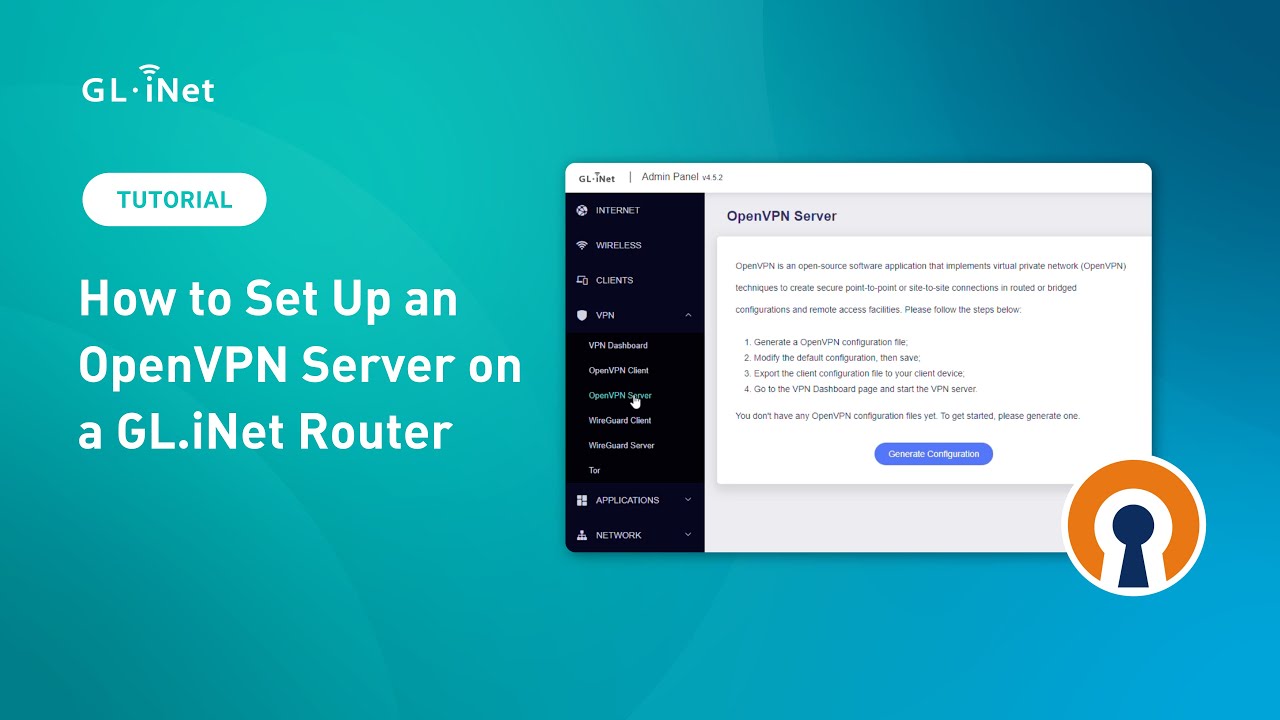
How to Set Up an OpenVPN Server on a GL.iNet Router
-
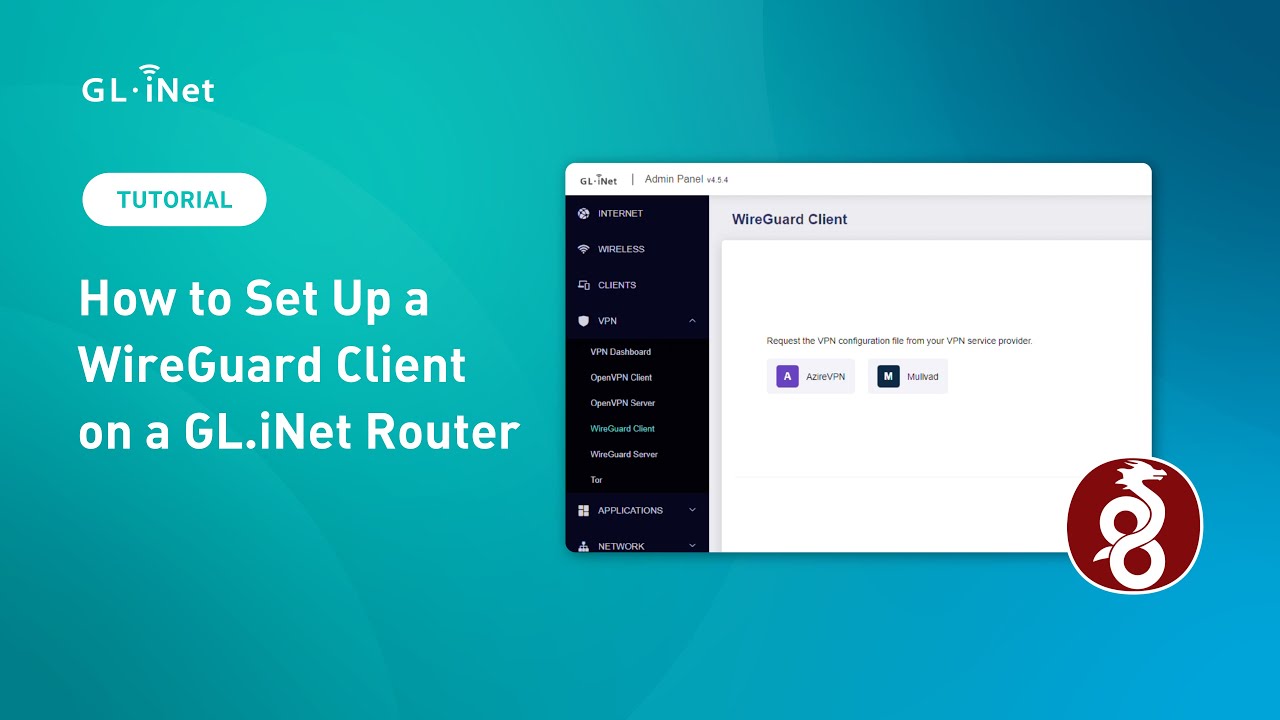
How to Set Up a WireGuard Client on a GL.iNet Router
-
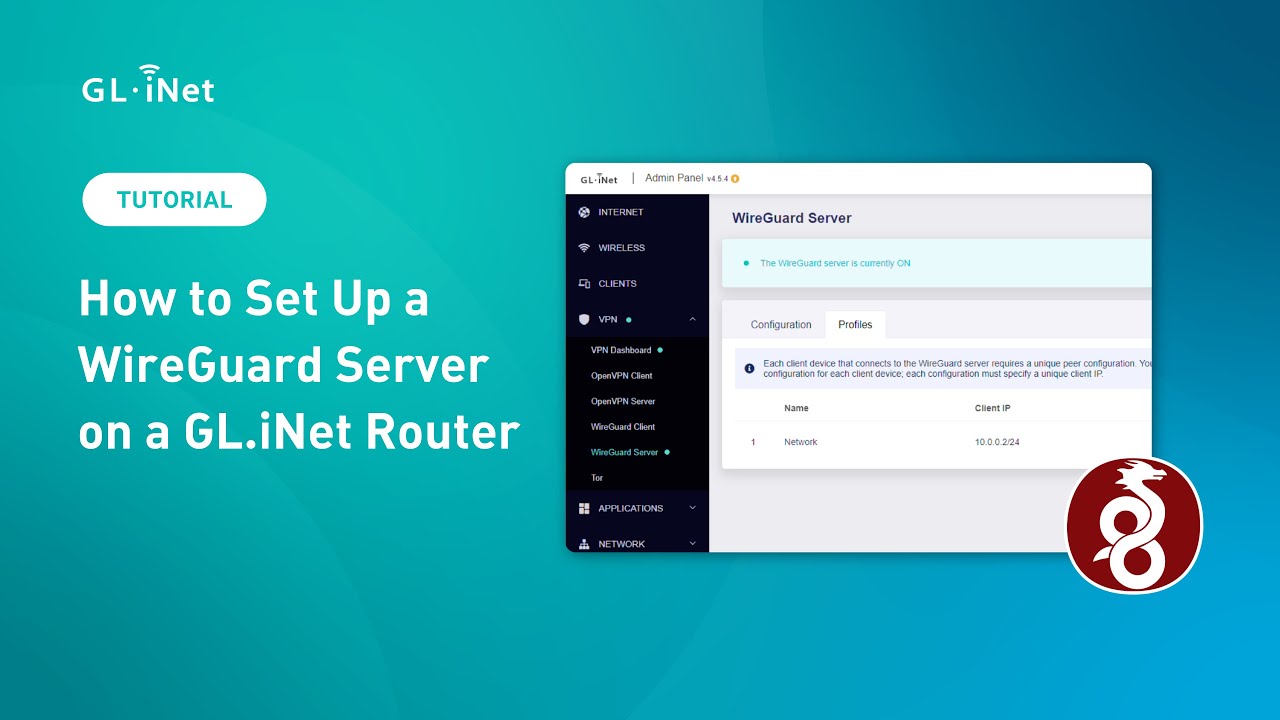
How to Set Up a WireGuard Server on a GL.iNet Router
-

How to Set Up GL.iNet Routers Running SDK 4.5 or Above for the First Time
-
Introducing the Multi-WAN feature of GL.iNet Routers
-

The RTX 5090 loses to a ROUTER!
Support
How to set up an OpenVPN client
How to set up an OpenVPN server
How to set up a WireGuard client
How to set up a WireGuard server
How to set up Site to Site on GoodCloud
Build your own WireGuard home server with two GL.iNet routers
How to connect to the dedicated IP by NordVPN
How to connect to the dedicated IP by Surfshark
How to get configuration files from WireGuard service providers
How to Configure Domain and IP Filtering Rules for GL.iNet Routers via an Online Text File
Can't find what you're looking for?
Remote Access Anywhere: Upgrade with Our Travel Router!
Stay connected to your home server no matter where your travels take you! With our powerful travel router, you can easily access your files, media, and smart devices while on business trips or vacations. Designed for seamless remote connectivity, it ensures a secure and reliable link to your home network. Upgrade your router setup today and experience the freedom of managing your home server from anywhere in the world!

Featured Blogs


More Special Offers



Contact Us
Click on the icons below to contact us!