Skip to content
Use Case . Remote Medical Training

Remote Medical Equipment Maintenance with GL.iNet Remote KVM

The customer is a European manufacturer of specialized medical training equipment. The company provides training institutions around the world with complete training systems with dedicated hardware and software.

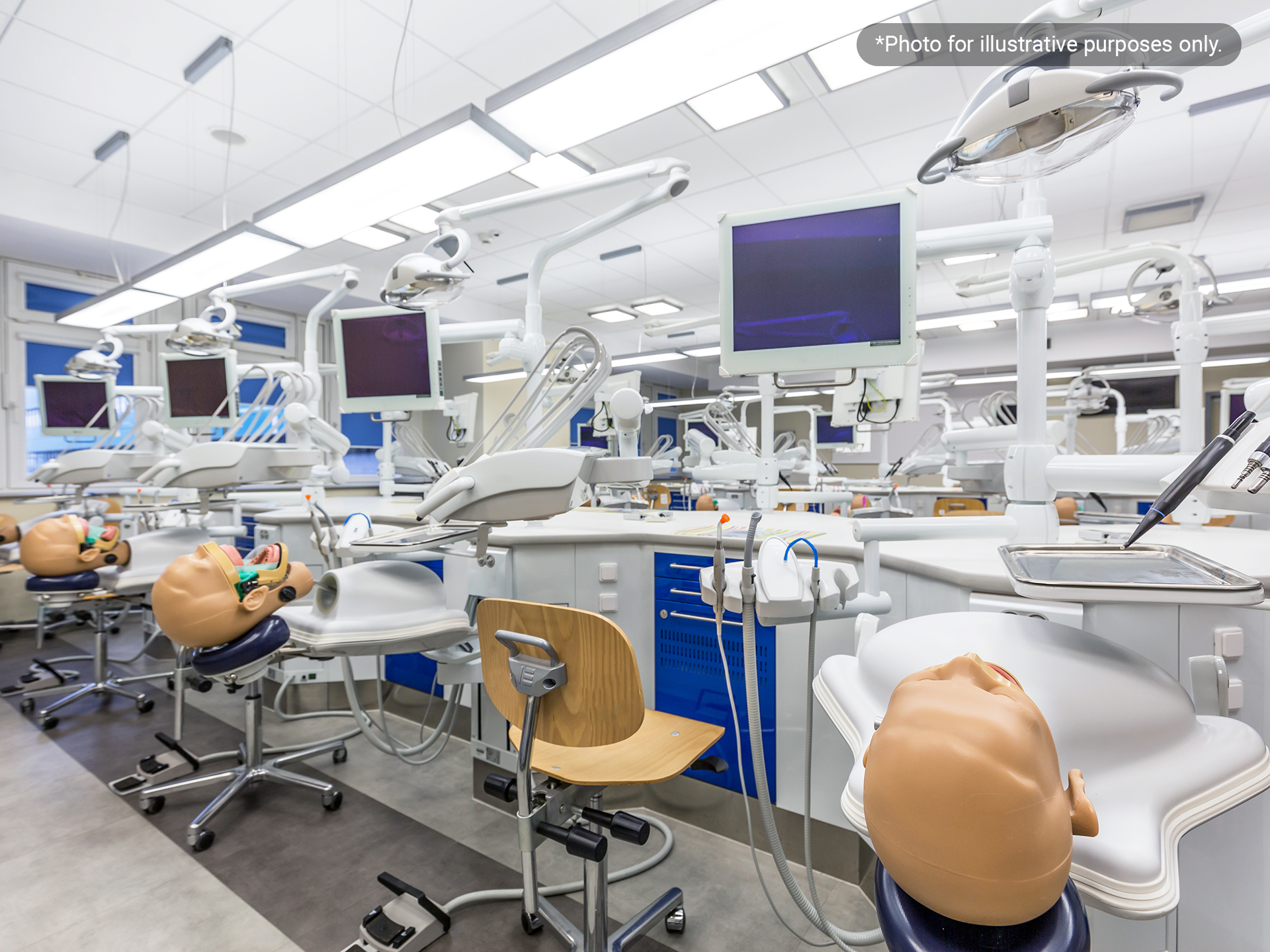
Its flagship product is a training simulator used to practice specific medical procedures. Each simulator includes multiple compute modules, with a Linux-based industrial PC serving as one of the core control units. The device also includes an integrated display that shows real-time operating status.

The manufacturer also provides periodic maintenance visits and on-site field service. However, its main engineering team is based at the European headquarters, while the simulators are installed in training institutions worldwide. This made the service model inherently difficult to scale across regions and continents.

Remote Medical Training

Challenges & Solutions

Challenge 01

On-site users could not perform technical recovery

The simulators are deployed in laboratory environments where the on-site personnel are typically lab assistants, not IT specialists. When the industrial PC experienced a system-level fault, local staff had neither the tools nor the technical experience to intervene.

Every system-level incident created the need for an on-site service visit by the engineering team from Europe. During the entire incident and travel cycle, the equipment remained unavailable.

Solution 01

Engineers establish remote recovery session within minutes

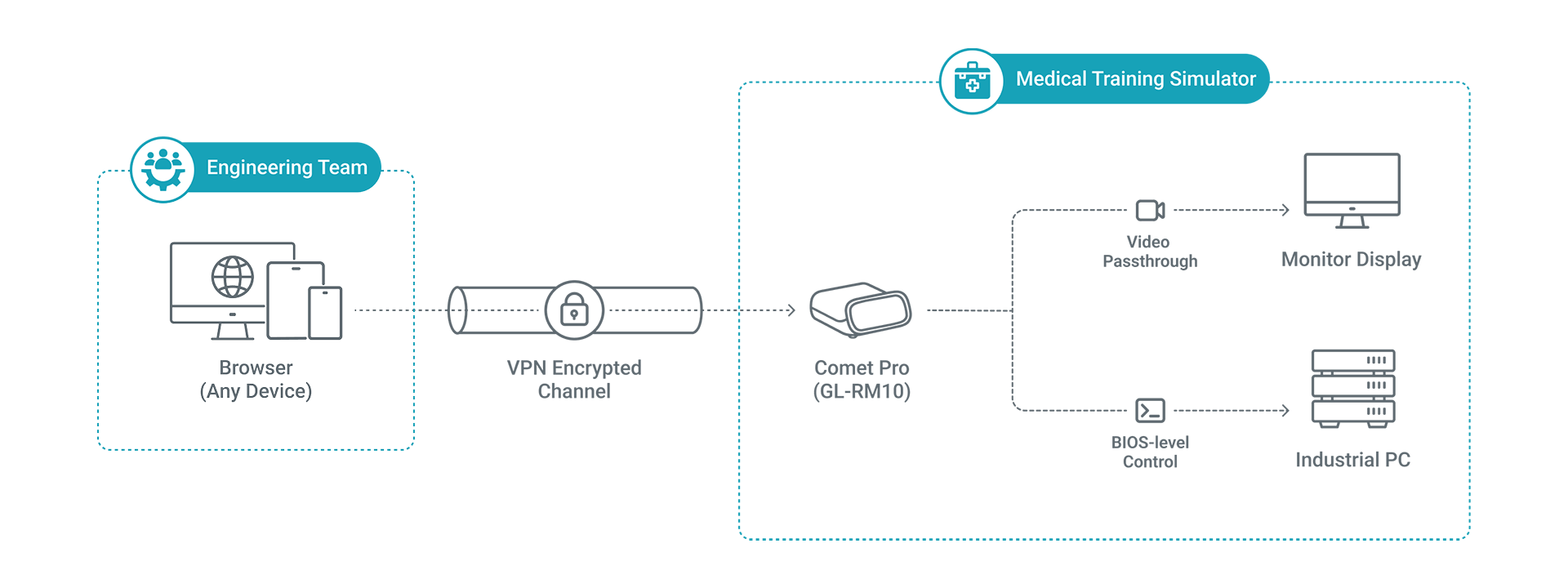
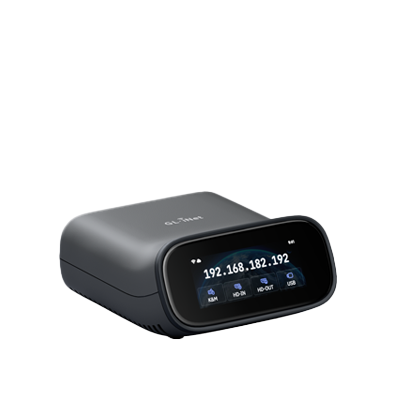
With Comet Pro (GL-RM10) integrated into the system, on-site personnel only need to report the fault to the manufacturer's engineering team. Headquarters engineers can establish a remote session within minutes and complete the full recovery process remotely.
Challenge 02

Video path between the simulator's PC and display cannot be disrupted

The simulator’s video signal comes from the industrial PC. A remote KVM with only a video input source can intercept that signal without sending it onward to the monitor, leaving the simulator display unusable.

Solution 02

Video passthrough keeps the local display running

Comet Pro’s video passthrough allows the video signal to enter the remote KVM while still forwarding it to the simulator’s monitor, so the local display continues working normally.

Challenge 03

Software remote-access tools could not reach hardware-layer failures

The on-site server already had software-based remote-access tools for routine operations and maintenance. However, these tools depend on a running operating system and an active network stack.

BIOS errors and boot failures occur before the operating system loads, which makes software-based tools unusable in these scenarios.

Solution 03

Hardware-level access below the operating system

Comet Pro captures HDMI output from the moment the industrial PC is powered on, before BIOS initialization, through POST, and all the way to operating system startup.

This allows engineers to resolve BIOS misconfigurations, OS crashes, and similar incidents remotely without depending on the target network stack or installed software.

Topology

Comet Pro is integrated into the device by sitting in the HDMI signal path between the industrial PC and the equipment display. It connects to the PC by USB for keyboard and mouse control, and by wired Ethernet to the laboratory's on-site router. Engineers at the European headquarters establish remote access through the institution's network or VPN.

Results

Incidents that previously required tens of hours of one-way travel can now be handled through a remote session that starts within minutes of the fault report. Engineers at the European headquarters can perform BIOS recovery, operating system reinstallation, and parameter configuration without leaving the office.

Scenario
Before Comet Pro
After Comet Pro
BIOS failure at an Asia-Pacific site
BIOS failure at an Asia-Pacific site More than 20 hours of one-way travel;
4-5 days to resolution
BIOS failure at an Asia-Pacific site Issue resolved within about 10 minutes;
service restored quickly
Operating system crash or boot failure
Operating system crash or boot failure Required an on-site service visit
Operating system crash or boot failure Resolved remotely
Training interruption
Training interruption Multi-day downtime per incident
Training interruption Minimal impact on training time

Compare products

{"one"=>"Select 2 or 3 items to compare", "other"=>"{{ count }} of 3 items selected"}

Select first item to compare

Select second item to compare

Select third item to compare

Compare