Skip to content
Use Case . Remote AV Management

Remote AV Management for a Global Luxury Lodge

Our customer is a luxury lodge operator managing approximately 50 high-end properties across the United States, the United Kingdom, France, the Netherlands, New Zealand, and other international locations.

Properties in Europe added 5 to 10 satellite TV systems on top. The operation functions as a systems integration, managing distributed AV and IT infrastructure across a global portfolio where any service disruption has direct consequences for guest satisfaction and brand reputation.

Apple TV devices require recurring manual interventions: re-pairing after OS updates, iCloud account resets between guest stays, and AV configuration corrections caused by guest actions. These events occur at a rate of approximately two to three per week across the portfolio, roughly 12 maintenance events per month. Before adopting the GL-RM10, every one of these required either training non-technical property staff or dispatching a technician on-site.

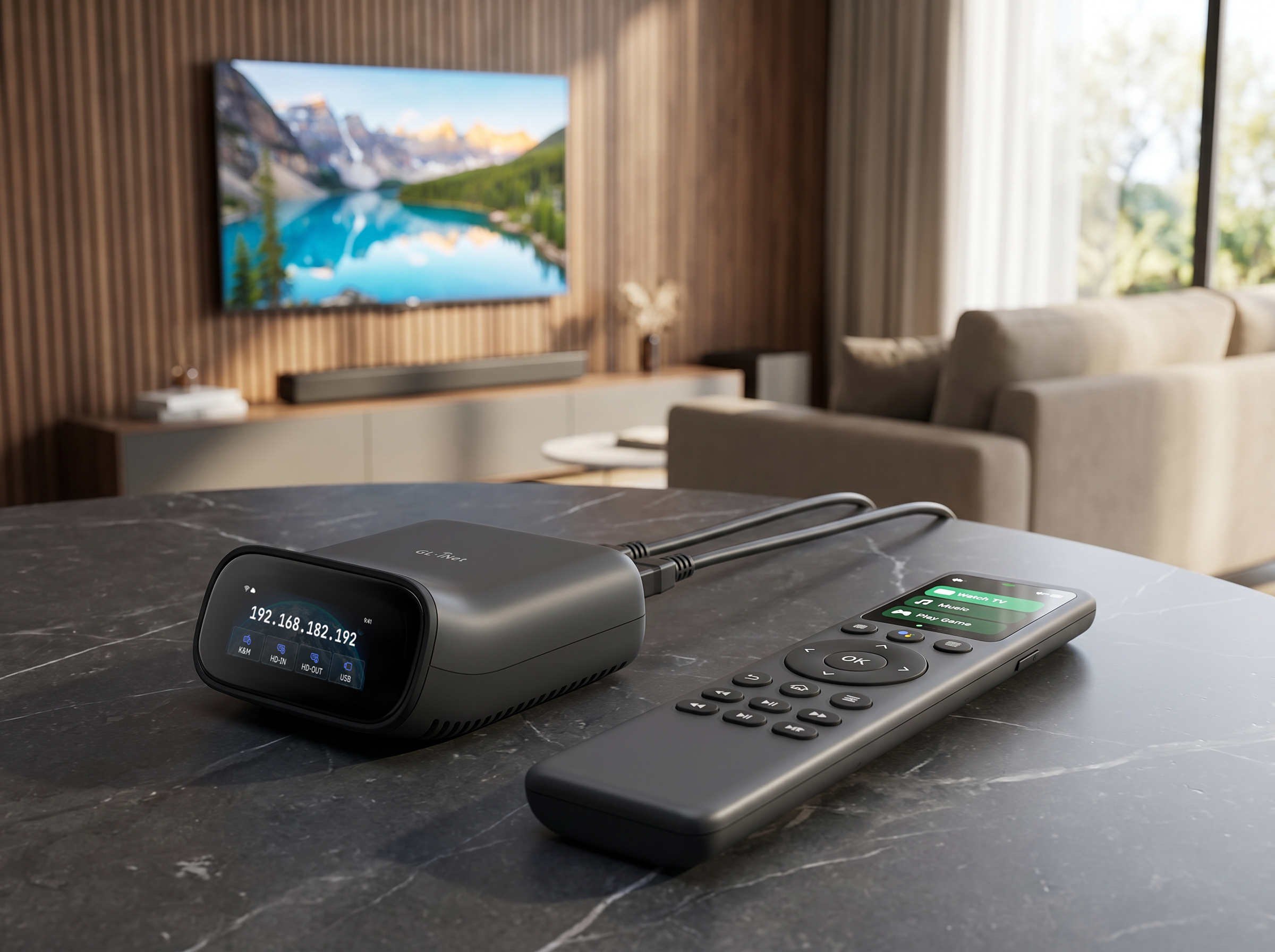
GL-RM10 simplies remote av management

Challenges & Solutions

Challenge 01

Dependence on Non-Technical On-Site Staff

Without direct visual access to the Apple TV screen, the support team's only option was to call a property staff member and guide them verbally through re-pairing or account reset procedures. This interrupted staff carrying out other duties, introduced errors, and was not scalable across 24 properties in multiple time zones.

Solution 01

Centralized Remote Management Across a Global Portfolio

All 24 properties spanning North America, Europe, Iceland, South America, and Oceania are managed through the same browser-based interface. The remote team handles account management, device re-pairing, and AV configuration corrections without coordinating with local staff or scheduling on-site visits.

Challenge 02

High Cost and Latency of On-Site Dispatch

For properties in Iceland, Patagonia, New Zealand, and other remote locations, dispatching a technician is expensive and slow. Even for domestic properties, the cost of a physical visit for a routine AV configuration issue, such as a guest accidentally changing audio routing, was disproportionate to the task.

Solution 02

Low Cost, High Flexibility Relative to Alternatives

Competing approaches evaluated by the customer required significantly more complex hardware infrastructure. The device supports both centralized rack deployment and per-unit installation behind individual displays, allowing the architecture to adapt to different property types without changing the remote access workflow.

Challenge 03

Existing Remote Tools Could Not Provide Screen Access

Conventional remote access software requires software agents pre-installed on the managed device, and cannot provide reliable screen access on Apple TV hardware. The team needed a hardware-level solution that would give the operator a live view of the Apple TV interface, including pairing codes and configuration menus, without depending on software running on the device itself.

Solution 03

Hardware-level Control, Browser-Native Access

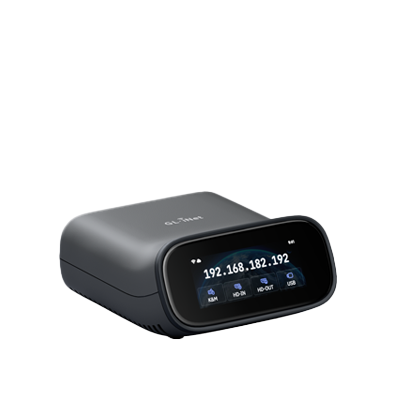
The GL-RM10 captures HDMI output and redirects USB keyboard and mouse signals at the hardware level, making the device's screen and controls available through a browser session. No agents, drivers, or proprietary remote desktop clients are required on either end. This means any authorized staff member can open a browser from any location and immediately take control of an Apple TV.

Topology

The GL-RM10 is deployed at each property site, connected between the Apple TV and TV screen, while connected to the internet through the LAN. The remote operations team accesses the device through a standard web browser over the internet, without needing client software, VPN client, and no additional configuration on the operator side.

Remote AV Management for a Global Luxury Lodge
Conventional Remote Tools
Comet Pro (GL-RM10)
Requires software agent on managed device
Hardware-level capture, no software on device
Cannot access Apple TV UI directly
Full keyboard, mouse, screen access
Requires client software on operator side
Any browser on any OS
Fails if device is unresponsive or misconfigured
Works regardless of software state on device

Results

Since deployment, AV maintenance events that previously required on-site presence or staff involvement have been resolved directly by the remote operations team. Account management at guest check-in and check-out, a recurring task across all properties, is now handled without interrupting property staff.

Real Incident Resolved Without On-Site Escalation

A VIP guest reported being unable to watch a live sports event during their stay. The support team logged into the property's Apple TV remotely via GL-RM10 and immediately identified the cause: a previous guest had paired Bluetooth headphones, rerouting the audio output. The team corrected the audio settings remotely, resolved the issue in minutes, and avoided any disruption to the guest experience or escalation to local staff.

Compare products

{"one"=>"Select 2 or 3 items to compare", "other"=>"{{ count }} of 3 items selected"}

Select first item to compare

Select second item to compare

Select third item to compare

Compare