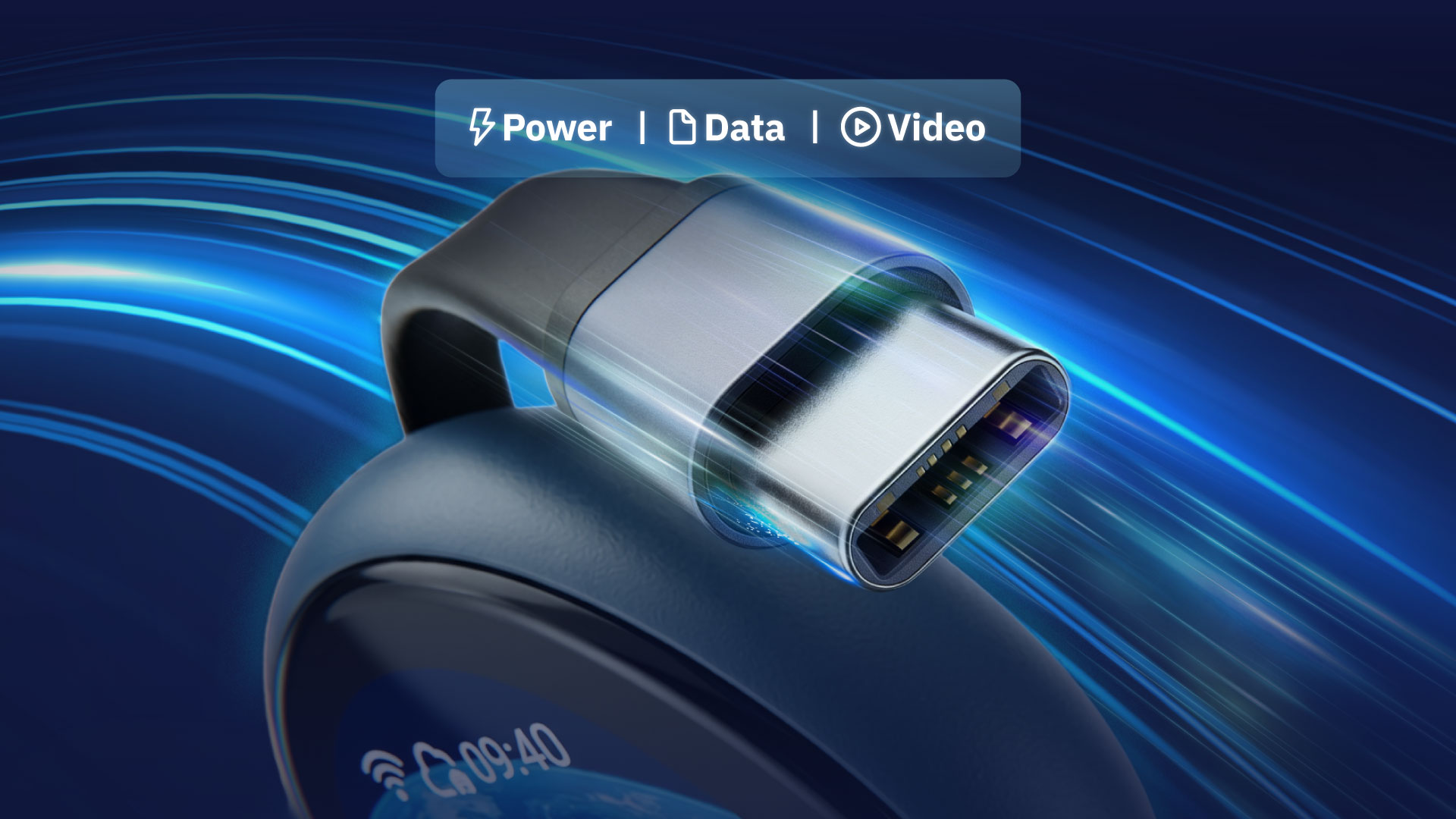
1本のケーブルですべてを実現
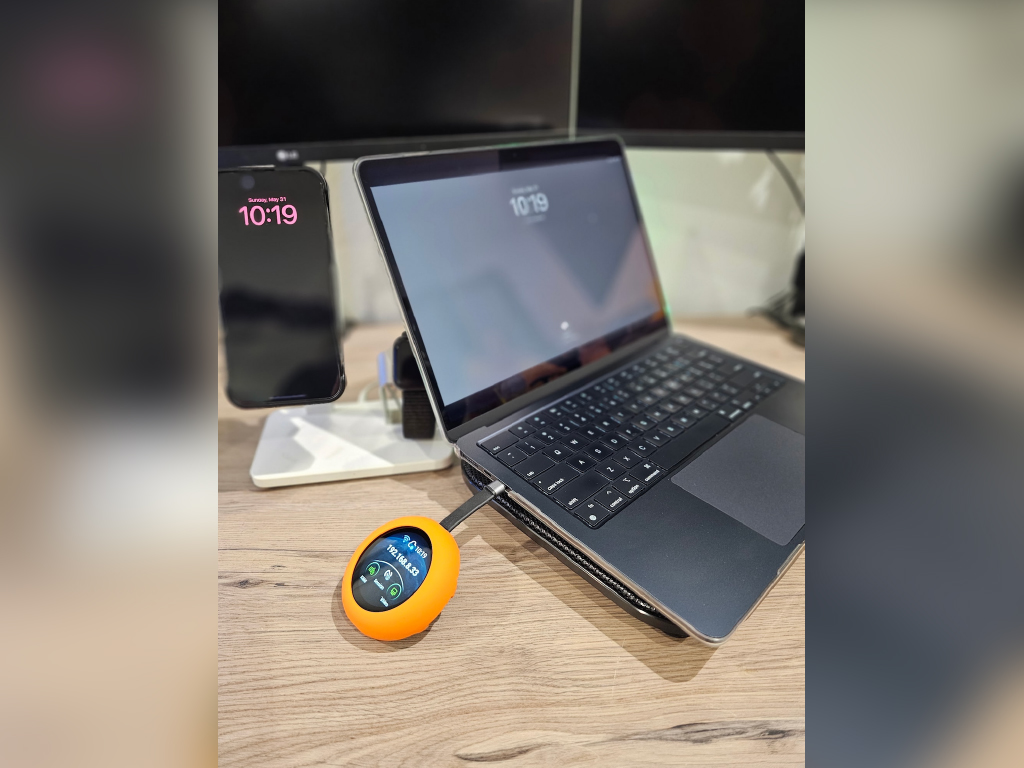
1本のUSB-Cケーブルで、映像、データ、電源を同時に伝送できます。HDMIドングルもUSBハブも不要です。Comet Qを接続するだけですぐに使えます。内蔵USB-Cパススルーポートにより、作業中もデバイスを充電できます。


手間のかからない2年保証
対象地域への送料無料
30日間返金保証
以下の国・地域への送料無料: 米国、カナダ、英国、オーストリア、ベルギー、ブルガリア、クロアチア、キプロス、チェコ共和国、デンマーク、エストニア、フィンランド、フランス、ドイツ、ギリシャ、ハンガリー、アイルランド、イタリア、ラトビア、リトアニア、ルクセンブルク、マルタ、オランダ、ポーランド、ポルトガル、ルーマニア、スロバキア、スロベニア、スペイン、スウェーデン、アンドラ、バチカン市国、モナコ、ノルウェー、サンマリノ、スイス、香港特別行政区、マカオ特別行政区、台湾、オーストラリア、シンガポール
詳しく見る30台を超える大口注文については、カスタマーサービスチーム(cs@gl-inet.com)までお問い合わせください。
発売当初から応援してくださったサポーターの皆さまへ。
Comet Q VIP Passをお持ちの方には、優先購入アクセスと公式サポーターウォールへの掲載特典がありました。
サポーターウォールを見る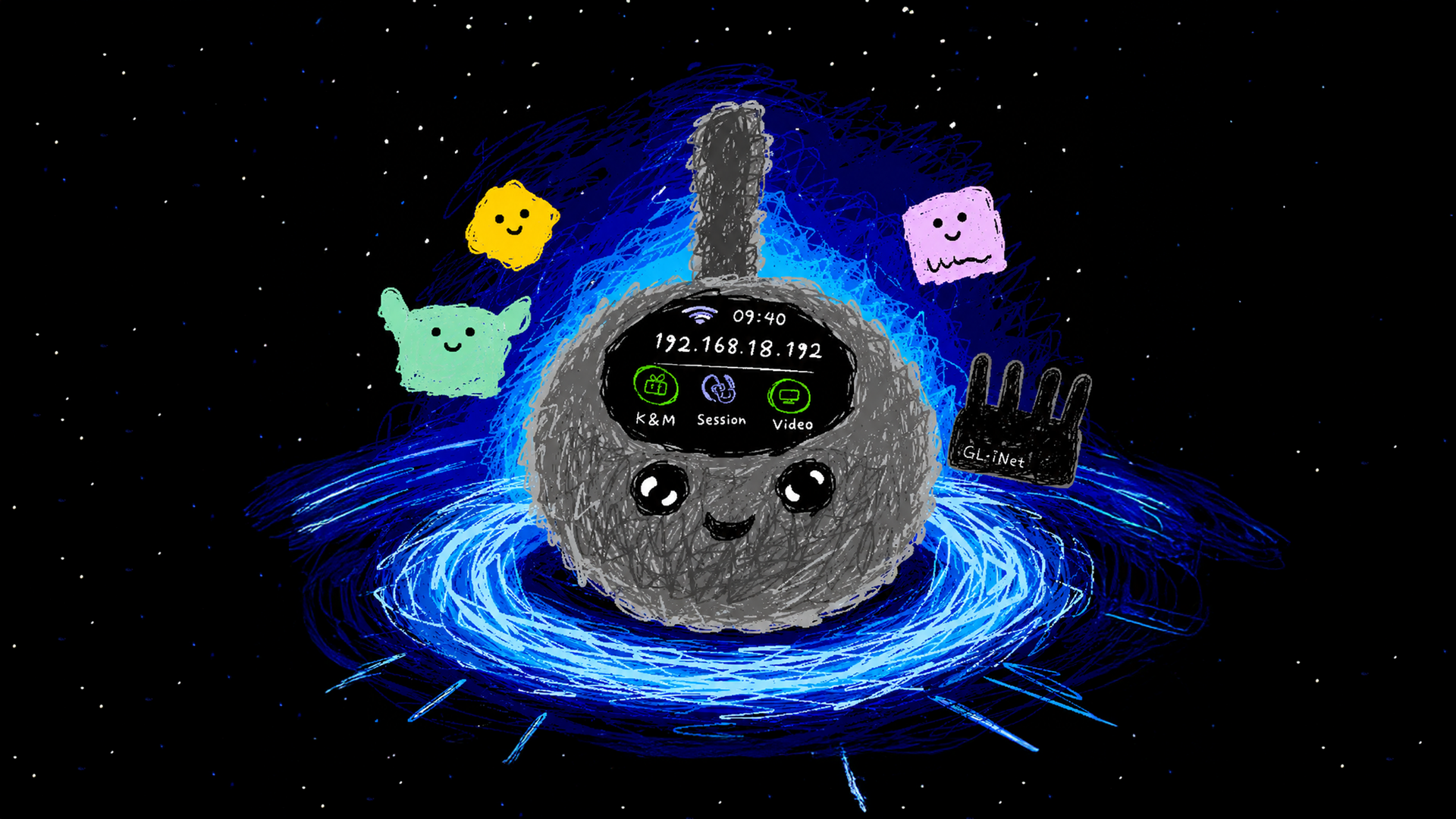
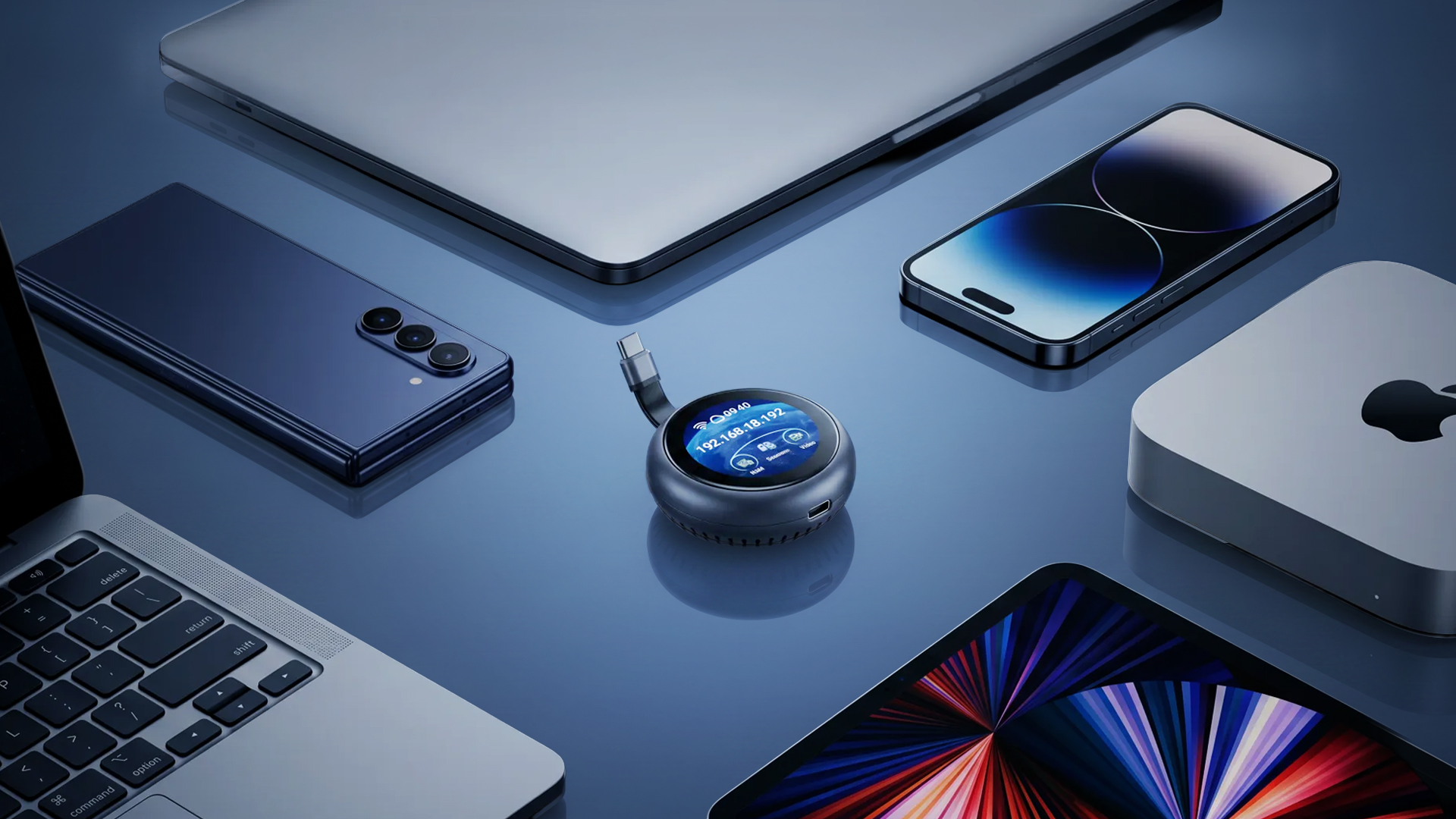
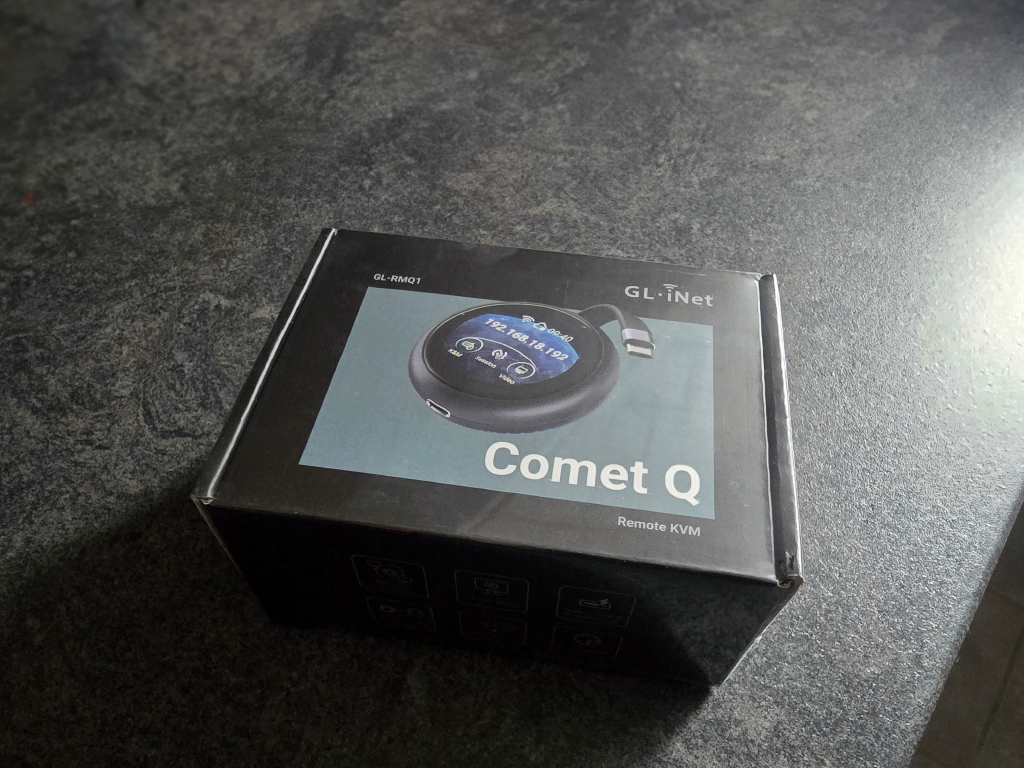
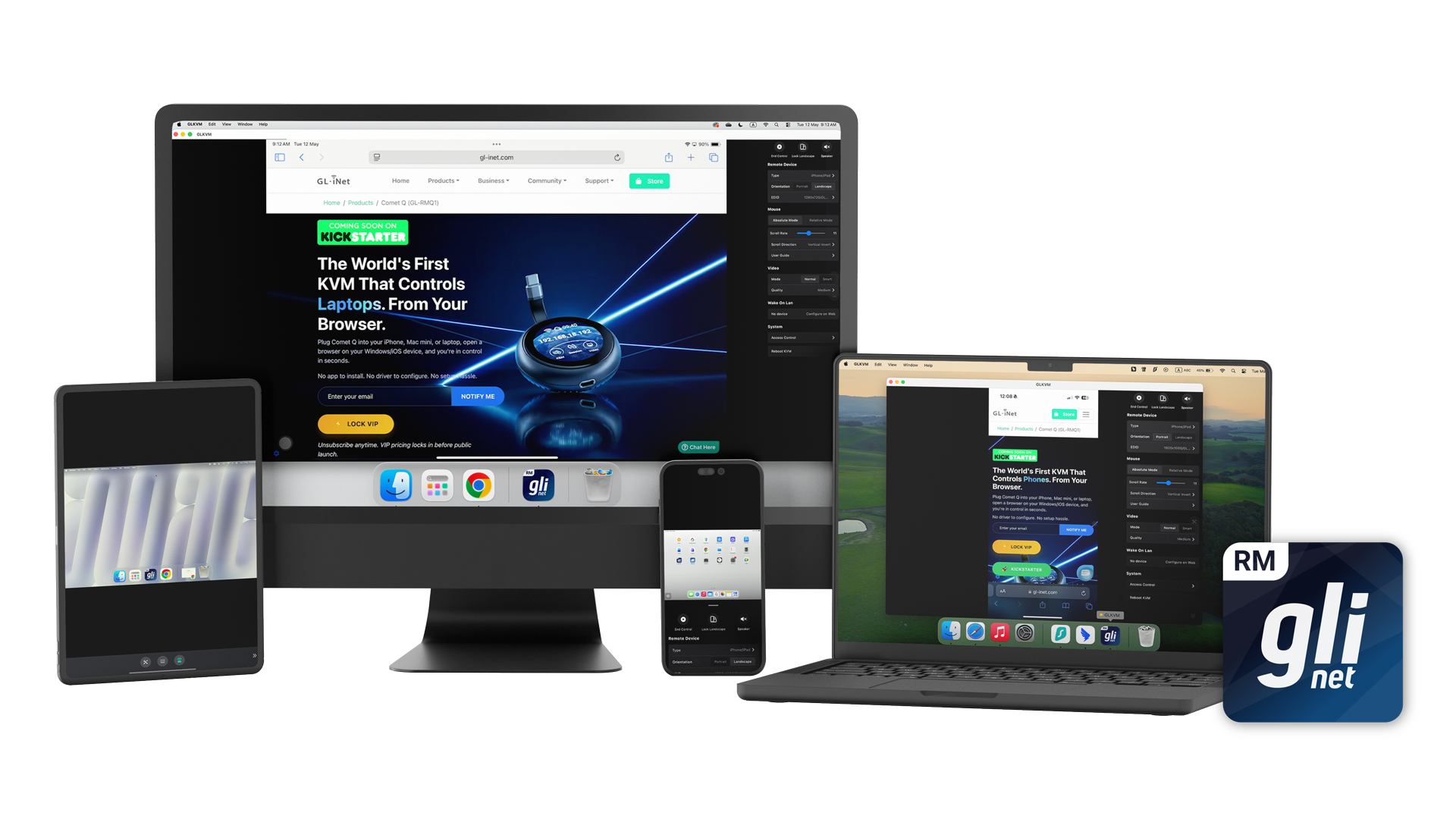

Comet Qは、USB-C経由でスマートフォン、Mac mini、ノートパソコンなどに接続する手のひらサイズのデバイスです。接続した瞬間からブラウザを開き、デバイスを完全に操作できます。
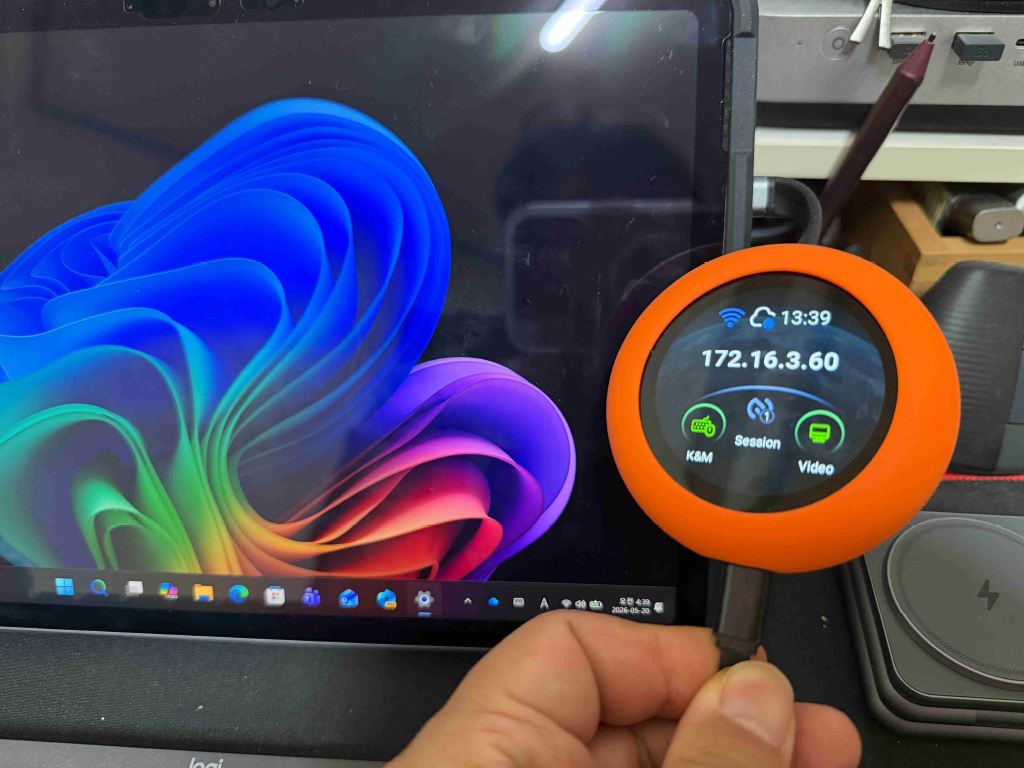
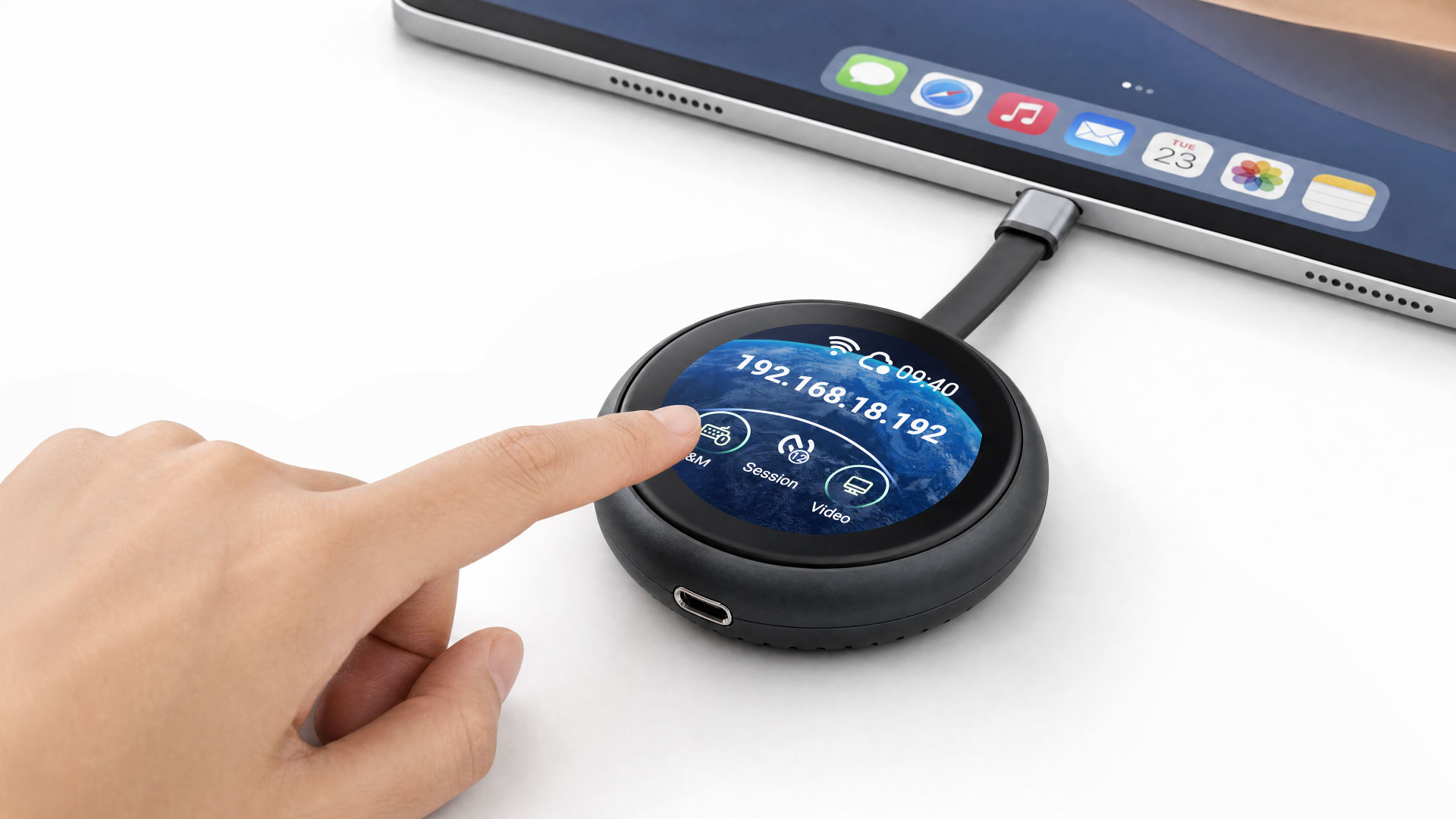


ソフトウェアのインストールも、複雑なネットワーク設定も不要です。内蔵1.8インチタッチスクリーンから、すばやくセットアップし、状態の確認や操作を本体上で行えます。
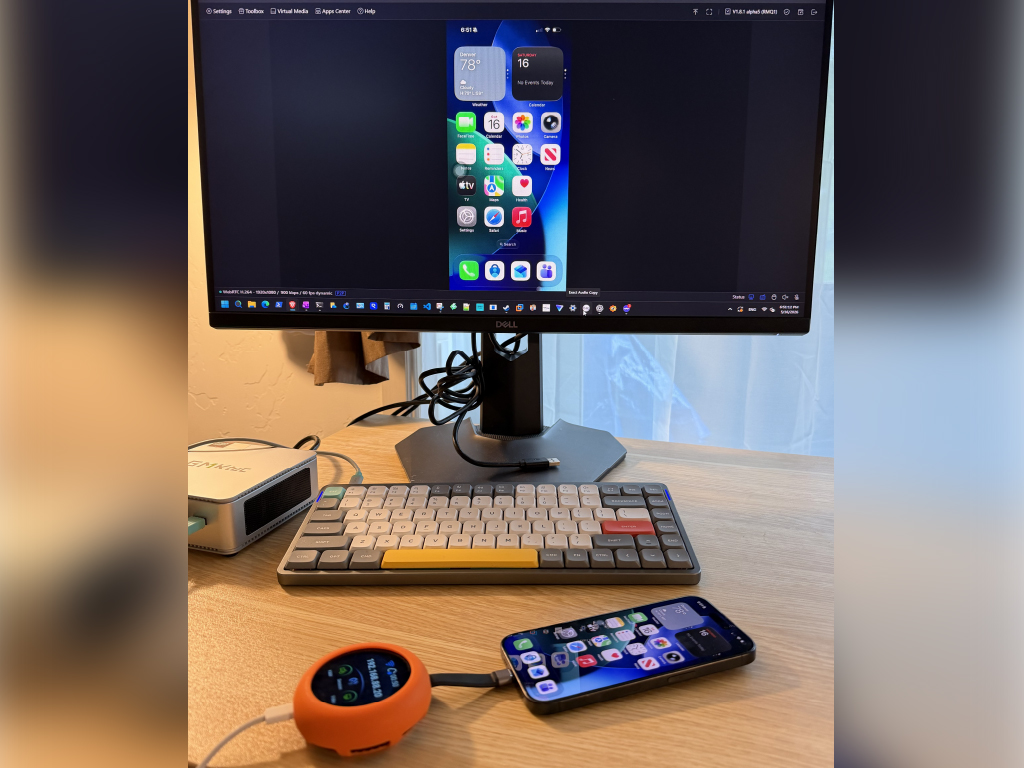
iPhoneに対応した世界初のKVMです。WindowsデスクトップからiOSデバイスのロック解除、タップ、スワイプなど、あらゆる操作を実行できます。これまで不可能だった操作を実現します。
Comet Qは、USB-Cポートが映像出力用のDisplayPort Alt Modeに対応するデバイスで使用できます。対象には次のデバイスが含まれますが、これらに限定されません。
ドライバーのインストールも複雑な設定も不要です。接続して電源を供給すれば、ブラウザから操作できます。
内蔵USB-Cケーブルで、操作したいデバイスにComet Qを接続します。通常の使用では、Comet Qは接続先デバイスから直接電力を受け取ります。
長時間使用する場合や、操作するデバイスのUSB-Cポートが1つしかなく充電も必要な場合は、Comet Qの2つ目のUSB-Cポートに外部電源を接続してください。
Comet Qを近くのWi-Fiネットワークに接続すれば、あらゆるOSのデバイスから管理パネルにリモートアクセスできます。操作対象のデバイスがオフラインまたは再起動中でも、操作はComet Qで維持されます。
必要な機能をすべて、ポケットに収まるコンパクトなデバイスに凝縮しました。
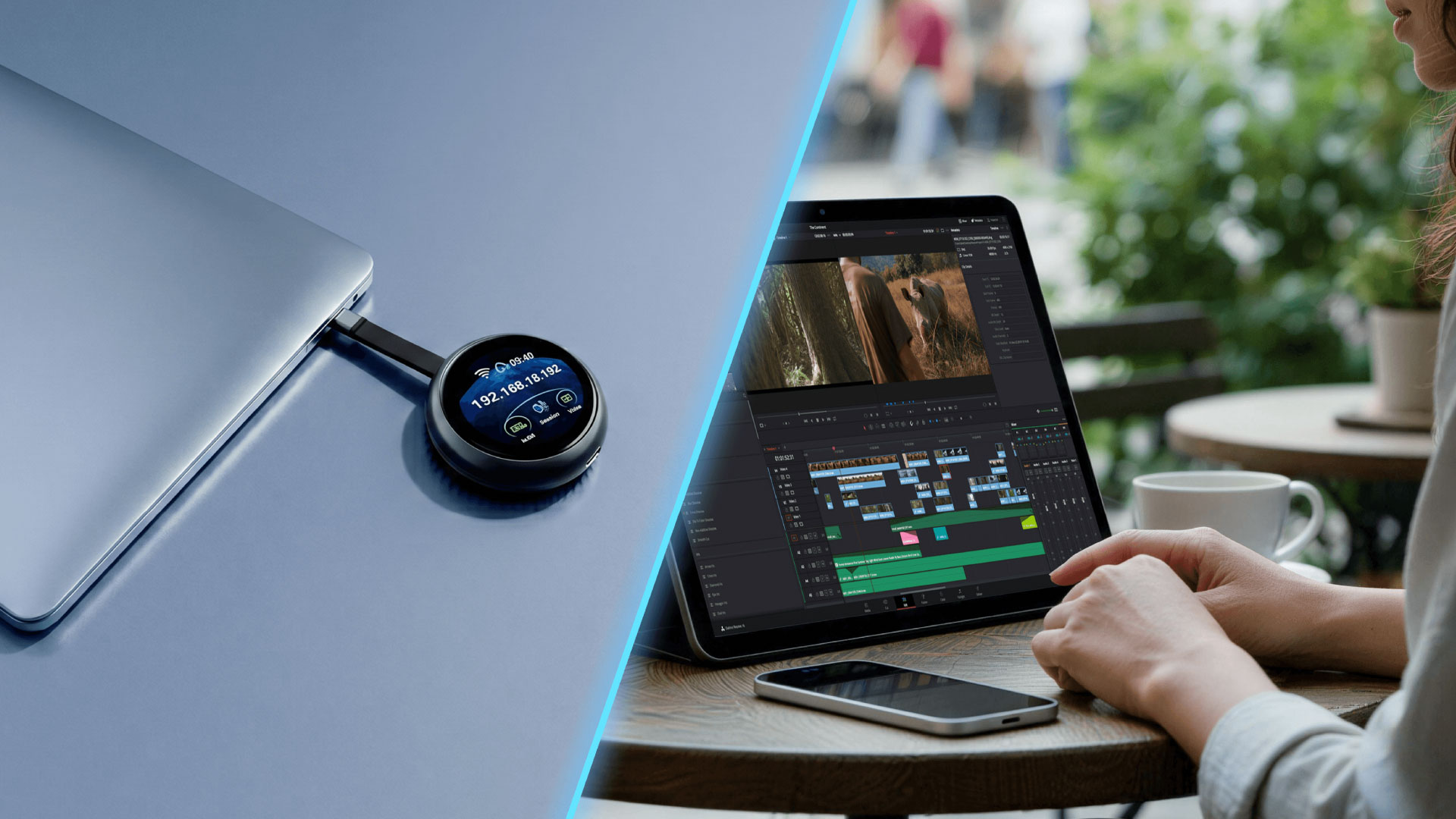
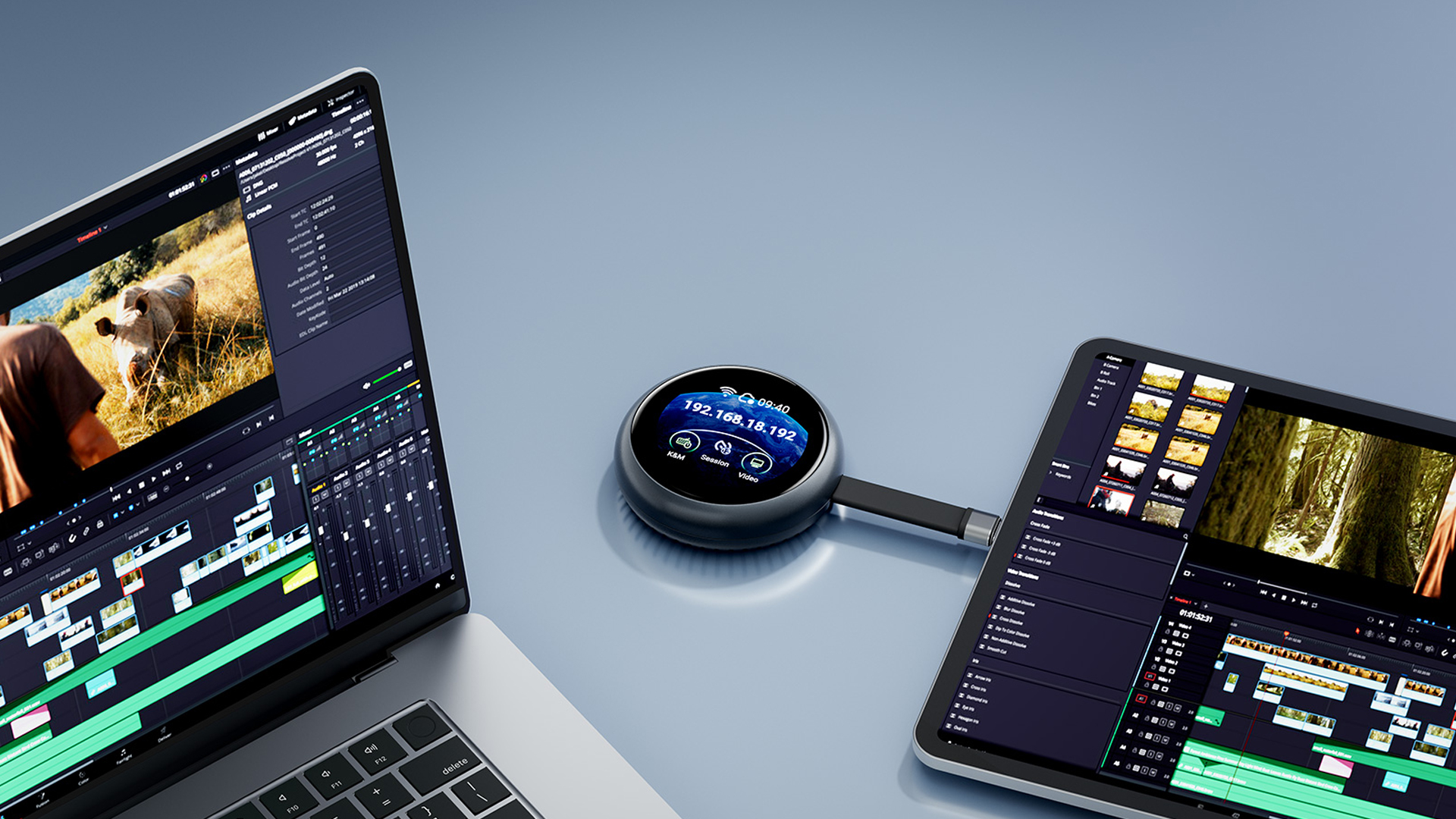

モバイルデバイスのリモート管理は、これまで常に課題でした。従来型KVMはコンピューターでは高い性能を発揮しますが、スマートフォンやタブレットは対象外でした。問題が起きた場合は現地へ行くか、この用途に適した簡単な解決策がないことを受け入れるしかありませんでした。
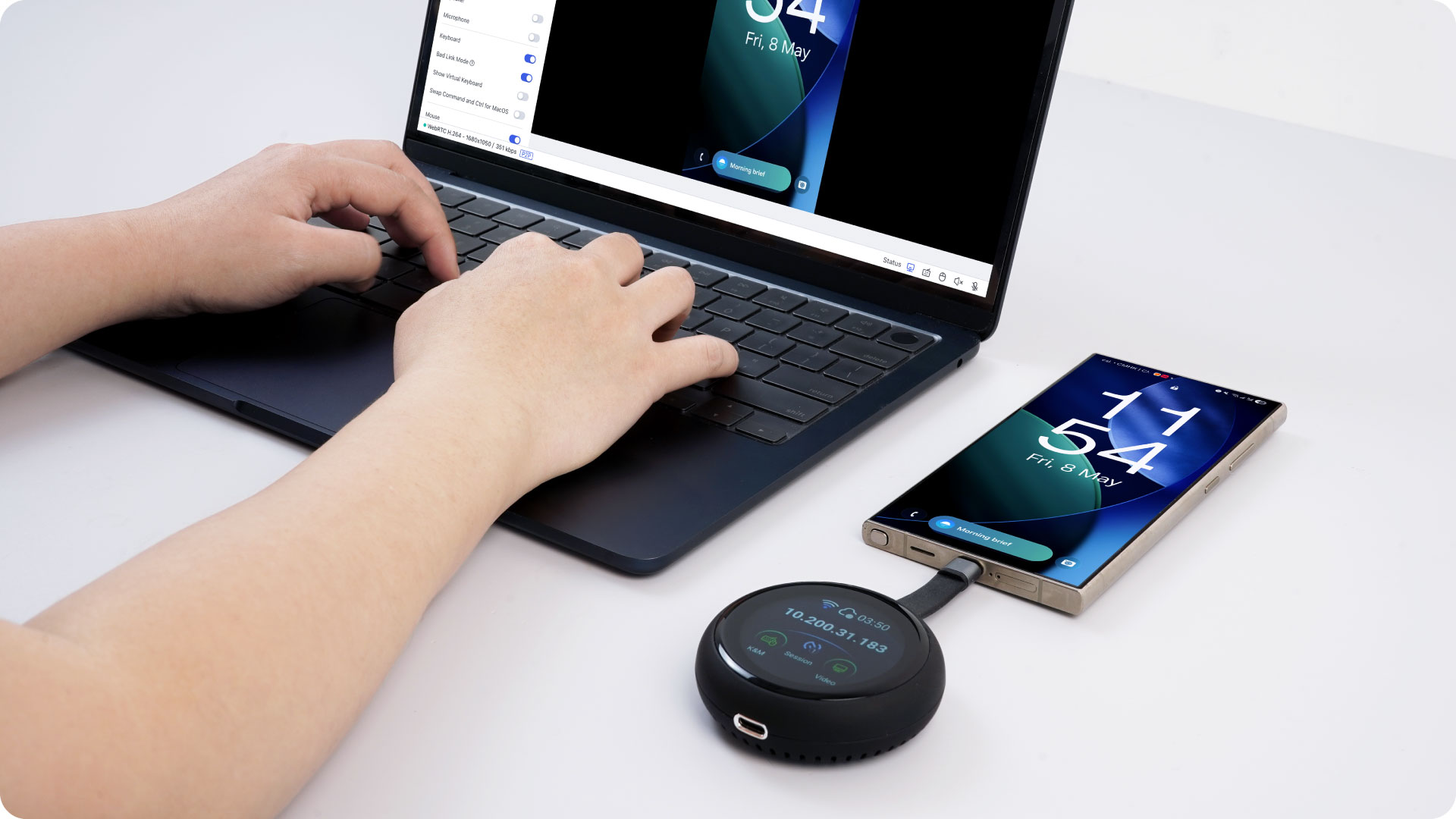
Comet Qがその状況を変えます。USB-Cポートに直接接続することで、iPhone、iPad、Androidデバイスをハードウェアレベルで操作できます。あらゆるデバイス、あらゆるOSのブラウザから、すべてを操作できます。つまり、Windows PCからiPhoneを、AndroidタブレットからMacBookを、LinuxマシンからiPadを操作できます。操作するデバイスの組み合わせを気にする必要はありません。
これまで実現が難しかった、次のような用途に対応できます。
1台のデバイスでも複数台でも、Comet Qなら、これまでデスクトップやサーバー環境に限られていたレベルのモバイルハードウェア操作を実現できます。
直感的なグラフィカルユーザーインターフェースを備えた内蔵タッチスクリーンから、Wi-Fiネットワークへの接続やクラウドサービスの有効化・無効化など、重要な機能を簡単に確認・管理できます。

glkvm.comのブラウザから、どこからでもComet Qへアクセスして操作できます。アプリケーションのインストールは不要で、いつでもComet Qを利用できる便利な環境を実現します。
ブラウザアクセスでほとんどの用途に対応できますが、タッチジェスチャーや細かな入力など、一部の操作はネイティブアプリのほうが快適です。GLKVMアプリはその不足を補い、ブラウザでは難しい操作も、よりスムーズで反応のよい体験で実現します。
iPadからノートパソコンを操作する場合など、モバイルデバイスをコントローラーとして使うときに特におすすめです。ブラウザではタッチ操作への対応に制限がある場合でも、GLKVMアプリなら快適に操作できます。Windows、macOS、App Store、Google Playで利用でき、すべてのGL.iNet Cometデバイスを1か所で管理できます。デバイスごとに個別接続する必要はありません。

Comet Qでは、デバイスを他の人に渡す前にWi-Fi認証情報を保存し、事前に設定できます。自宅でセットアップして両親へ発送すれば、相手は接続するだけで使えます。セットアップ方法を尋ねる電話も必要ありません。まさにプラグアンドプレイです。
他の人にもアクセスを許可したい場合は、Comet Qで複数のユーザーとデバイスへのアクセスを安全に共有できます。各ユーザーは自分のアカウントで接続するため、共有パスワードによるセキュリティリスクを抑えられます。
各ユーザーはブラウザまたはGLKVMアプリから個別に接続できます。チームでの共同作業、リモートテクニカルサポート、トレーニング、同僚間の引き継ぎに最適です。
マルチデバイス管理では、Windows、macOS、Linuxの複数のコンピューター画面を同時に表示できます。動的表示、全画面表示、カスタマイズ可能な分割レイアウトに対応し、管理者はコンピューターを切り替えることなく、サーバーのエラーや異常を含む複数のデバイスをリアルタイムで監視できます。
画面をまたいだマウスとキーボードの操作にも対応。1セットの周辺機器だけで複数のコンピューターをスムーズに切り替えられ、効率的なワークフローを実現します。
Comet Qは、あらゆる層でセキュリティを考慮して設計されています。2要素認証(2FA)では、使い慣れた認証アプリを連携して、アカウントをさらに保護できます。
4桁のPINを設定してComet Qのタッチスクリーンをロックし、不正な物理アクセスを防止できます。
また、Comet Qをアカウントにバインドする際には、必要に応じてワンタイムの動的コードが生成されます。誰かに傍受・推測される可能性のある固定のデバイスIDに頼るよりも、はるかに安全な方法です。
Wake on LAN機能により、接続したモバイルデバイスをリモートからスリープまたはスタンバイモードから復帰させられます。
ご注意:WoLを使用するには、接続したデバイスが低電力のスリープ状態である必要があります。完全に電源が切れている、またはバッテリー切れのデバイスをリモートから起動することはできません。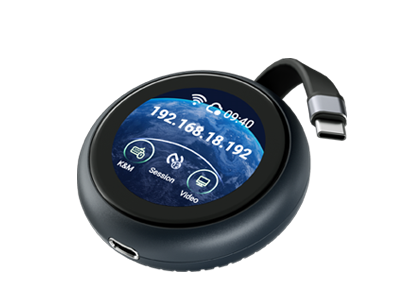
ディスプレイ
最大解像度
2K QHD @ 60FPS
1080p @ 60FPS
1080p @ 60FPS
タッチスクリーン
1.8"
1.69"
機種により異なります
遅延
~80ms (incl. Wi-Fi)
30–60 ms
100ms
双方向オーディオ
機種により異なります
システムと接続性
プロセッサー
Dual-core ARM Cortex-A53
Single-core ARM Cortex-A7
Single-core
メモリ
LPDDR4 512MB
DDR3L 256MB
機種により異なります (1–8GB)
ストレージ
512MB Nand
SDカード
SDカード
Wi-Fi
Wi-Fi 6
モバイルデバイス操作
iPhone & iPad
電源パススルー
OSをまたぐ互換性
スリープモードアクセス
ファイル転送
Wake on LAN
クラウド管理とアクセス
ブラウザベースの操作
買い切り
GLKVMアプリ
セキュリティ
2要素認証
動的バインディングコード
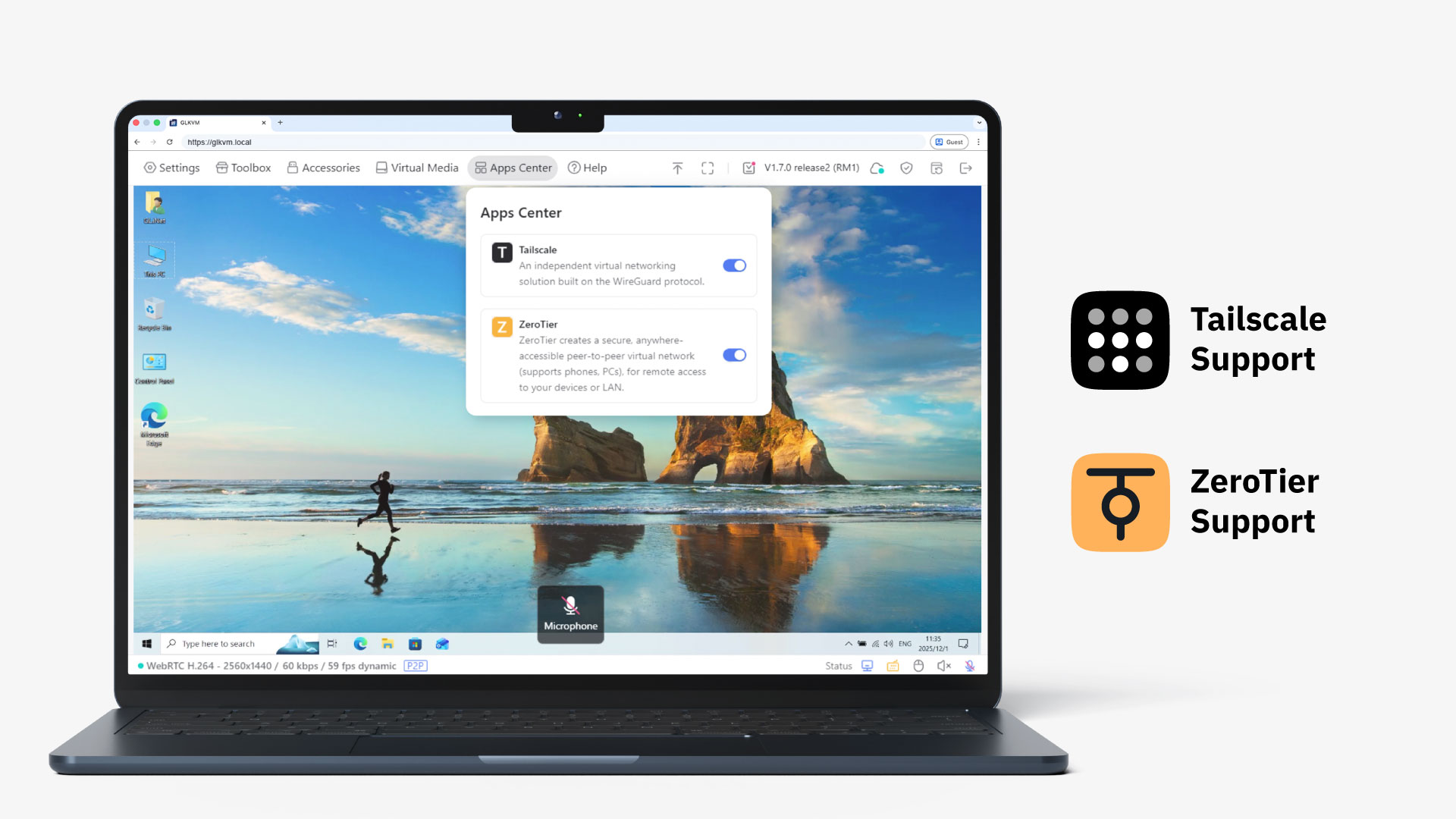
Tailscale内蔵
ZeroTier内蔵
セルフホスト対応
画面パスワード保護
二重承認オプション
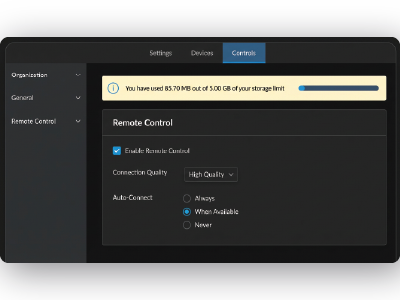
オフライン・スリープモードアクセス
OS・デバイスをまたぐ互換性
インストール不要のセットアップ
買い切り


これは一体何なのか?
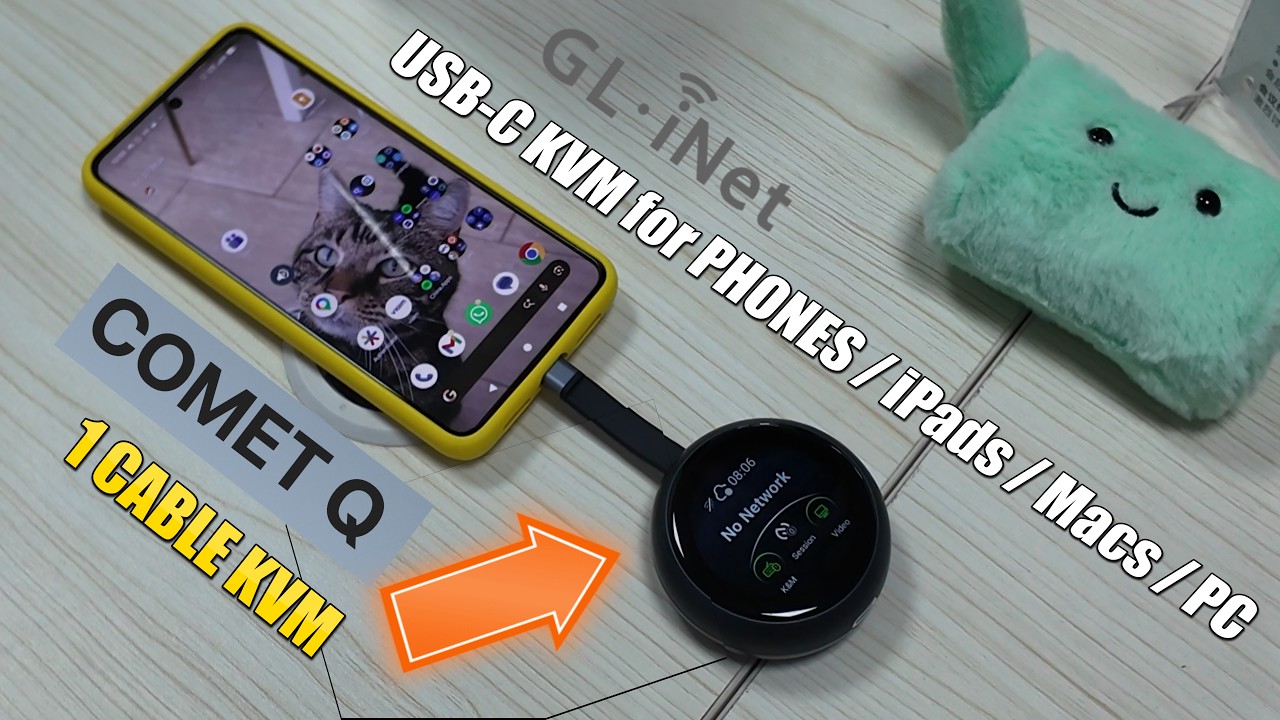
Gl.iNet Comet Q登場:スマートフォン、iPad、MacBook、PC向けリモートUSB KVM
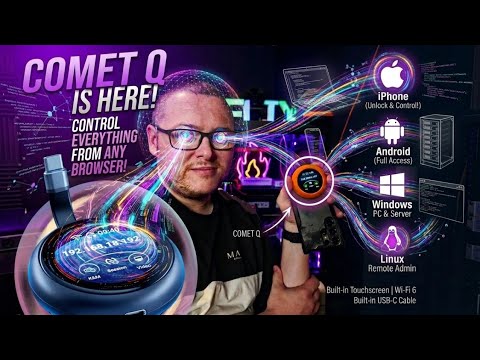
Comet Q:USB-Cですべてのデバイスを操作。Windows、Linux、Ubuntu、Android、iPhoneにリモートアクセス
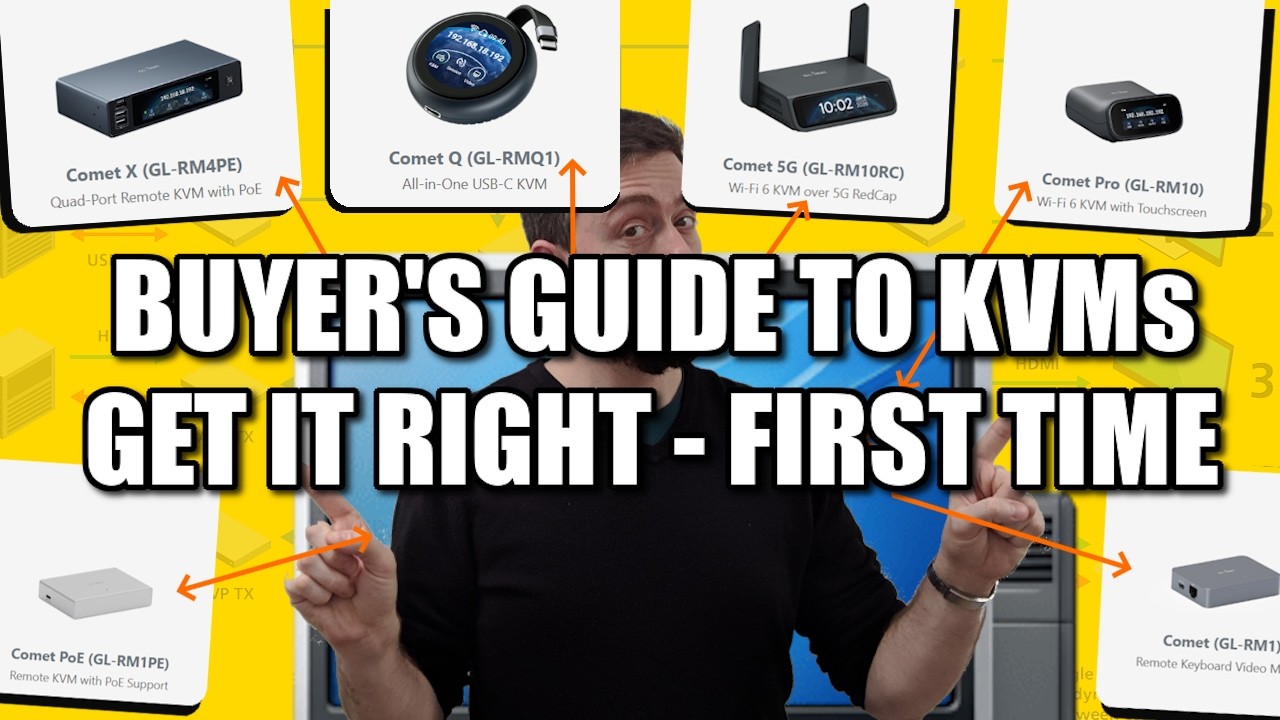
KVM購入ガイド:最初から正しく選ぶ(AliExpress編)
このComet Qとは?
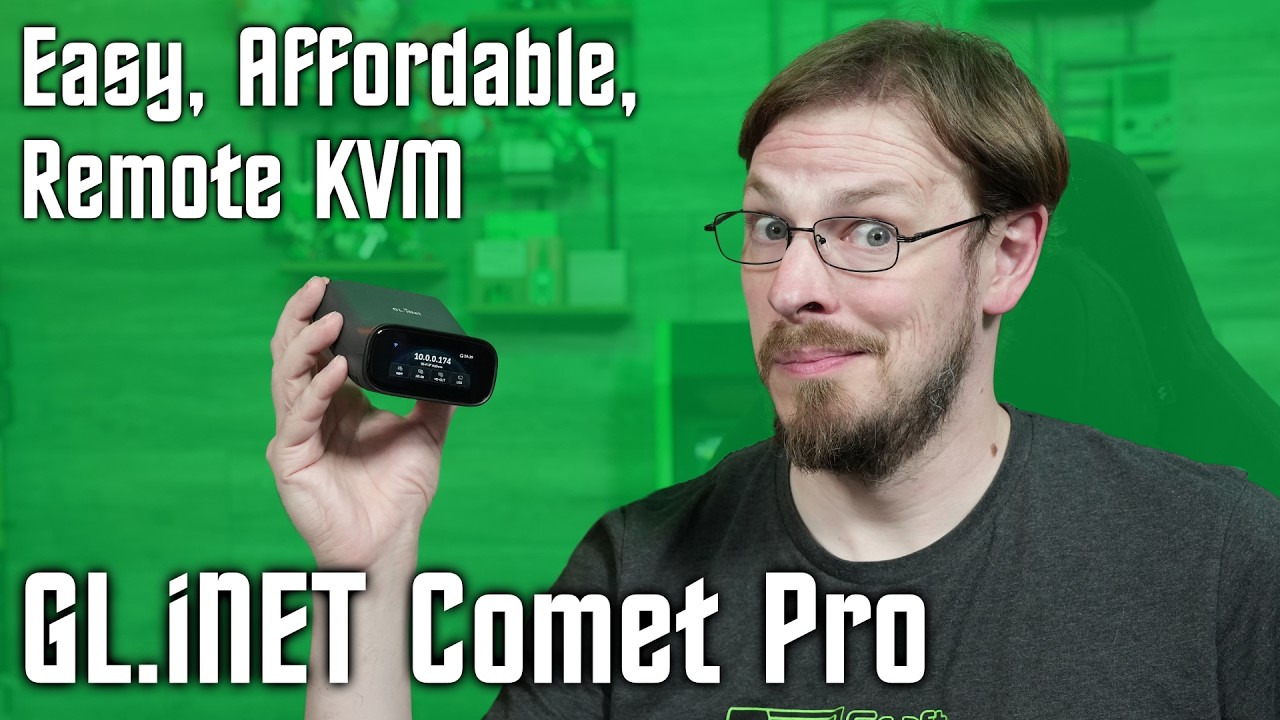
あらゆるデバイスにリモートアクセス!GL.iNET Comet ProリモートKVM
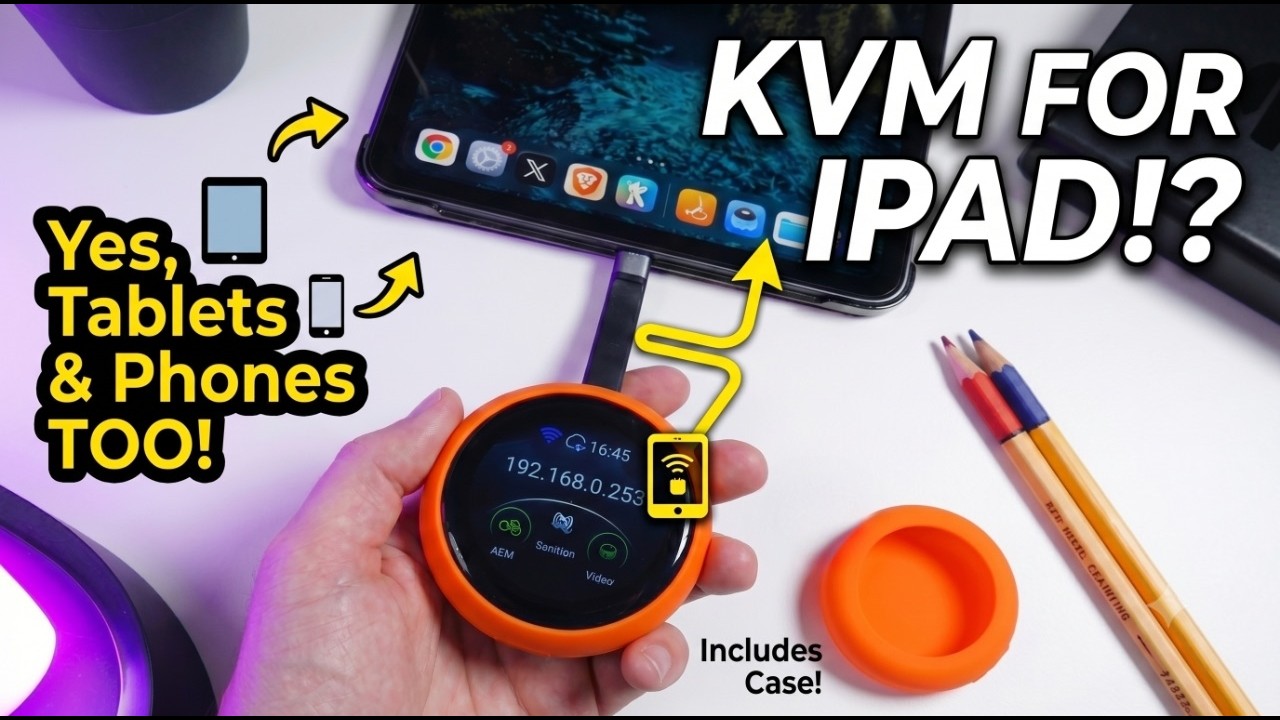
この小さなデバイスがホームラボを変えた | GLiNet Comet Q初見レビュー
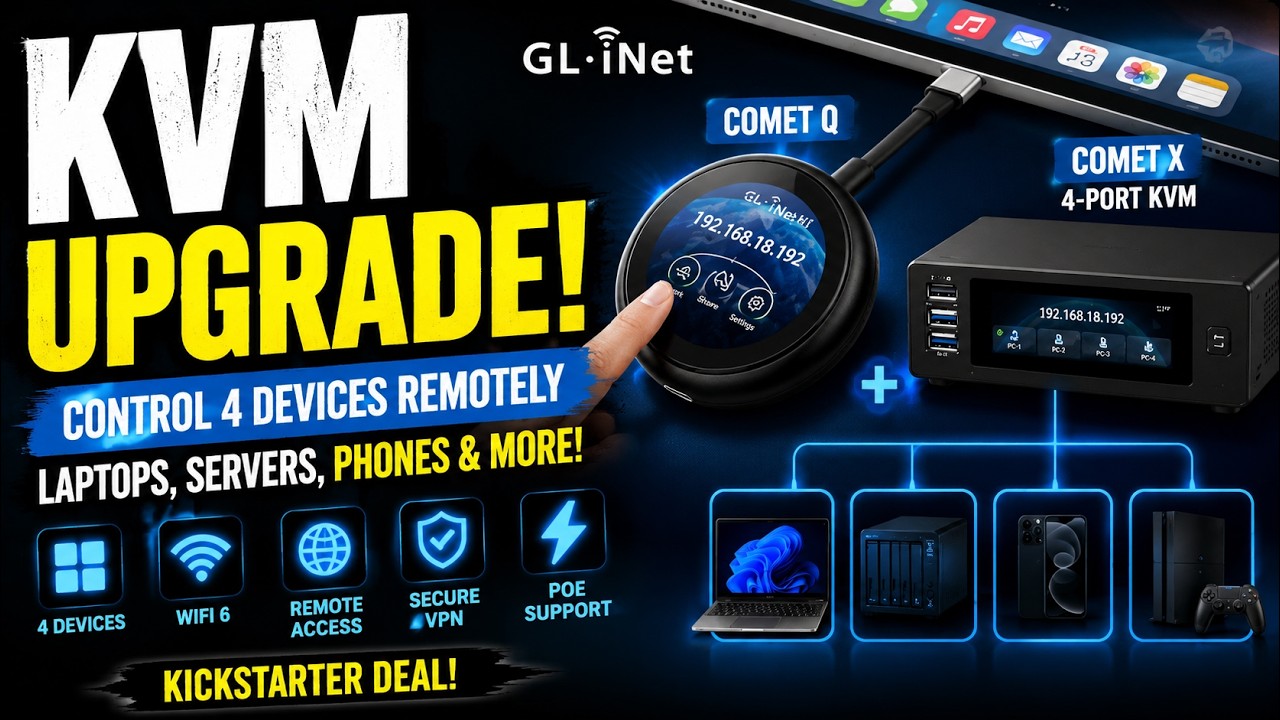
GL.iNet Comet Q + Comet X:知っておきたいKickstarterのKVM特典
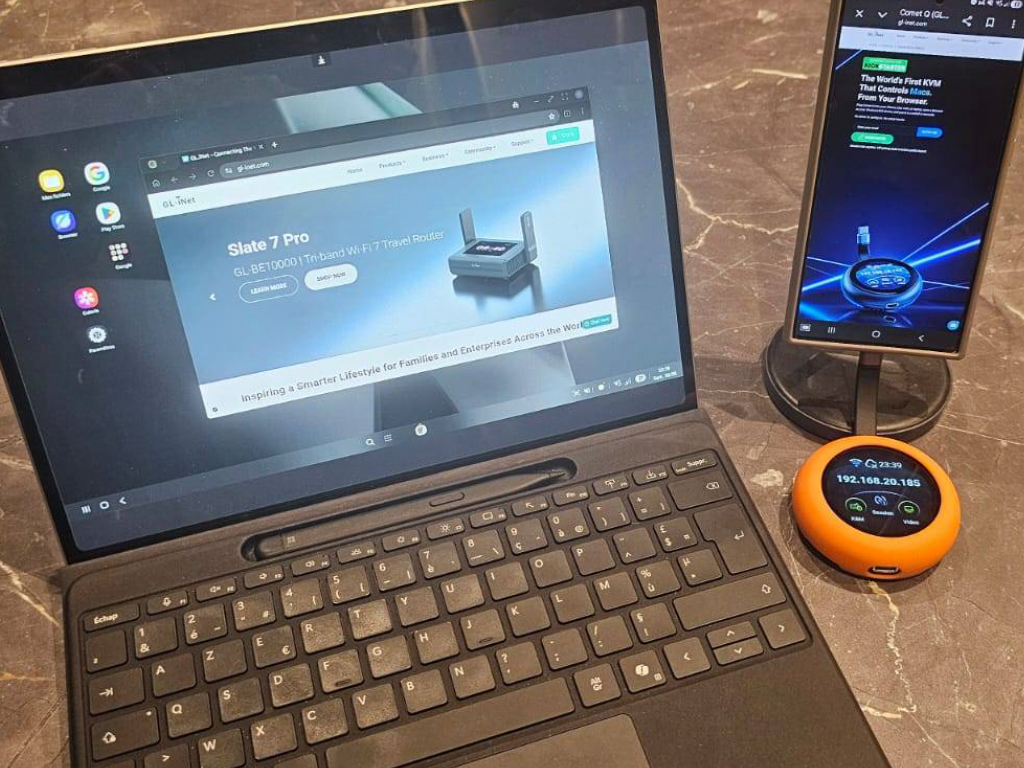
Comet Qは、アプリ開発のワークフローで大いに役立つ素晴らしい小型デバイスです。作業時間を大幅に短縮できました。さらに、画面が壊れたスマートフォンにも簡単にアクセスできました。
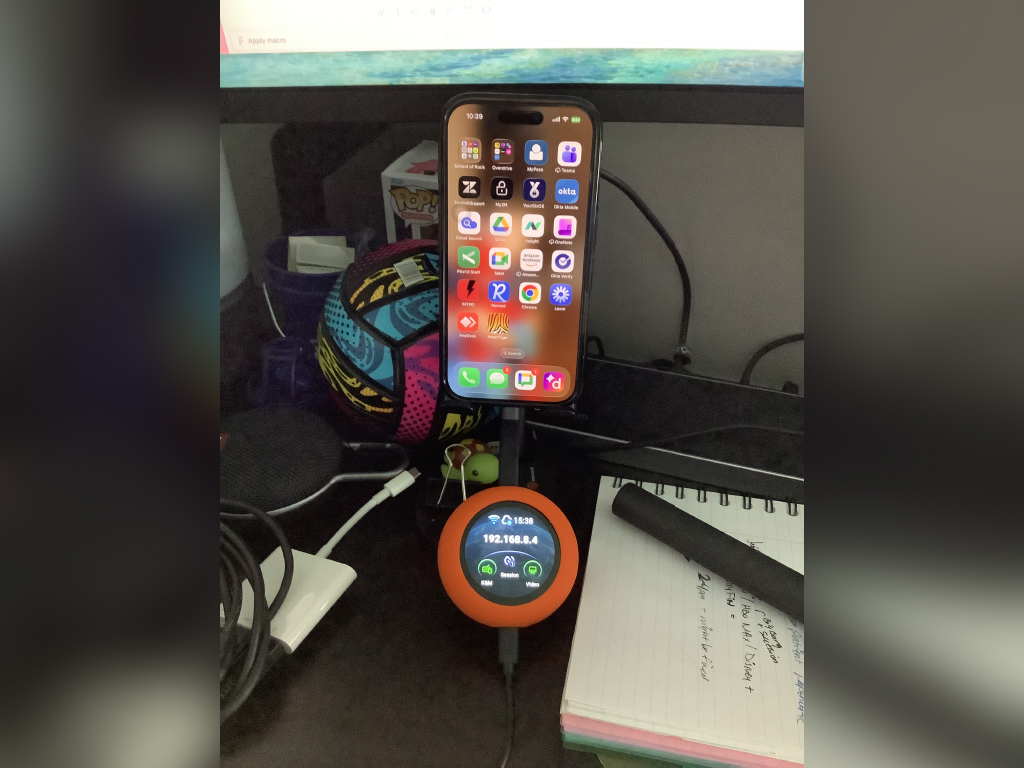
素晴らしいデバイスです。小型で、保護と視認性を高めるオレンジ色のスリーブが気に入っています。ケーブルを本体の下に収納できるのも、保管や破損防止に役立つ嬉しい工夫です。
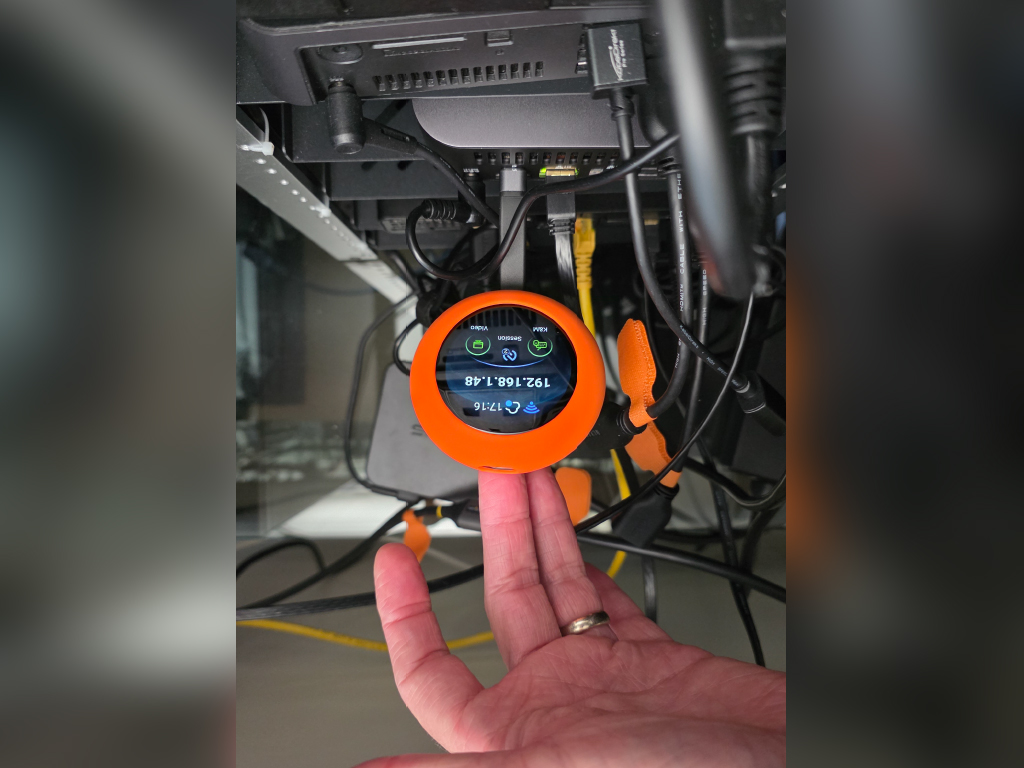
ホームラボで使う初めてのKVMデバイスです。セットアップがとても簡単で、5分もかからず使い始められました。特にノートパソコンなど、さまざまな用途で活躍する可能性を秘めた素晴らしいデバイスです。
| インターフェース |
1 x USB Type-C (power passthrough) 1 x USB Type-C Cable (support DP Alt Mode) |
| オペレーティングシステム | Buildroot |
| CPU | ARM Cortex, quad-core |
| メモリ / ストレージ | LPDDR4 512 MB / NAND 512 MB |
| ディスプレイ画面 | 1.8 in, touchscreen |
| Wi-Fiプロトコル | IEEE 802.11 a/b/g/n/ac/ax |
| Wi-Fi速度 |
5 GHz: 286 Mbps 2.4 GHz: 286 Mbps |
| アンテナ | 1 x internal Wi-Fi antenna |
| 解像度 | 2K QHD@60FPS |
| 電源入力 | Type-C PD, 5V/3A |
| サイズ |
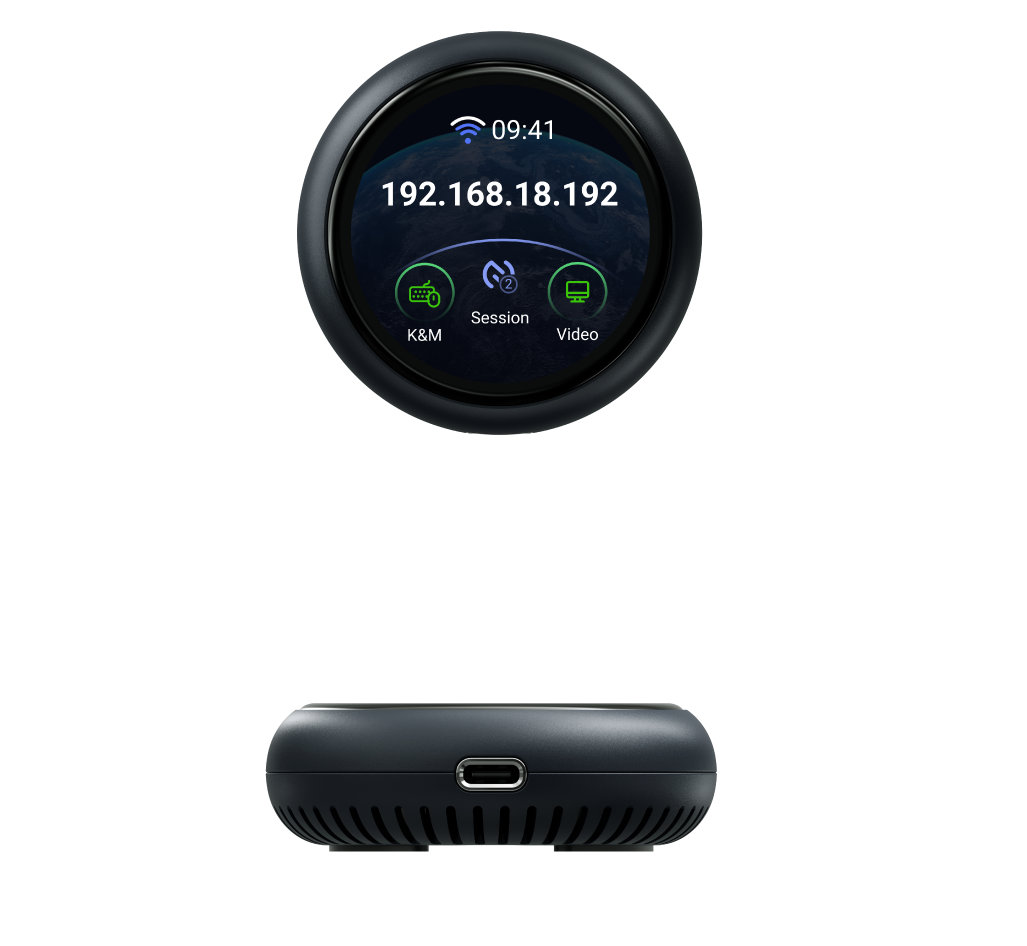
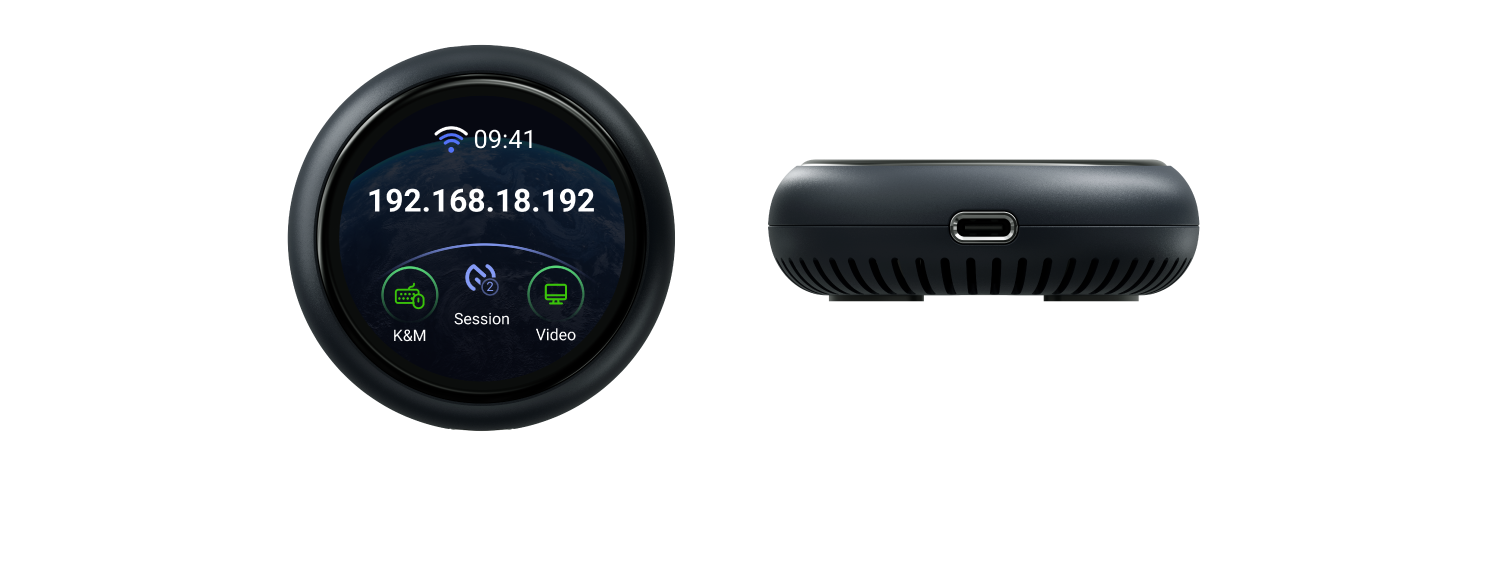
|
| ツールとダウンロード | データシート | ファームウェア | App | 開封動画 | チュートリアル | メディアキット |
ユーザーガイドページにアクセスし、ページ左側のオプションから設定に必要な製品モデルと仕様を選択してください。
GL.iNet KVMと制御対象デバイスにアクセスする方法は4つあります:
Webブラウザーによるローカルアクセス
クラウドサービスによるリモートアクセス
GL KVMアプリによるリモートアクセス
Tailscaleによるリモートアクセス
GL-ATX Boardユーザーガイドをご参照ください。
Overall rating: 4.818182 / 5 from 11 reviews.
Review topics: ["setup","connection","kvm","device","works"].
"I have to say I own several (5) of the KVM's(RM10) from GL. INet and love them especially after the firmware updates. But this little gem takes the cake. I can plug it into my pc or android phone and have access to it from remotely. very good when your wife askes you to take a look at her phone and your at work. just plug and play."
"I recently purchased the **Comet Q (GL-RMQ1) All-in-One USB Remote KVM with Wi-Fi 6, and I’ve been extremely impressed with it. Definitely a 5-star product. Setup was straightforward, and the Comet Q makes remotely accessing and managing a computer incredibly convenient. Having KVM functionality, USB connectivity, and Wi-Fi 6 all built into such a compact device makes it a really useful tool—especially for IT work, troubleshooting, or managing computers that you can’t easily access in person. My only criticism really isn’t a fault of the Comet Q itself: not every PC supports video output over USB-C. On systems that do, the Comet Q is wonderfully simple to connect. On systems that don’t, you’ll need to use an alternative video connection or adapter, which makes the setup a little less streamlined. Aside from that limitation, I’ve been very happy with it. It’s well designed, convenient, and does exactly what I was hoping it would do. Highly recommended, especially for IT professionals or anyone who regularly needs remote access to PCs."
"Latency is minimal but you can notice it. Remote cursor map to local cursor can use some updates. I bet newer firmware and app updates resolve this. It’s a useful tool with many use cases I can imagine"
"Plugged it into our iPad and it worked well. Only frustration was latency between the device and the browser and having to change settings so a mouse click activated the touch input."
"This does a great job filling the gap for iMac remote control."
"I'm short, it's a good product, does what it says. Tldr. It's been about a week and I am ok with the device. The onboarding is easy, I went with no cloud setup and just tailsacle. Connection was painless and worked at first try. There's a bit of uncertainty between using the dedicated app or the web app, I settled on the dedicated app. Thereshould be a place (or a place that I could find) that explains every setting on the side panel (which connection mode is best, why, tradeoffs,. . . ). I use the rmq1 to work remotely on an unprivileged windows machine, and it works. The rmq1 gets a bit too warm but within the safe zone. Annoyances: maybe it's not gl fault but the mapping from macos on the controller machine and windows as the controlled is a bit of a mess, it's hard to do all the control characters and some keys get wrong mapping. One thing a buyer d should be aware is that you can't stream your camera to the remote machine, so you can't meet on zoom from the controlled machine (at least without being admin and installing a virtual camera and. . . . ). I manage to meet on the controller and on the controlled and just share the screen on the controlled. Screen sharing, if not done like this created a low experience for the people you're share the screen with. They complain about very blurry, dragging video. But the workaround of entering 2 times on the meeting (one in each computer) works very well. Finally, I expected a bit more pixel quality when I am in direct mode with good network between the machines. Overall, it's a 5 star experience where things work. If you could dream 6 stars, image would be more solid and fluid and video would be recognized as an USB camera on the remote. Oh and file transfer would be frictionless (right now you can. . . Use a bucket of 50mb on the device to transfer foles, but you have to mount and unmount for each machine to see the 50mb at a time. . . A tunnel or ssh share would be great). The power passthrough didn't work on the Lenovo Thinkpad I tried on (not critical, gonna again someday)."
"Swift response and quick handling. Thank you."
"Setup is easy. Works like a charm. Like it a lot."
"I need two more, but they are out of stock. I request you to provide 2 more it is bit urgern."
"Love it"
迅速な配送
$1ご利用ごとに2ポイント
安心の製品保証
迅速で簡単な返金
{"one"=>"比較する2つまたは3つのアイテムを選択します", "other"=>"選択された3つのアイテムの{{ count }}"}