


My WiFi is Slow: Where to Place My Router?
“Why is my wifi so slow?” When you encounter a slow Internet
connection, you may blame the router itself, or even your Internet Service
Provider (ISP). However, did you know bad router placement may result in
poor WiFi performance? Of course, there are different factors that affect Internet speeds, it doesn’t mean that you can’t do anything to improve your wireless
coverage and speed at home.
Related Article: 6 Cybersecurity Tips For Working From Home
Start with the Right Router

Not every networking device is good for you and your needs. It all
depends on the layout and the size of your home. For apartments or small
houses, a simple dual-band wireless gateway is enough to handle your WiFi
coverage. If you own a lot of IoT devices, such as security cameras, TV,
smoke detectors, you may want to consider an IoT gateway.
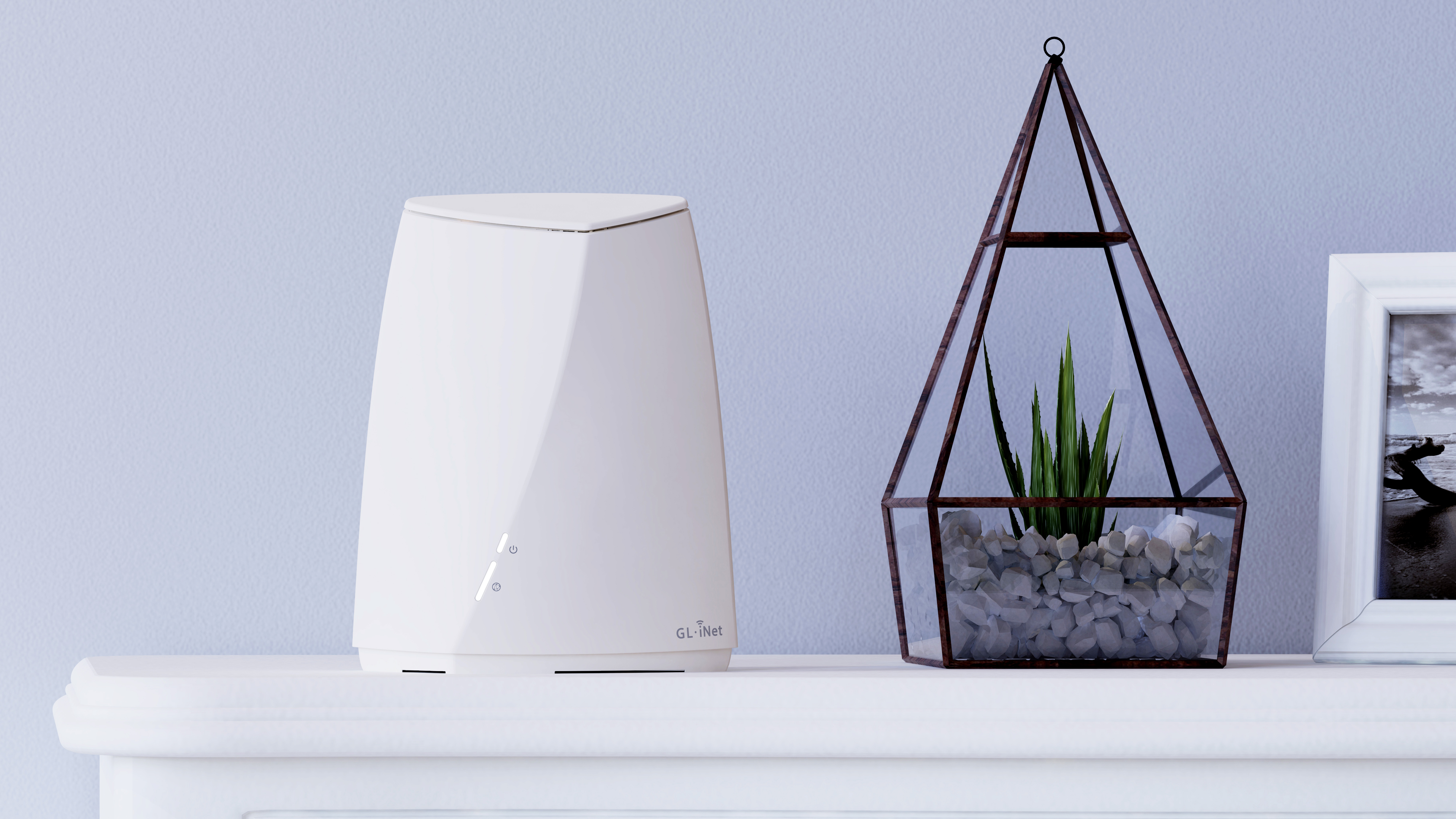
Convexa-S (GL-S1300) would be the perfect and unique router for your smart home. Its dual-band WiFi
speed, 400Mbps with 2.4GHz + 867Mbps with 5GHz WiFi speed, is fast enough for
your devices at home, adding its optional built-in Bluetooth or Zigbee modules,
Convexa-S is a good choice for apartment or small house households.
For larger, multistorey homes, a mesh network would be the perfect
choice to offer consistent and strong coverage throughout the entire place.
You should take a look at Velica (GL-B2200), a tri-band wireless mesh system with up to 400Mbps (2.4GHz) + 2x867 Mbps
(5GHz) WiFi speeds with open technologies, enabling a fast, stable, and
secure home WiFi with no more dead zones. It’s worth investing in multiple
mesh router units to extend your WiFi network as well. Also, Velica supports
AdGuard Home, a dedicated software that helps to block ads, online trackers,
and even adult content on your devices! If you want to know more about
AdGuard Home, read our blog article here!
Related Article: Brume-W x AdGuard Home: A Powerful Gateway with Adblocker
Where Is the Best Place to Put Your Router?
Pick a Central Location

Putting your router in a central location allows the radio waves to be
transmitted in all directions inside your house, making a faster and stabler
connection. Because of this mechanism, never place your router in a corner.
Since the wireless connection will be sent in all directions, placing a
router in a corner makes part of the connection sent outside of your house.
The radio waves also need to travel further to reach your devices, which
makes the connection weaker. Dead zones may also appear in the farthest part
of your house!
Raise Your Router
It is good to keep your router in as high a position as possible since
it not only tends to spread signal outwards, it emits downwards too. If you
place your router on the floor, it will send your WiFi signal into the
ground, or your neighbors downstairs.
Mounting the router on the wall or placing it on a shelf, will definitely help for maximizing your WiFi coverage.
We offer specially designed wall mounts for GL.iNet products, click here for more information.
Avoid Physical Obstructions (Including Walls!)
Remove possible obstacles that are immediately blocking your wireless
router, including books, magazines, or even walls. Thick walls and floors
can easily disrupt the radio waves of WiFi. In fact, concrete is one of the
worst building materials for wireless signal to pass through, brick and
masonry block can also be serious issues for WiFi signal loss, according to
an experiment by the US National Institute of Standards and Technology. So, the more walls
between you and the router, the weaker the WiFi signal will be. The best practice
is to put the router in an open area, without physical obstacles.
Stay Away from the Kitchen & Electronic Devices

We know, the kitchen may sound like a good idea, who doesn’t love to
cook and listen to online music or podcast at the same time? However, a
router near a kitchen is at risk of getting weak signals. The kitchen is
full of metals, which dissipate radio waves pretty well. Electronic devices such as microwaves, televisions, baby monitors,
and any other devices that use radio waves would also interface with your WiFi
signal. Microwaves emit a strong signal in the 2.4GHz band, which is one of the
wireless bands that some routers operate on! Watch out for those devices, and
your WiFi router should be smooth and fast.
Adjust Your Router’s Antennas
Your router’s antennas are important to direct the WiFi signal,
although they sometimes look funny. Some routers come with no antenna, while
some have over 8 antennas. If there are two or more antennas on your router,
it is best to position them perpendicular to each other, one horizontally
and one vertically. Try not to position them in the same direction. If your
router comes with more than two antennas, you should position all the
antennas to cover a wide range of angles.
You see, sometimes a fancy router may not help you to strengthen the
WiFi signal, all you need to do is to place your router in the correct
place!

About The Author
Ruby Lo is a Hong Kong-based Digital Marketing Specialist at GL.iNet. As a technology and cybersecurity lover, she is passionate to share her ideas and tips with the visitors. Connect with her on LinkedIn.
About GL.iNet
Founded in 2010, GL.iNet is a leading provider of innovative routers and networking solutions. From compact travel routers to cutting-edge remote KVMs, GL.iNet delivers award-winning networking technology designed for performance and security.
GL.iNet gives people and organizations the power to connect with confidence. By putting control in the hands of users, GL.iNet supports the productivity and collaboration that shape a Good Life.