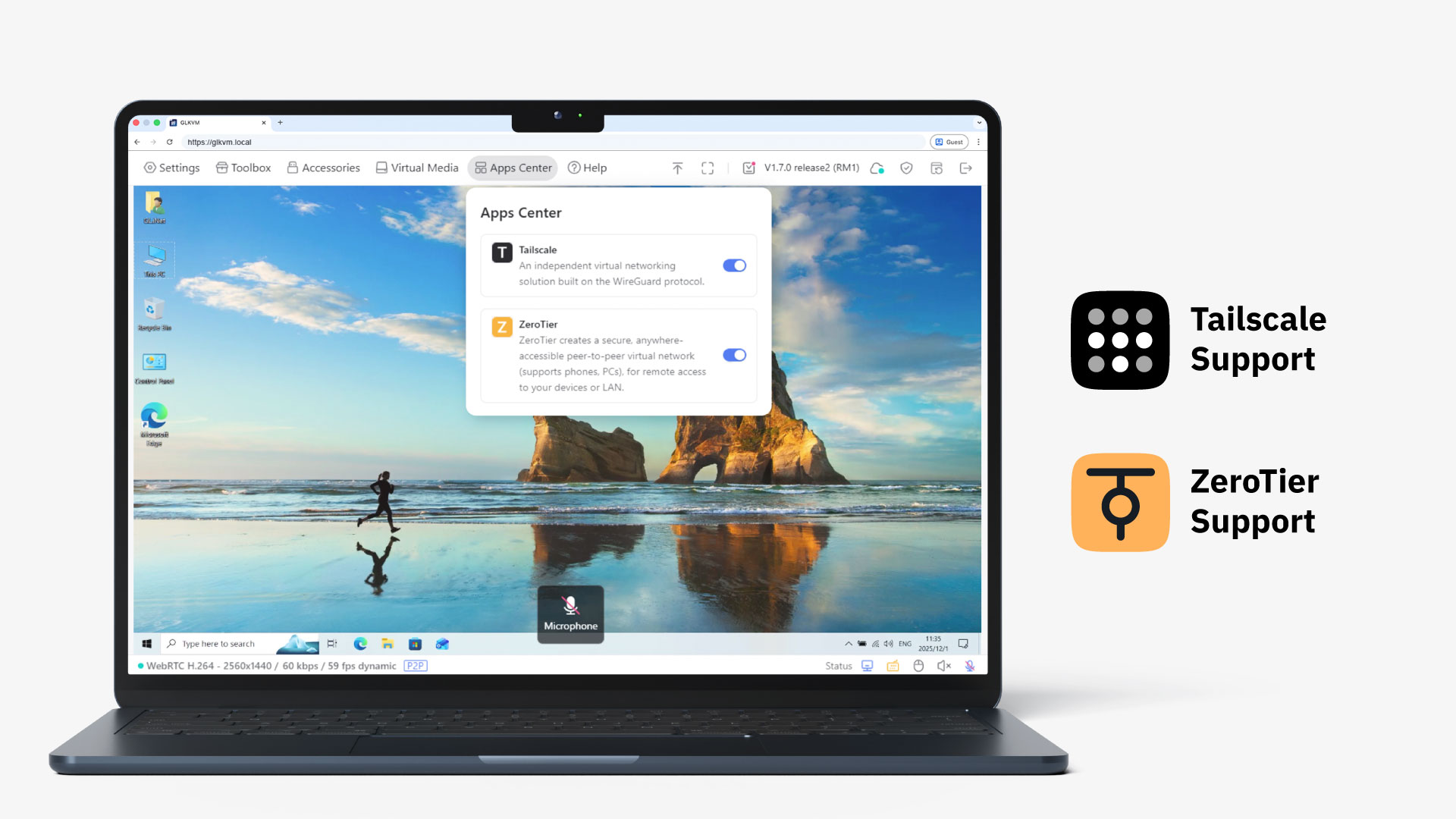
One Cable Does It All
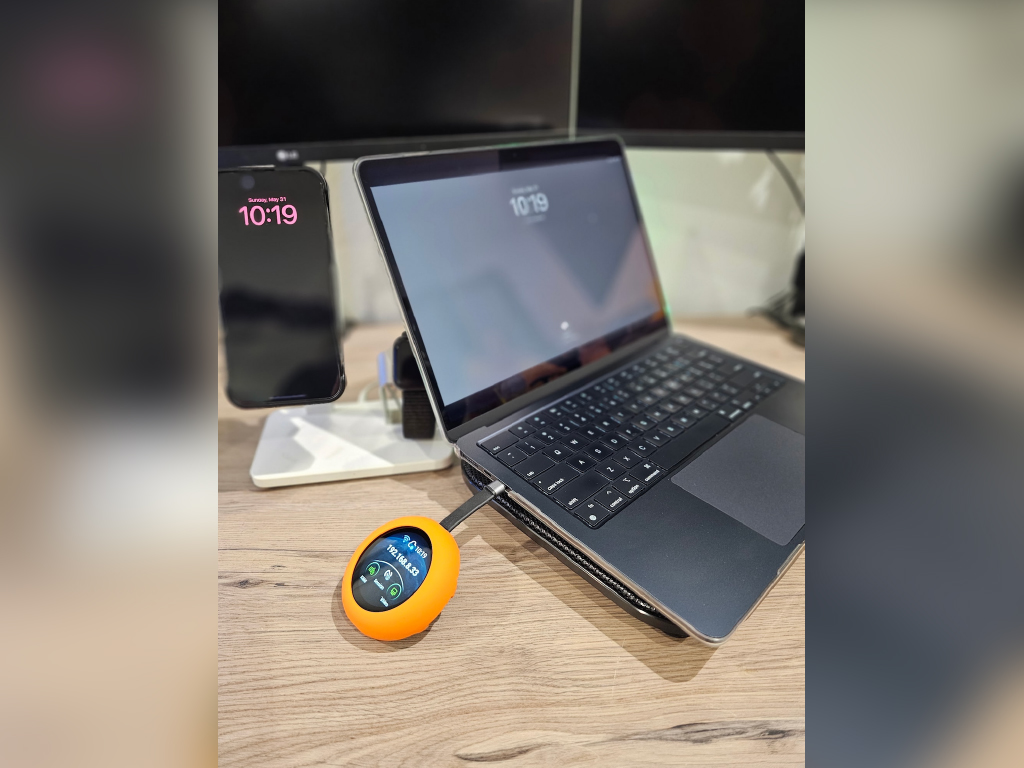
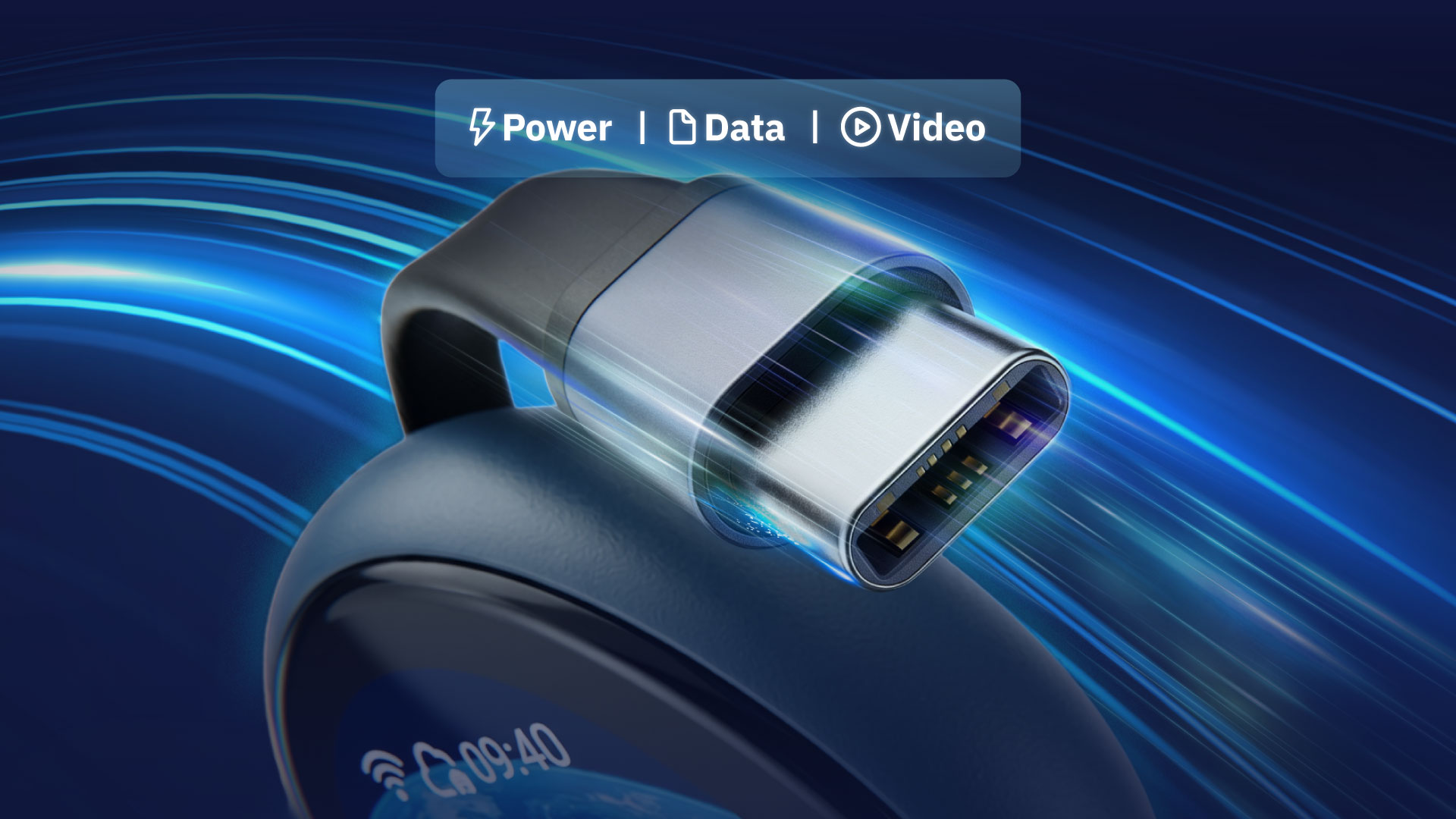
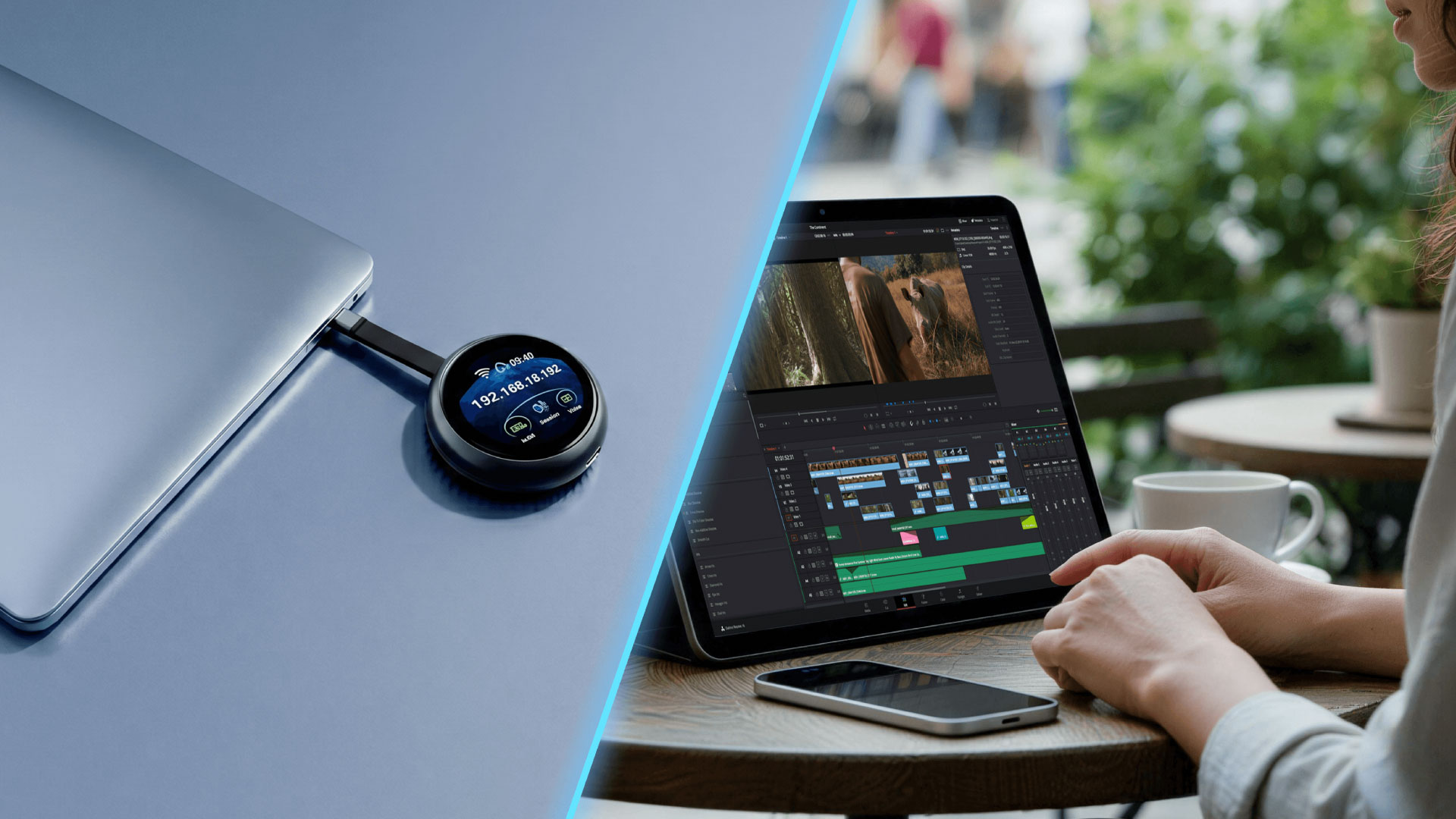
A single USB-C cable carries video, data, and power simultaneously. No HDMI dongle or USB hub. Plug in Comet Q and you're ready. A built-in USB-C passthrough port keeps your device charging while you work.


Hassle-Free 2 Year Warranty
Free shipping to selected regions
30-Day Money Back
Free shipping to the United States, Canada, United Kingdom, Austria, Belgium, Bulgaria, Croatia, Cyprus, Czech Republic, Denmark, Estonia, Finland, France, Germany, Greece, Hungary, Ireland, Italy, Latvia, Lithuania, Luxembourg, Malta, Netherlands, Poland, Portugal, Romania, Slovakia, Slovenia, Spain, Sweden, Andorra, Vatican City, Monaco, Norway, San Marino, Switzerland, Hong Kong SAR, Macao SAR, Taiwan, Australia, Singapore
Learn moreFor larger orders of more than 30 units, kindly contact our customer service team at cs@gl-inet.com.
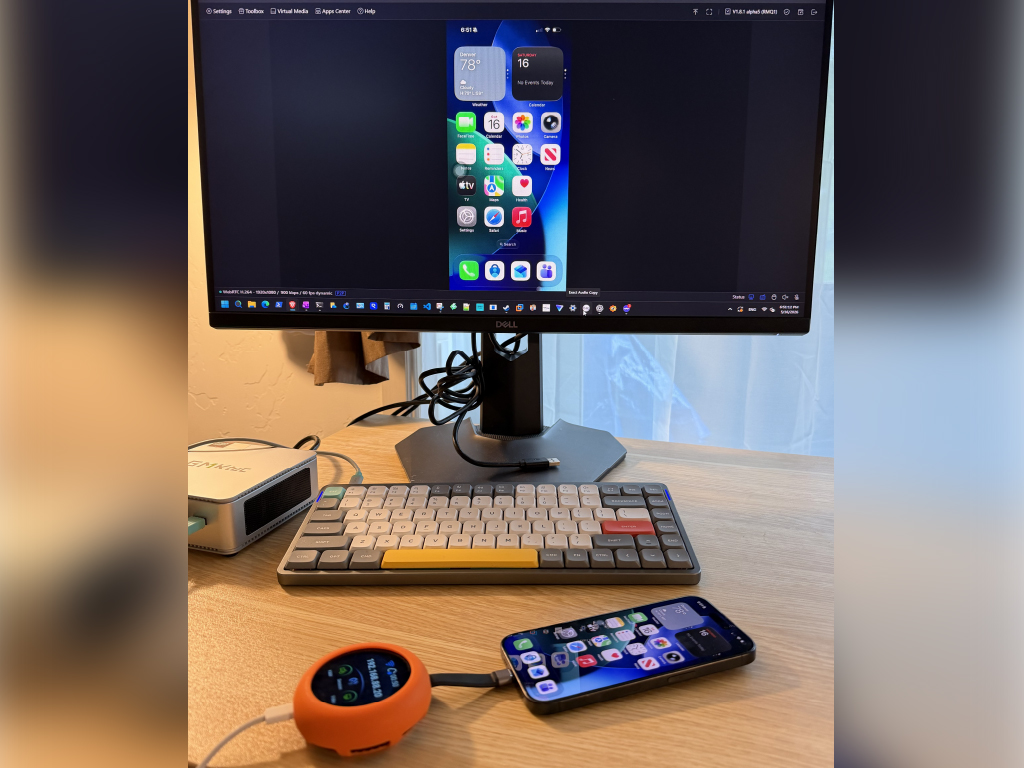
Plug Comet Q into your iPhone, Mac mini, or laptop, open a browser on your Windows/iOS device, and you're in control in seconds.
No driver to configure. No setup hassle.
For the supporters who were there from the start.
Comet Q VIP Pass holders received priority purchase access and recognition on the official Supporter Wall.
VIEW THE SUPPORTER WALL
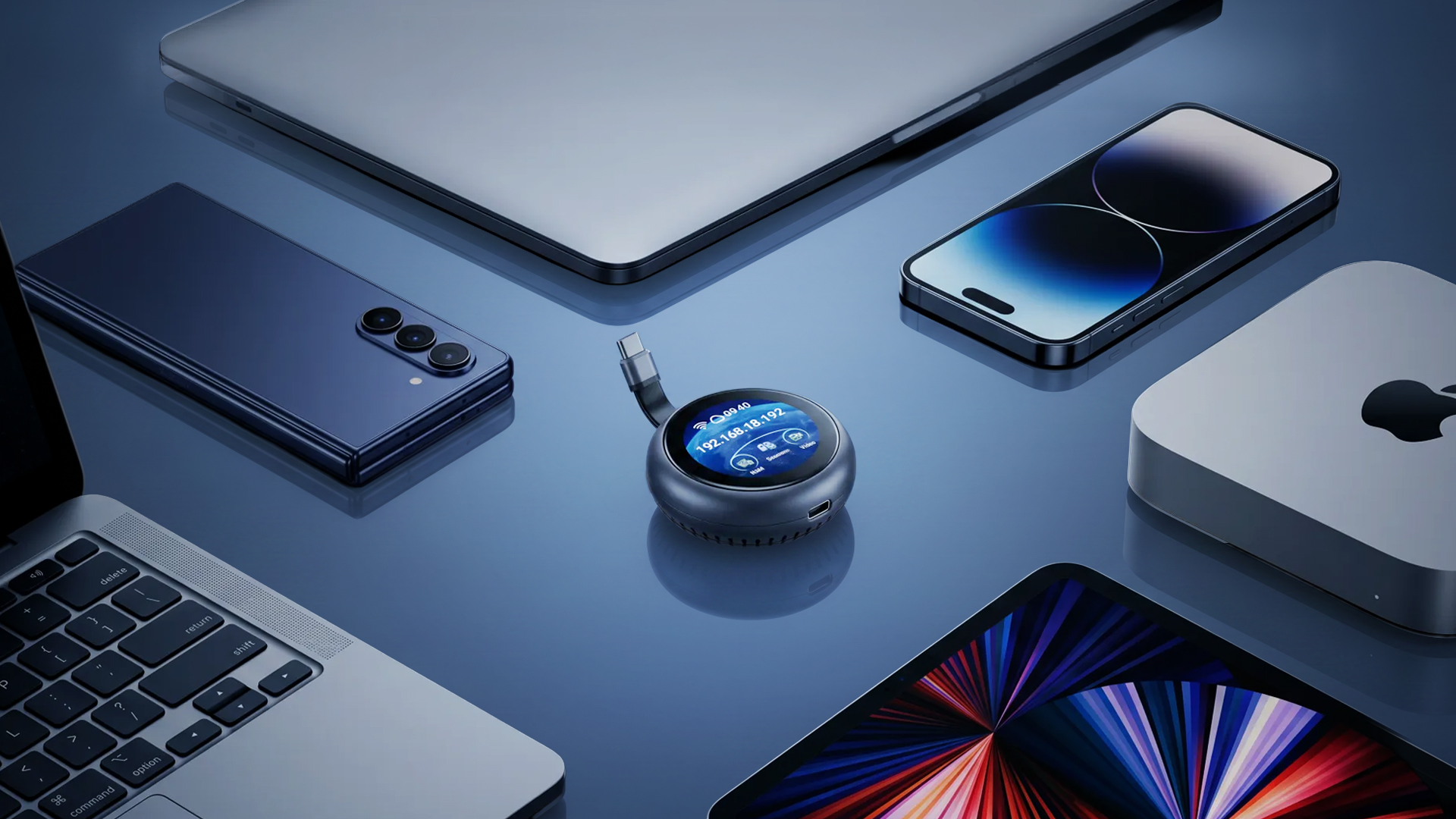
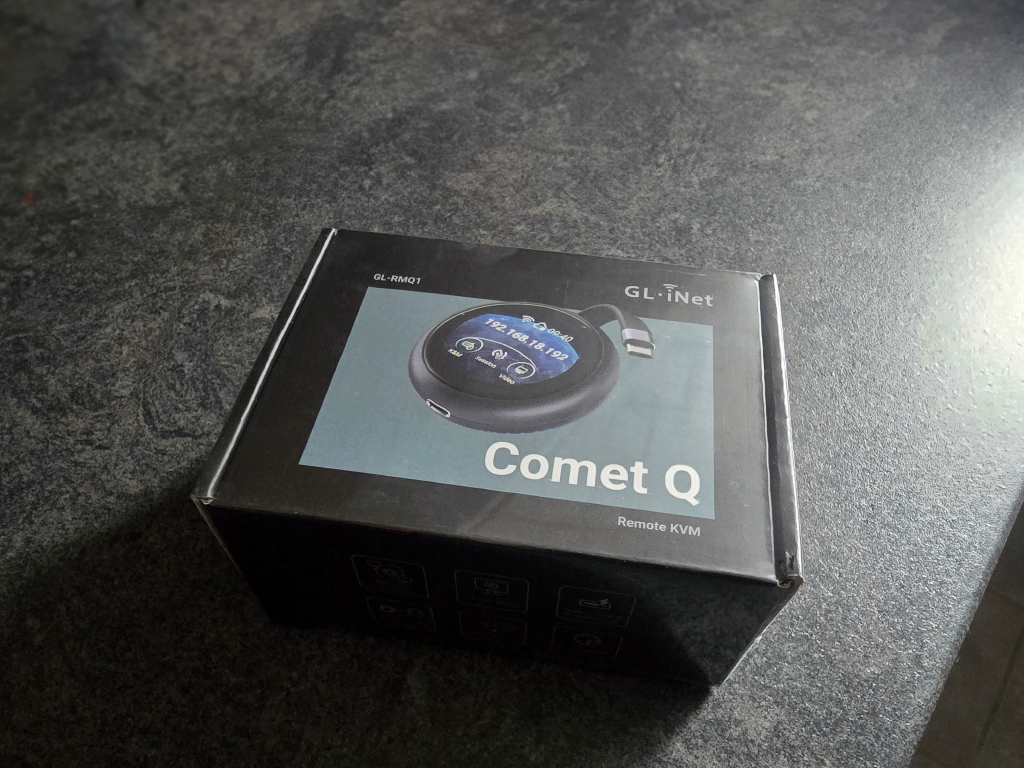
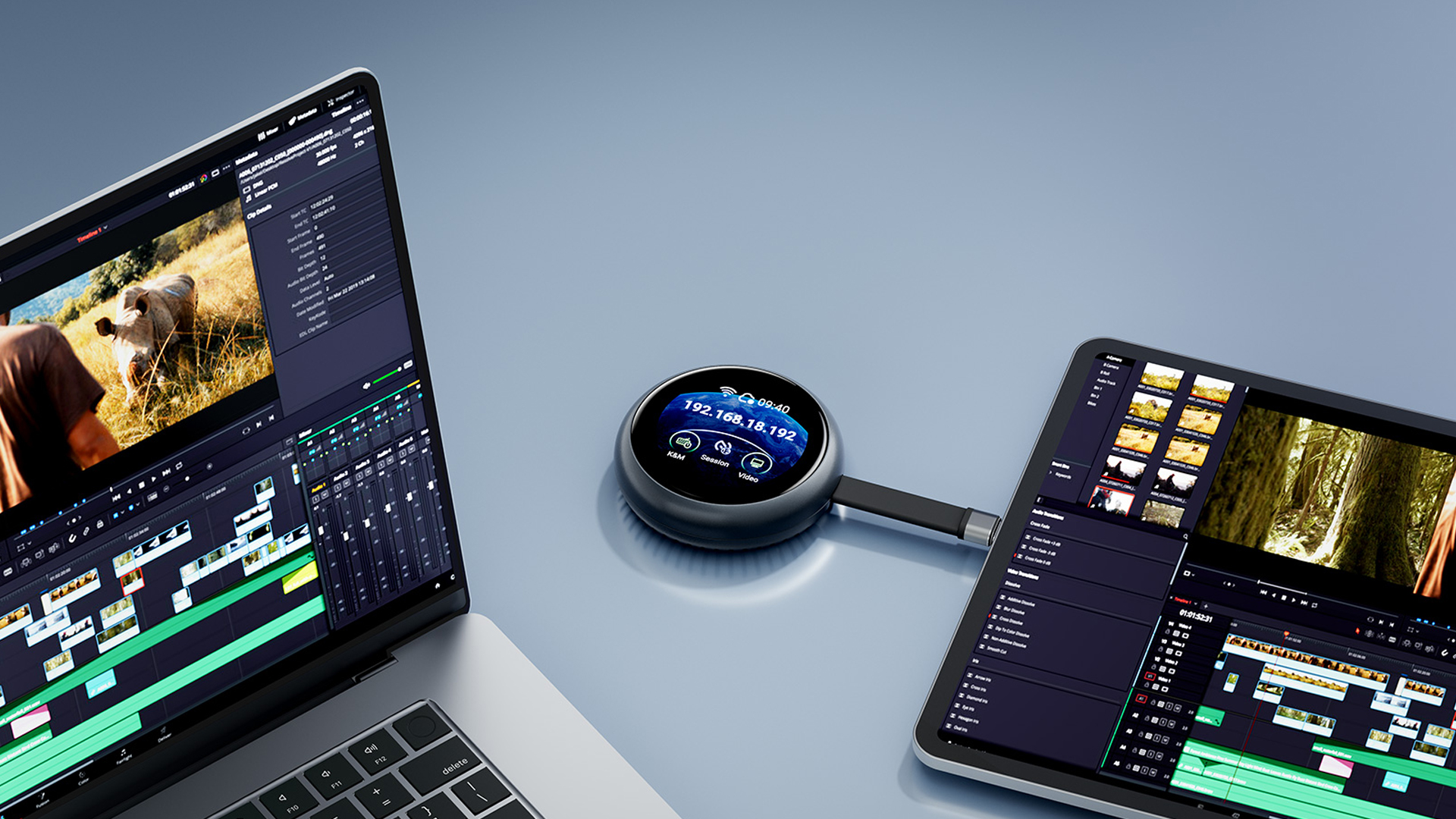
Comet Q is a palm-sized device you plug into your mobile phones, Mac mini, or any laptops via USB-C. The moment it's connected, you can open a browser and take full control of that device.
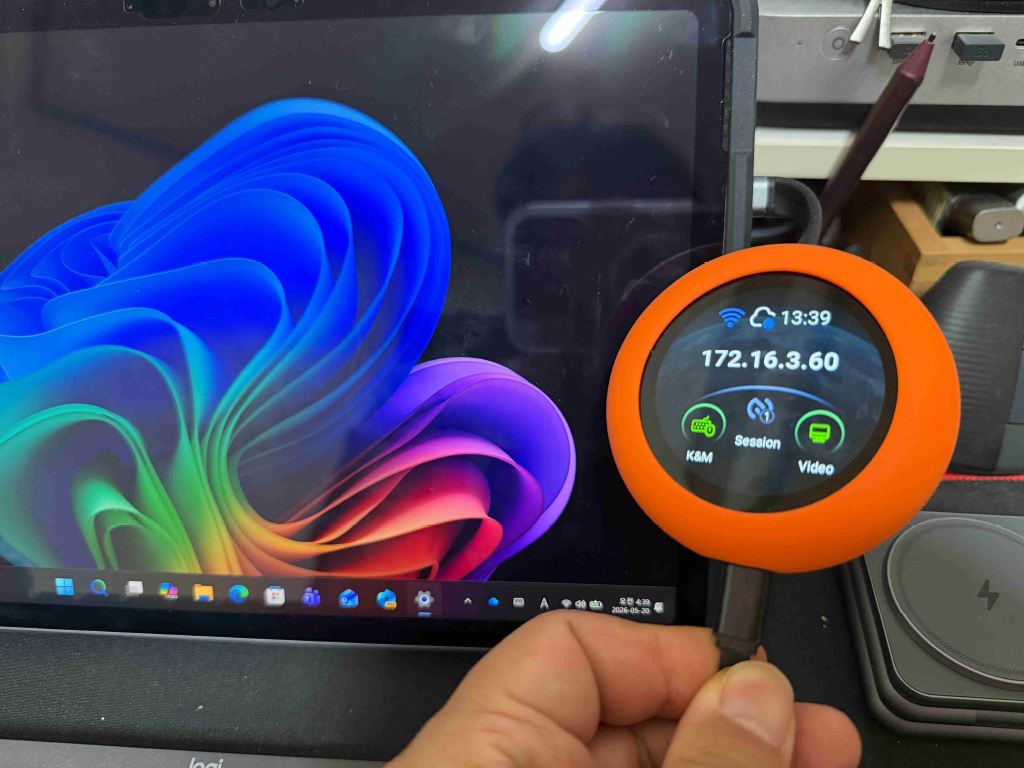
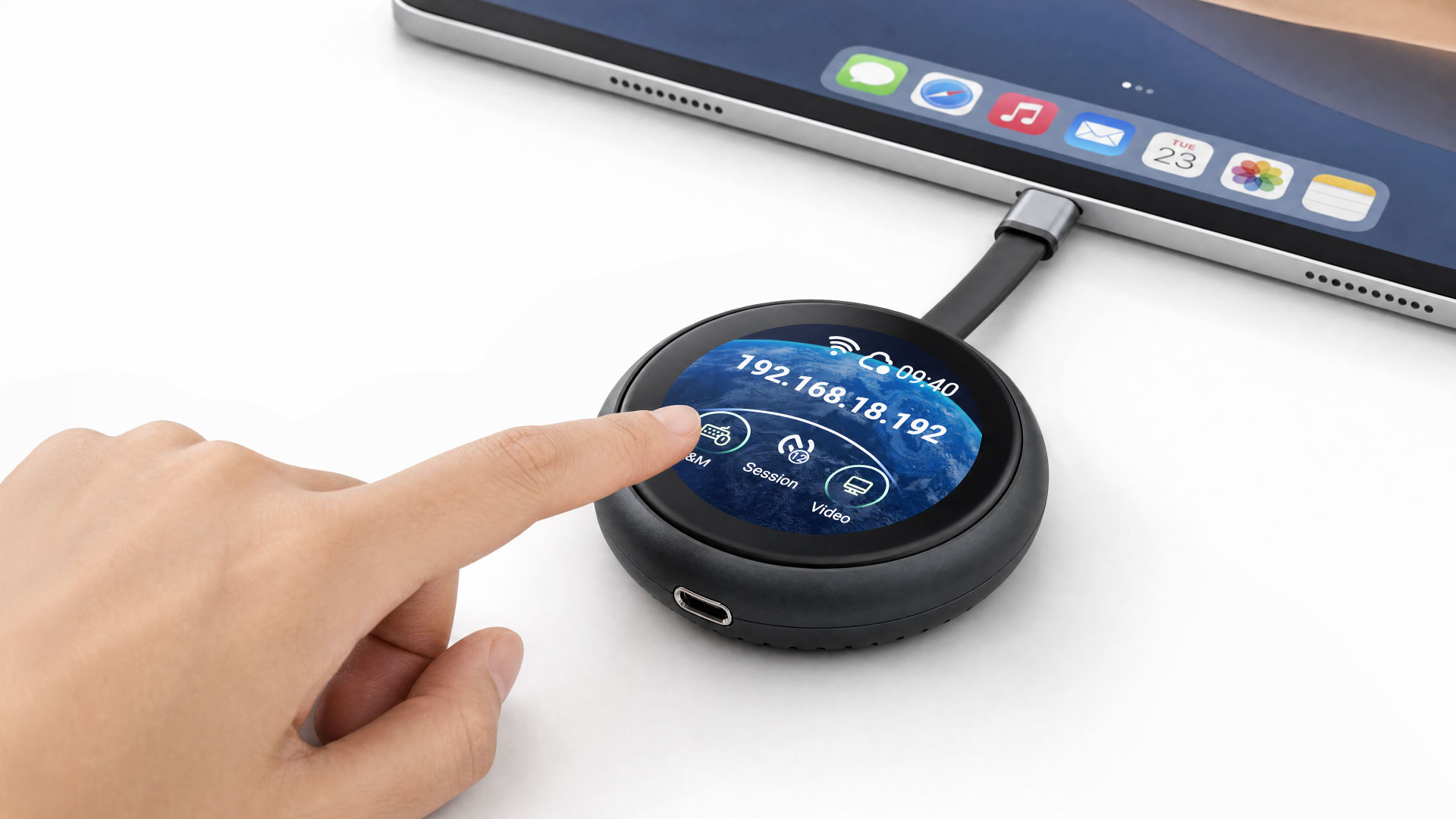

No software to install. No complicated network setup. The built-in 1.8" touchscreen allows quick setup, check status, and trigger actions right on the unit itself.
It's the first KVM in the world that supports iPhones— meaning you can unlock, tap, swipe, and fully operate an iOS device from a Windows desktop, something previously impossible.
Comet Q works with any device whose USB-C port supports DisplayPort Alt Mode for video output. This includes, but not limited to:
No driver install. No complicated setup. Just connect, power, and take control from your browser.
Use the built-in USB-C cable to connect Comet Q to the device you want to control. For everyday use, Comet Q draws power directly from that device.
For long-hour operation, or when the controlled device has only one USB-C port and also needs charging, plug external power into Comet Q’s second USB-C port.
Comet Q connects to a nearby Wi-Fi network so you can access its admin panel remotely from any device, on any OS. Even if the controlled device is offline or restarting, control stays with Comet Q.
Every feature you need is packed into a compact device that fits in your pocket.

Managing a mobile device remotely has always been a challenge. Traditional KVMs work great for computers, but phones and tablets have always been left out. If something goes wrong, you either need to be physically present or accept that there's simply no simple solution built for the job.
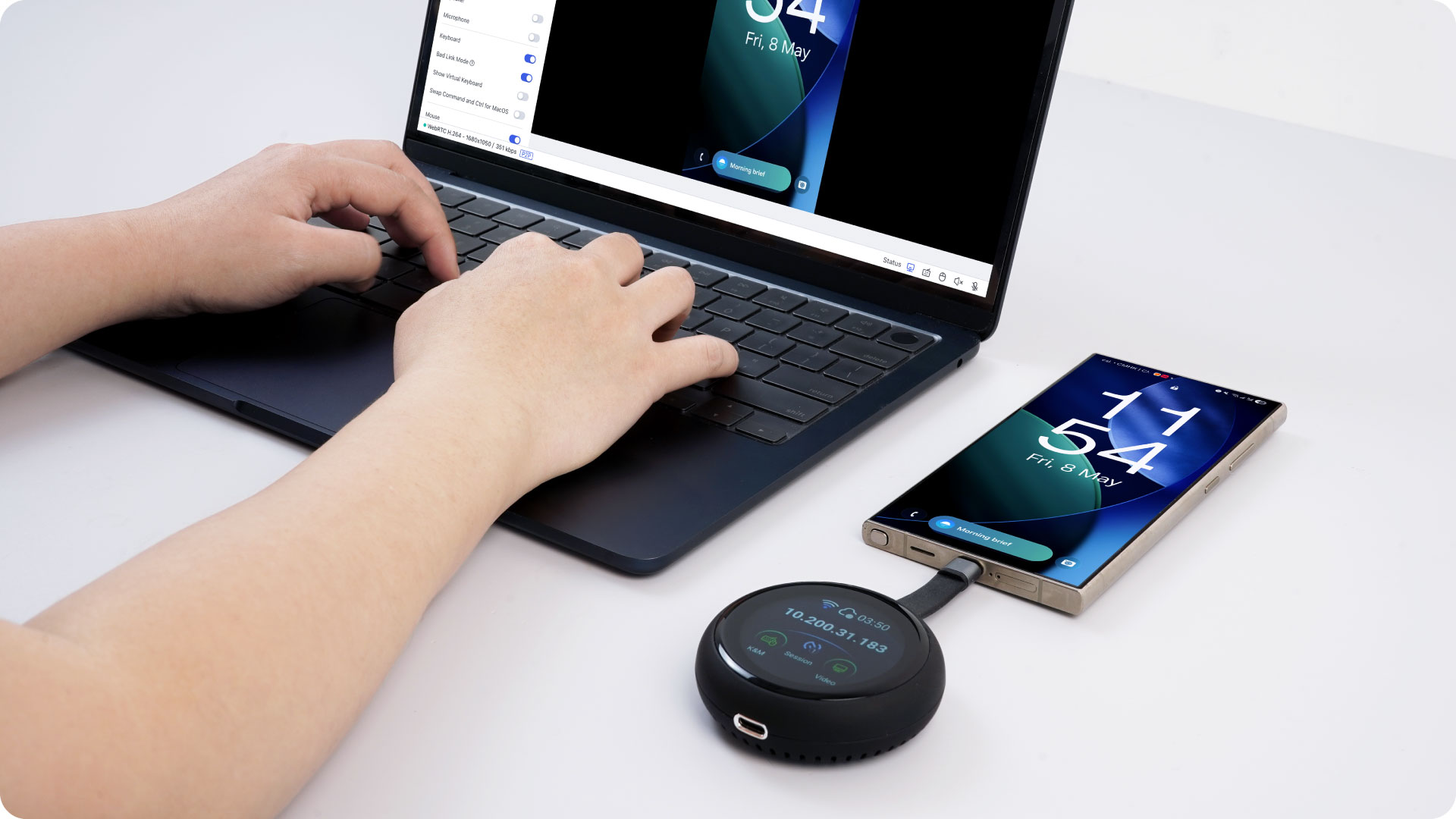
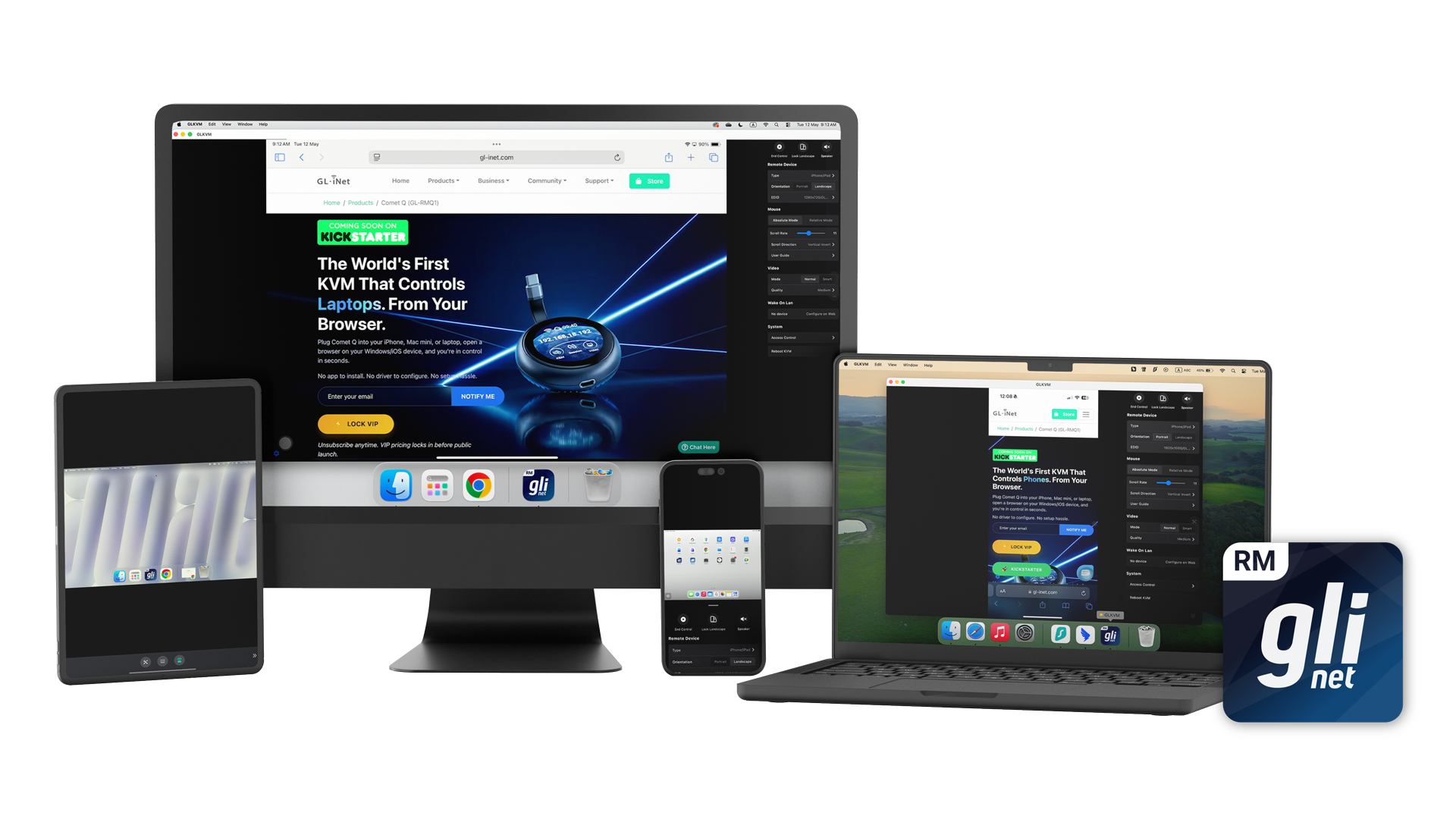
Comet Q changes that. By connecting directly through the USB-C port, Comet Q gives you true hardware-level control over your iPhone, iPad, or Android device — providing you the option to control everything from a browser, on any device, any operating system. That means you can control an iPhone from a Windows PC, a MacBook from an Android tablet, or an iPad from a Linux machine. The combination no longer matters.
This opens up possibilities that simply weren't possible before:
Whether you're managing one device or many, Comet Q gives you the kind of control over mobile hardware that was previously reserved for desktop and server environments.
The built-in touchscreen with an intuitive graphical user interface, lets you easily view and manage features that are important like connecting to a Wi-Fi network, and enabling or disabling the Cloud Service.
Access and control your Comet Q from any browser at glkvm.com. This maximizes convenience, without needing to install any applications to make sure you always have access to your Comet Q.

While browser access covers most use cases, some interactions — particularly touch gestures and precise input — are better handled natively. The GLKVM app is built to fill that gap, delivering a smoother, more responsive experience where the browser falls short.
The app is especially recommended when using a mobile device as the controller, such as operating a laptop from an iPad, where touch compatibility in a browser can be limiting. Available on Windows, macOS, App Store, and Google Play, the GLKVM app also lets you manage all your GL.iNet Comet devices in one place — no need to connect to each one individually.




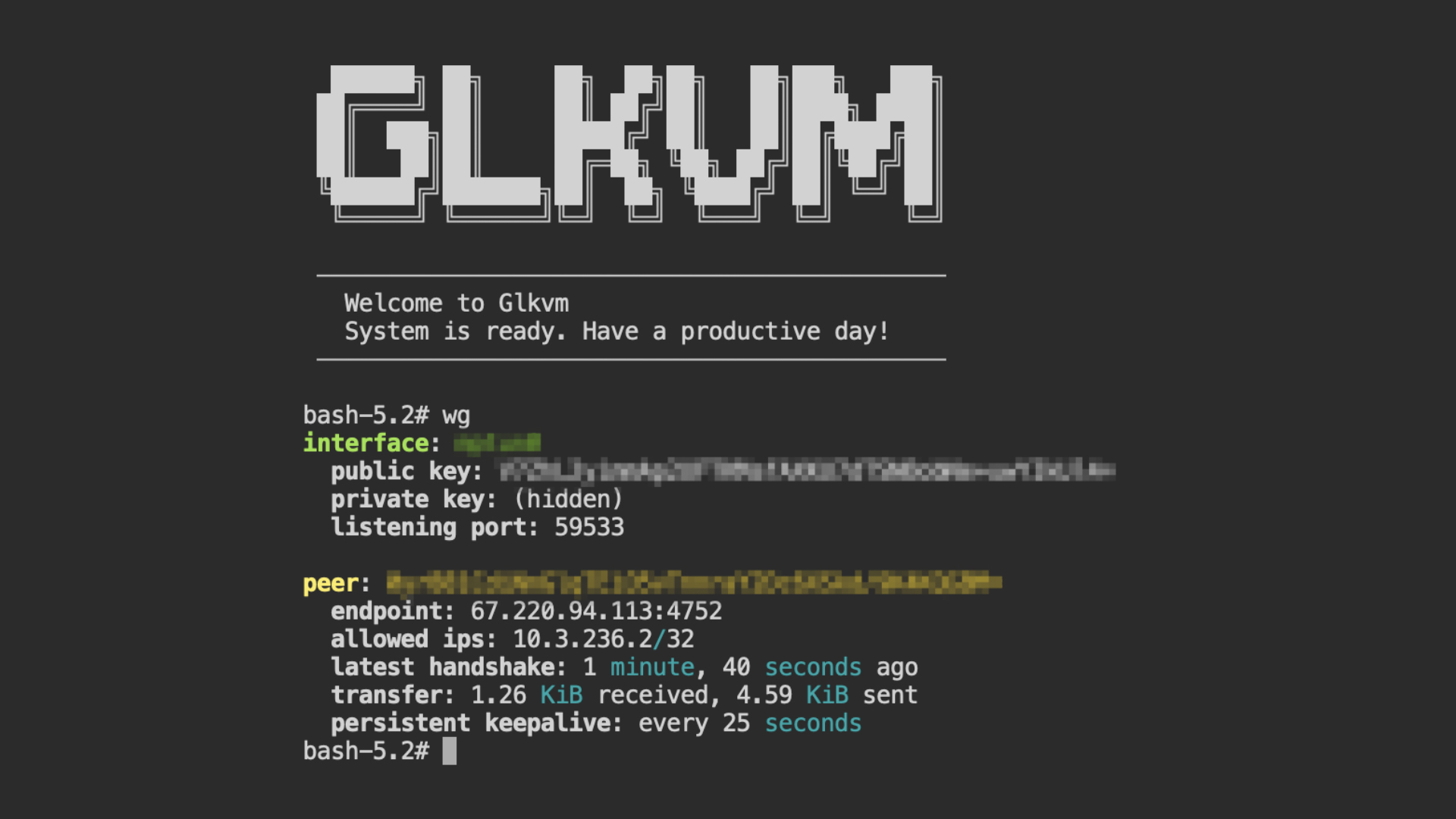
Comet Q lets you save and preset Wi-Fi credentials before sending the device to someone else. Set it up at home, ship it to your parents, and all they need to do is plug it in — no calls asking for help setting it up. True plug and play.
Need to give someone else access? Comet Q lets you securely share device access with multiple users, each connecting through their own individual account. This mitigate the risk of security compromises from shared passwords.
Every user connects independently via browser or the GLKVM app, making it ideal for team collaboration, remote tech support, training sessions, and handoffs between colleagues.
With Multi-device Management, users can view multiple Windows, macOS, and Linux computer screens simultaneously. This feature supports dynamic viewing, full-screen display, and customizable split-screen layouts, allowing administrators to monitor several devices in real time, including server errors and anomalies, without switching between computers.
We’ve also added cross-screen mouse and keyboard control, enabling users to seamlessly switch between multiple computers using just one set of peripherals for a smooth, efficient workflow.
Comet Q is built with security at every layer. Two-Factor Authentication (2FA) lets you pair your preferred authenticator app for an added layer of account protection.
Set a 4-digit PIN to lock Comet Q's touchscreen and prevent unauthorized physical access.
At the same time, a one-time dynamic code is generated on demand when binding Comet Q to your account — a significantly more secure approach than relying on a fixed, preset device ID that anyone could potentially intercept or guess.
With Wake on LAN functionality, you can bring your connected mobile devices out of sleep or standby mode remotely.
Please note: WoL requires the connected device to be in a low-power sleep state; it cannot remotely power on a device that is completely turned off or dead.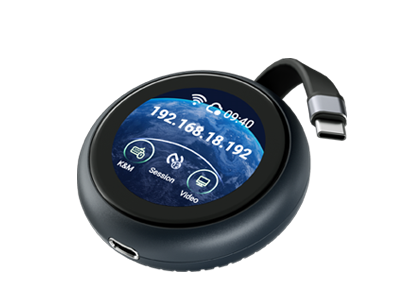
Display
Max. Resolution
2K QHD @ 60FPS
1080p @ 60FPS
1080p @ 60FPS
Touchscreen
1.8"
1.69"
Varies
Latency
~80ms (incl. Wi-Fi)
30–60 ms
100ms
Two Way Audio
Varies
System & Connectivity
Processor
Dual-core ARM Cortex-A53
Single-core ARM Cortex-A7
Single-core
Memory
LPDDR4 512MB
DDR3L 256MB
Varies (1–8GB)
Storage
512MB Nand
SD Card
SD Card
Wi-Fi
Wi-Fi 6
Control Mobile Devices
iPhone & iPad
Power Passthrough
Cross OS Compatibility
Sleep Mode Access
File Transfer
Wake on Lan
Cloud Management & Access
Browser-based Control
One-Time Purchase
GLKVM App
Security
2 Factor Authentication
Dynamic Binding Code
Built-in Tailscale
Build-in ZeroTier
Self-hosted Option
Screen Poassword Protection
Option for Double Approval
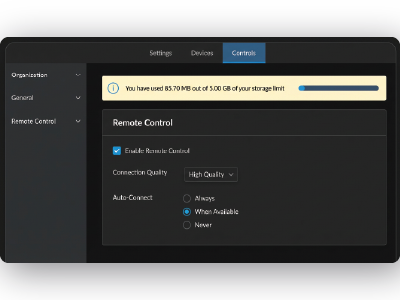
Offline & Sleep Mode Access
Cross OS & Device Compatibility
Zero-Install Setup
One-Time Purchase


What the heck even is this thing??
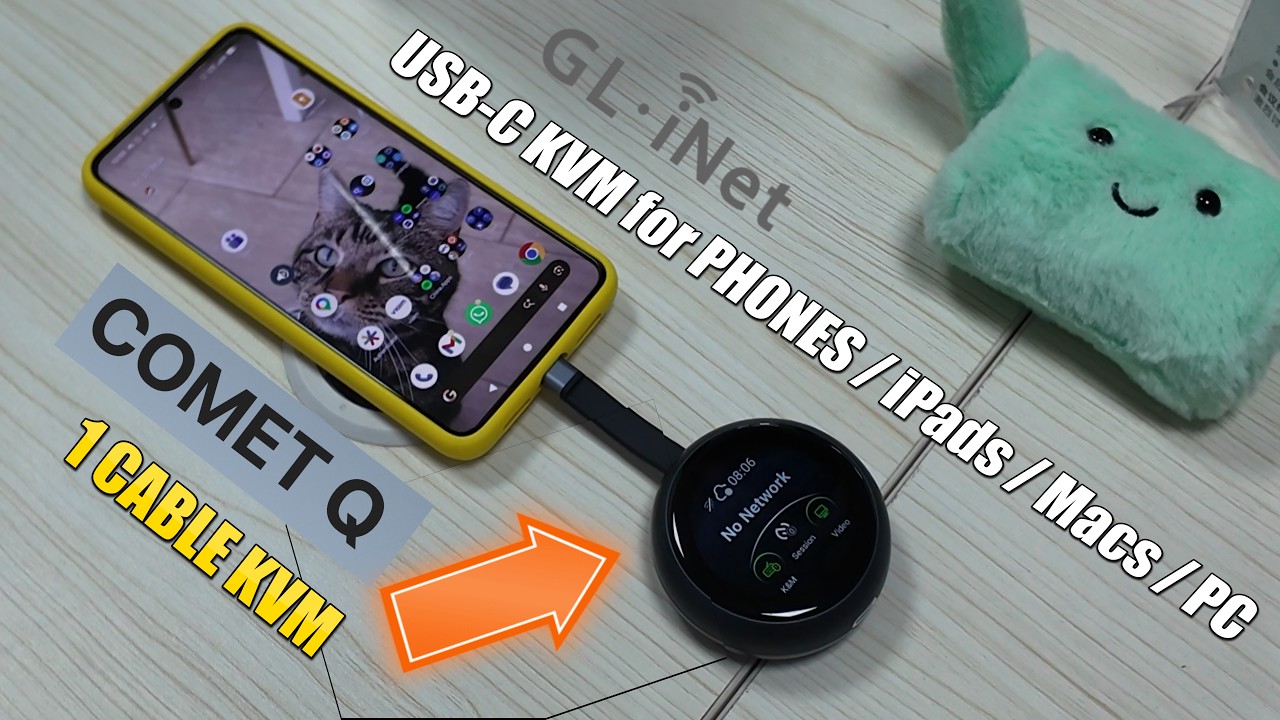
Gl.iNet Comet Q Revealed - A Remote 1 USB KVM for Your Phone, iPad, Macbook and PC
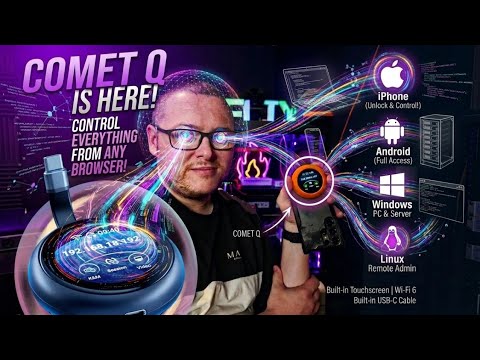
Comet Q: USB C Control All your Devices. Remote access windows Linux Ubuntu Android and iPhone
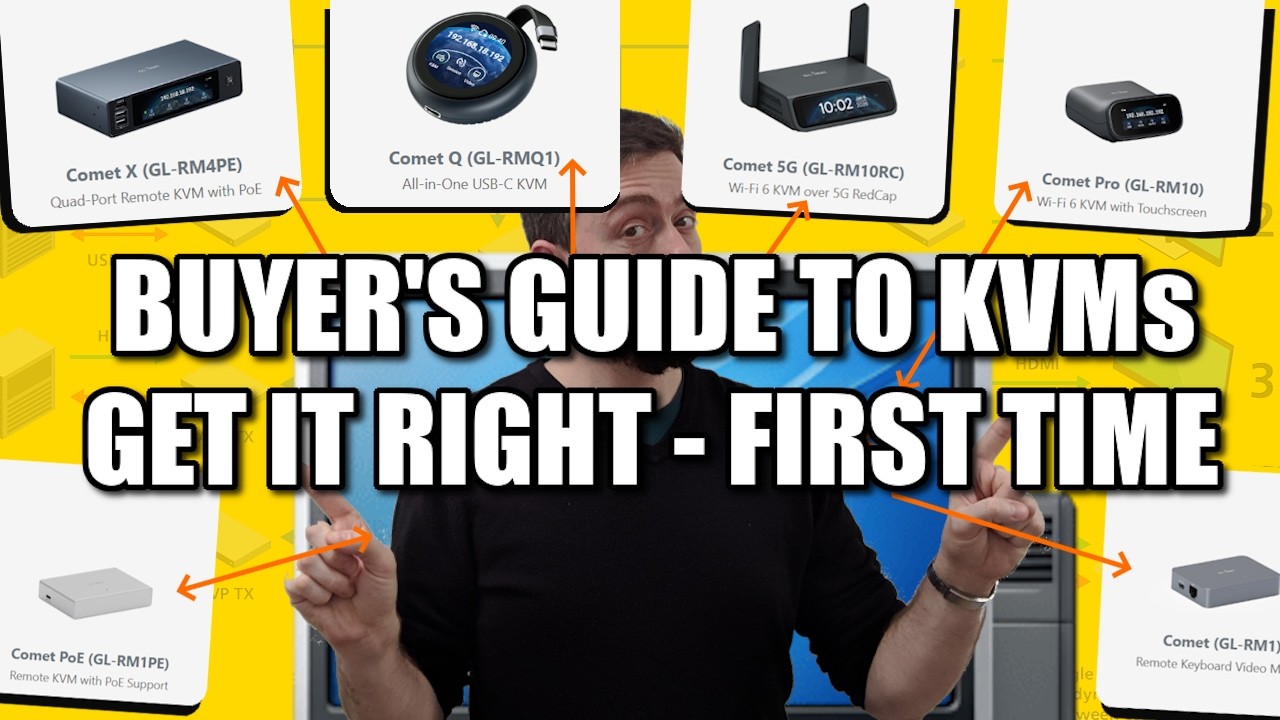
A Buyer's Guide to KVMs - Get It Right, FIRST TIME! (with AliExpress)
What is this Comet Q?
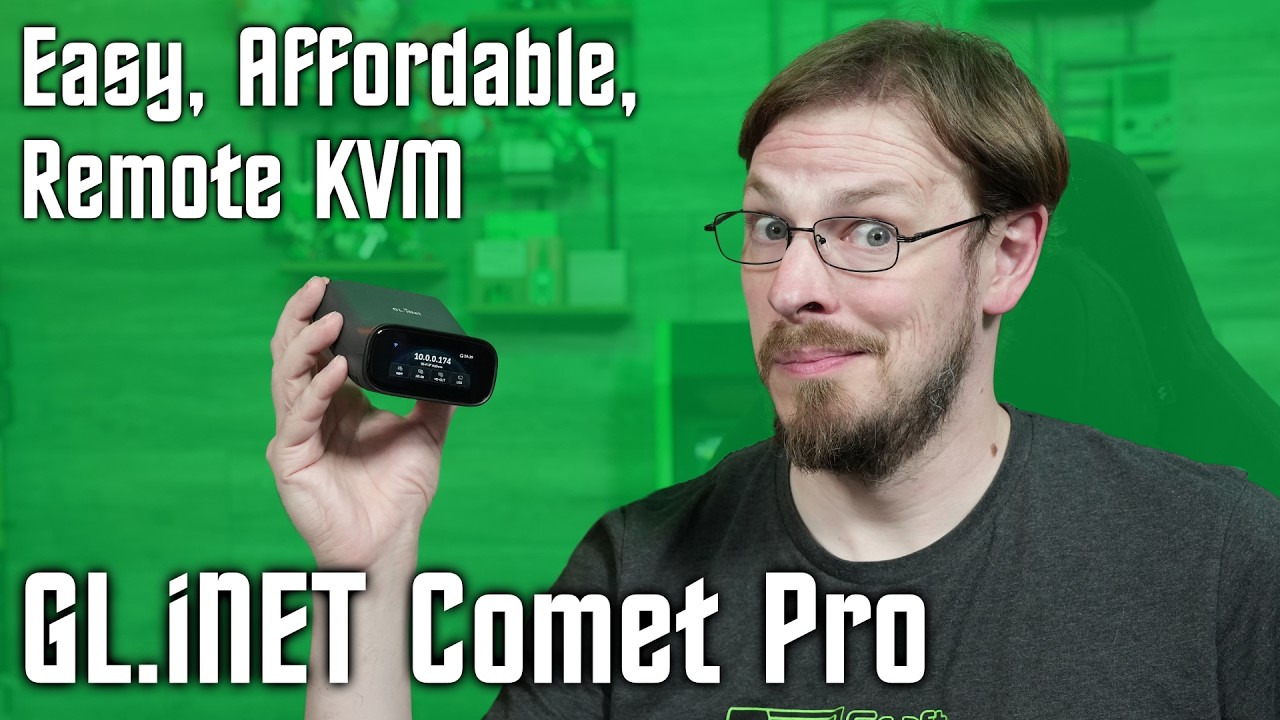
Remote Access to ANY DEVICE! - GL.iNET Comet Pro Remote KVM
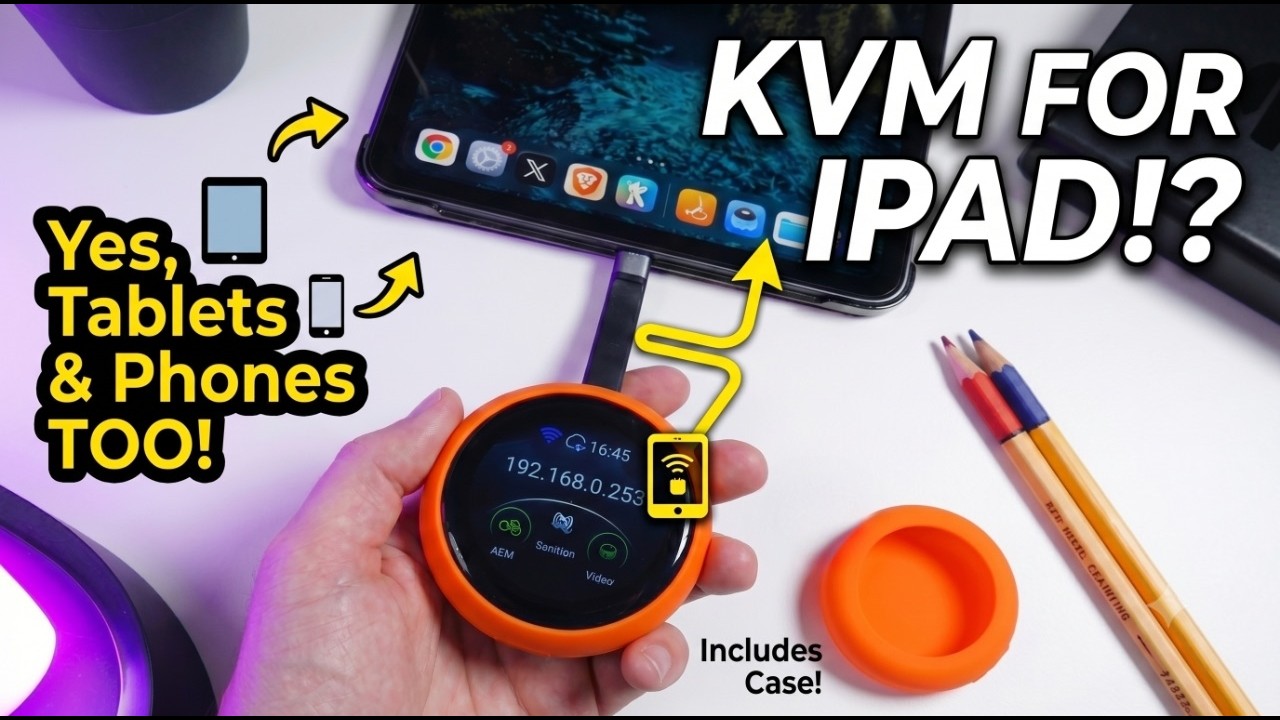
This Tiny Device Just Changed My Home Lab Forever | GLiNet Comet Q — First Look & Hands-on
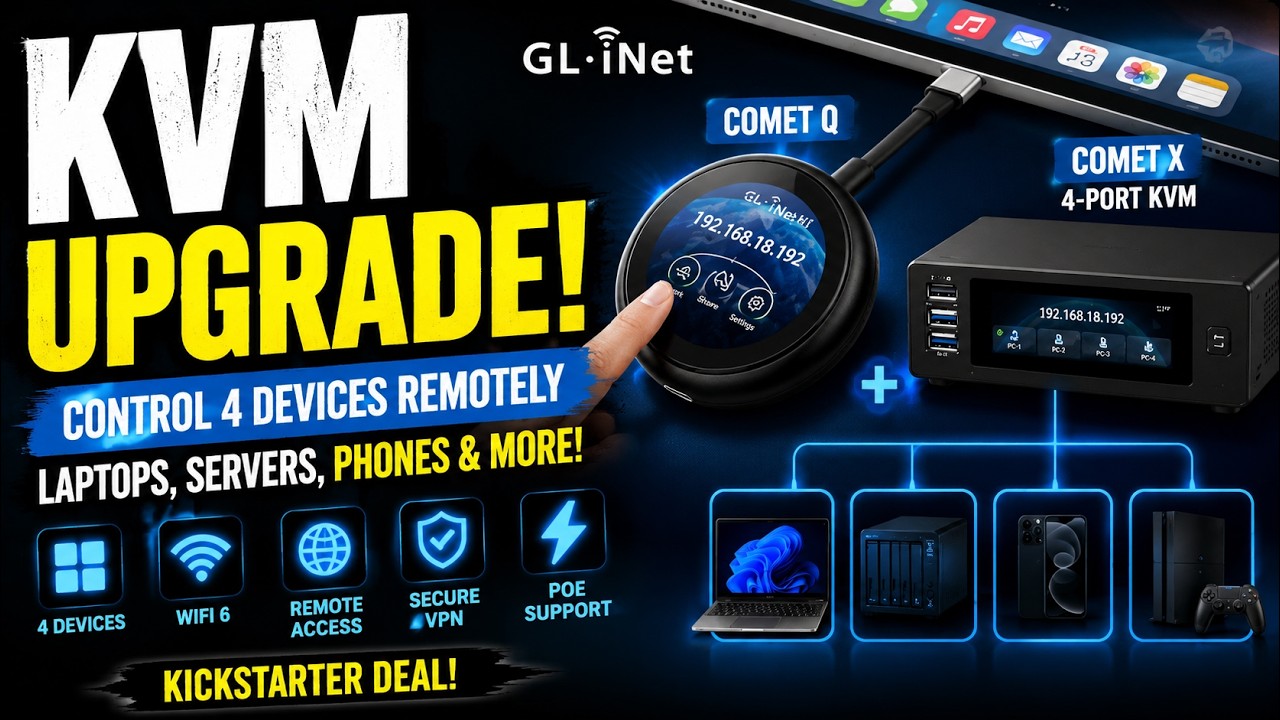
GL.iNet Comet Q + Comet X: The Kickstarter KVM Deal You Should Know About
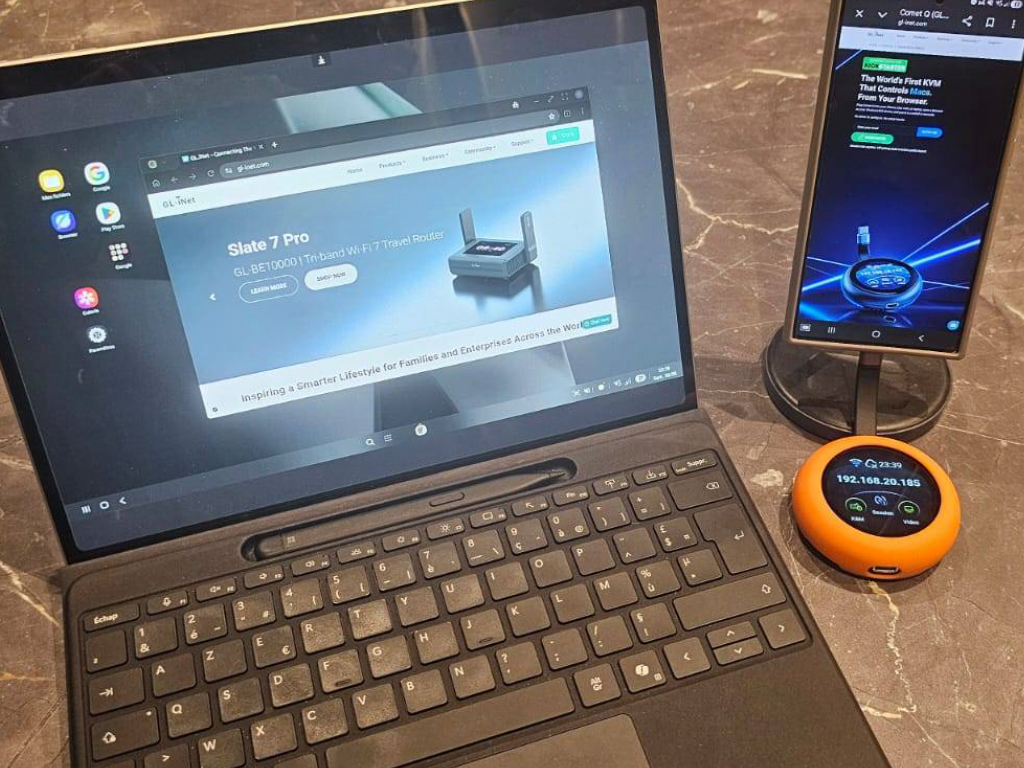
The Comet Q is a fantastic little device that has been incredibly useful for my app development workflow, saving me a significant amount of time. As a huge bonus, it even allowed me to effortlessly access a smartphone with a broken screen.
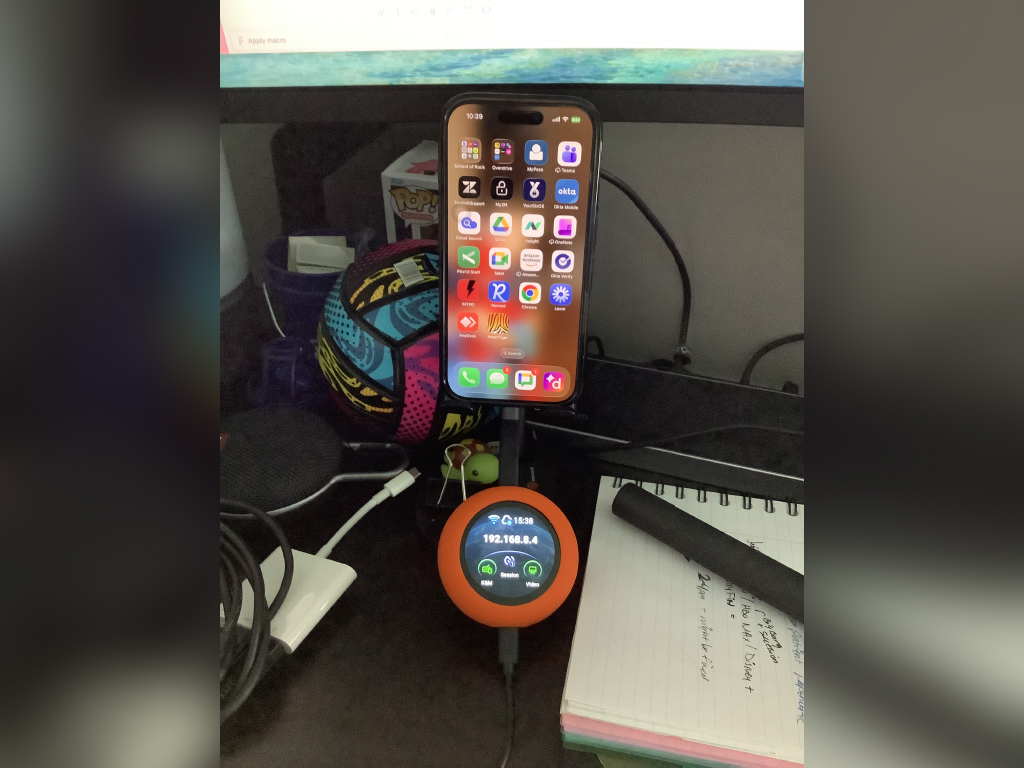
Great device. Small. I love the orange sleeve for protection and for visibility. Tucking away the cable underneath is a great touch for storage and to prevent damage.
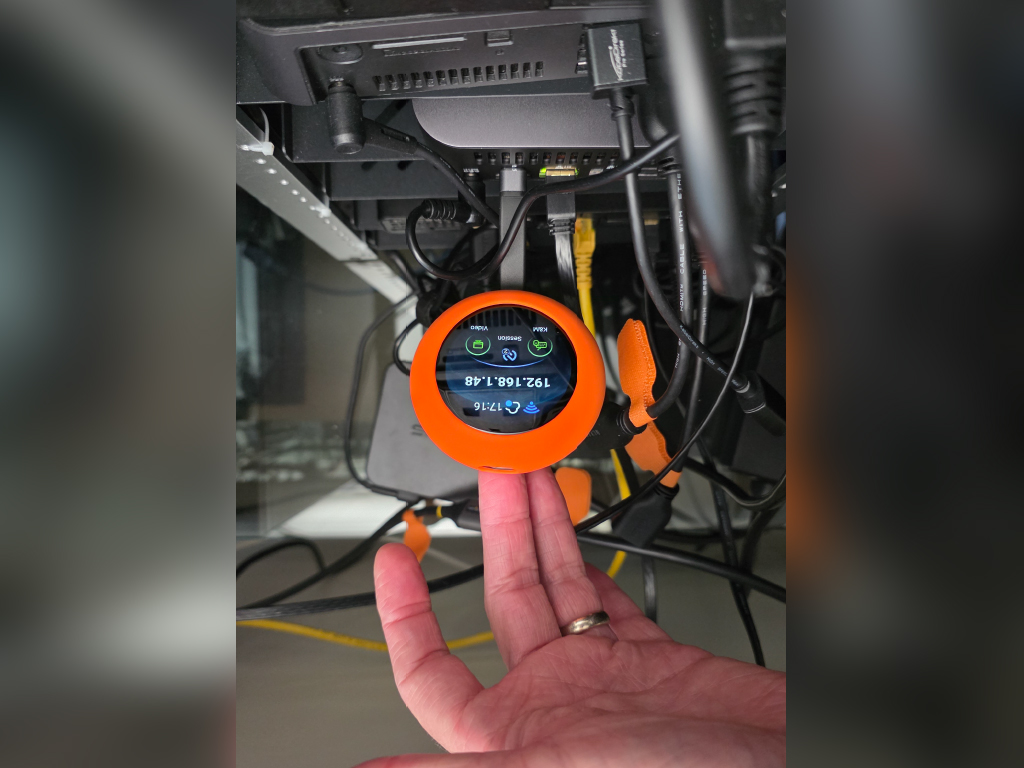
This is my first KVM device in my Homelab. Super easy to setup and I was up and running in under 5 minutes. A great device with lots of potential uses - especially with laptops.
| Interface |
1 x USB Type-C (power passthrough) 1 x USB Type-C Cable (support DP Alt Mode) |
| Operating System | Buildroot |
| CPU | ARM Cortex, quad-core |
| Memory / Storage | LPDDR4 512 MB / NAND 512 MB |
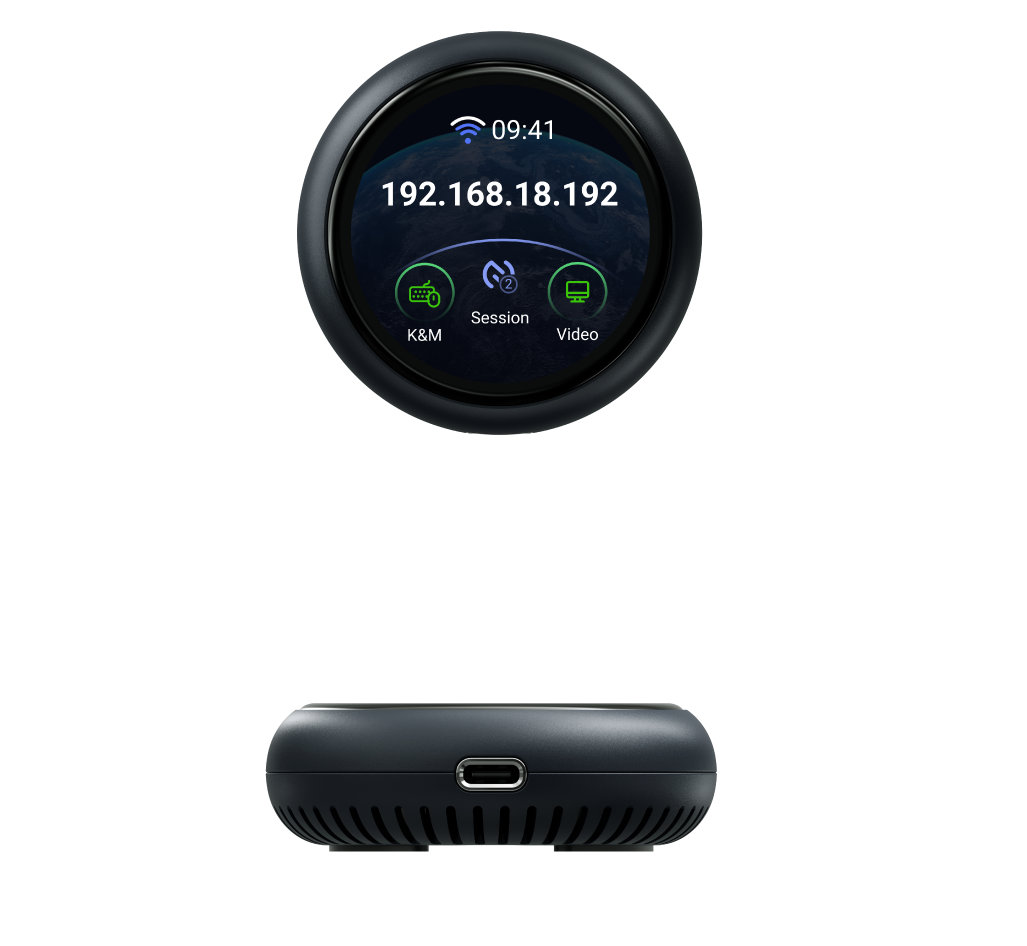
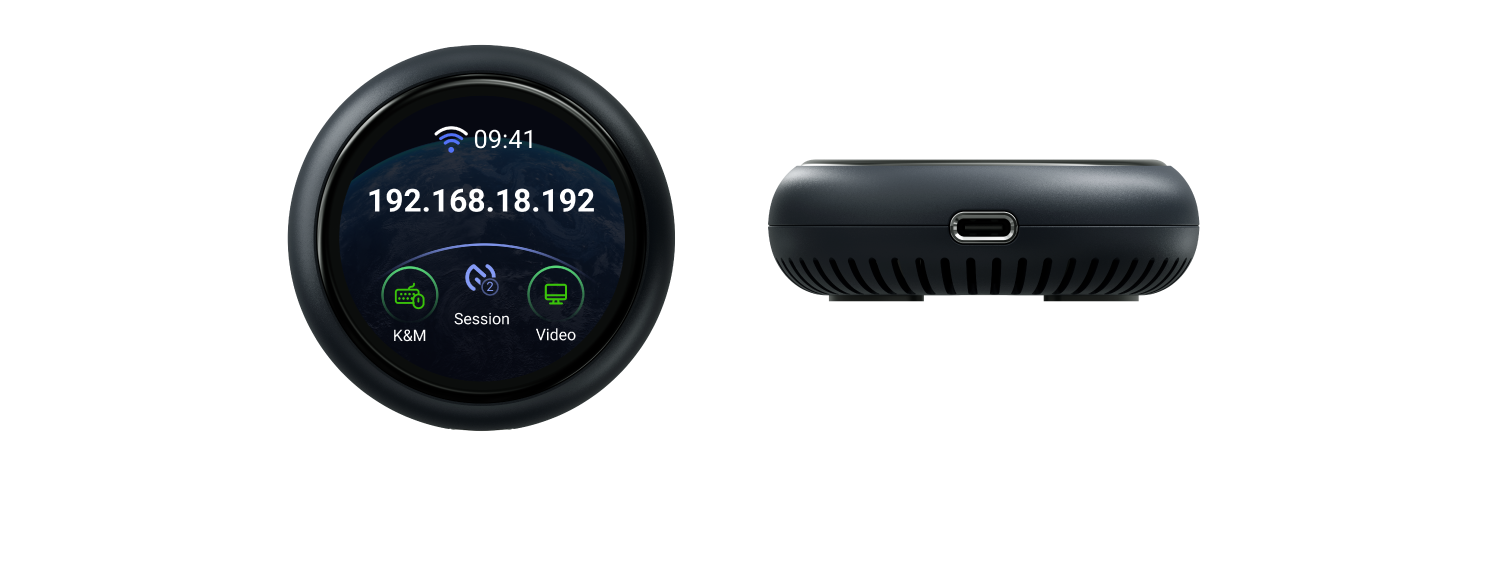
| Display Screen | 1.8 in, touchscreen |
| Wi-Fi Protocol | IEEE 802.11 a/b/g/n/ac/ax |
| Wi-Fi Speed |
5 GHz: 286 Mbps 2.4 GHz: 286 Mbps |
| Antennas | 1 x internal Wi-Fi antenna |
| Resolution | 2K QHD@60FPS |
| Power Input | Type-C PD, 5V/3A |
| Dimension |
|
| Tools & Downloadables | Datasheet | Firmware | App | Unboxing | Tutorials | Media Kit |
Visit the User Guide page and choose the product model and specification required for setup from the options on the left-hand side of the page.
There are four ways to access the GL.iNet KVM and the controlled device:
Local access via web browser
Remote access via Cloud service
Remote access via GL KVM app
Remote access via Tailscale
Please refer to GL-ATX Board User Guide.
Overall rating: 4.769231 / 5 from 13 reviews.
Review topics: ["setup","connection","kvm","works","device","tool"].
"I have to say I own several (5) of the KVM's(RM10) from GL. INet and love them especially after the firmware updates. But this little gem takes the cake. I can plug it into my pc or android phone and have access to it from remotely. very good when your wife askes you to take a look at her phone and your at work. just plug and play."
"I recently purchased the **Comet Q (GL-RMQ1) All-in-One USB Remote KVM with Wi-Fi 6, and I’ve been extremely impressed with it. Definitely a 5-star product. Setup was straightforward, and the Comet Q makes remotely accessing and managing a computer incredibly convenient. Having KVM functionality, USB connectivity, and Wi-Fi 6 all built into such a compact device makes it a really useful tool—especially for IT work, troubleshooting, or managing computers that you can’t easily access in person. My only criticism really isn’t a fault of the Comet Q itself: not every PC supports video output over USB-C. On systems that do, the Comet Q is wonderfully simple to connect. On systems that don’t, you’ll need to use an alternative video connection or adapter, which makes the setup a little less streamlined. Aside from that limitation, I’ve been very happy with it. It’s well designed, convenient, and does exactly what I was hoping it would do. Highly recommended, especially for IT professionals or anyone who regularly needs remote access to PCs."
"Easy to understand and set up if you know conmputers. I got this because I need remote help with mine. This solves the problem."
"Latency is minimal but you can notice it. Remote cursor map to local cursor can use some updates. I bet newer firmware and app updates resolve this. It’s a useful tool with many use cases I can imagine"
"Plugged it into our iPad and it worked well. Only frustration was latency between the device and the browser and having to change settings so a mouse click activated the touch input."
"Thw software is quite unstable."
"This does a great job filling the gap for iMac remote control."
"I'm short, it's a good product, does what it says. Tldr. It's been about a week and I am ok with the device. The onboarding is easy, I went with no cloud setup and just tailsacle. Connection was painless and worked at first try. There's a bit of uncertainty between using the dedicated app or the web app, I settled on the dedicated app. Thereshould be a place (or a place that I could find) that explains every setting on the side panel (which connection mode is best, why, tradeoffs,. . . ). I use the rmq1 to work remotely on an unprivileged windows machine, and it works. The rmq1 gets a bit too warm but within the safe zone. Annoyances: maybe it's not gl fault but the mapping from macos on the controller machine and windows as the controlled is a bit of a mess, it's hard to do all the control characters and some keys get wrong mapping. One thing a buyer d should be aware is that you can't stream your camera to the remote machine, so you can't meet on zoom from the controlled machine (at least without being admin and installing a virtual camera and. . . . ). I manage to meet on the controller and on the controlled and just share the screen on the controlled. Screen sharing, if not done like this created a low experience for the people you're share the screen with. They complain about very blurry, dragging video. But the workaround of entering 2 times on the meeting (one in each computer) works very well. Finally, I expected a bit more pixel quality when I am in direct mode with good network between the machines. Overall, it's a 5 star experience where things work. If you could dream 6 stars, image would be more solid and fluid and video would be recognized as an USB camera on the remote. Oh and file transfer would be frictionless (right now you can. . . Use a bucket of 50mb on the device to transfer foles, but you have to mount and unmount for each machine to see the 50mb at a time. . . A tunnel or ssh share would be great). The power passthrough didn't work on the Lenovo Thinkpad I tried on (not critical, gonna again someday)."
"Swift response and quick handling. Thank you."
"Setup is easy. Works like a charm. Like it a lot."
Fast delivery
2 points for every $1 spent
Reliable product coverage
Fast and easy refunds
{"one"=>"Select 2 or 3 items to compare", "other"=>"{{ count }} of 3 items selected"}